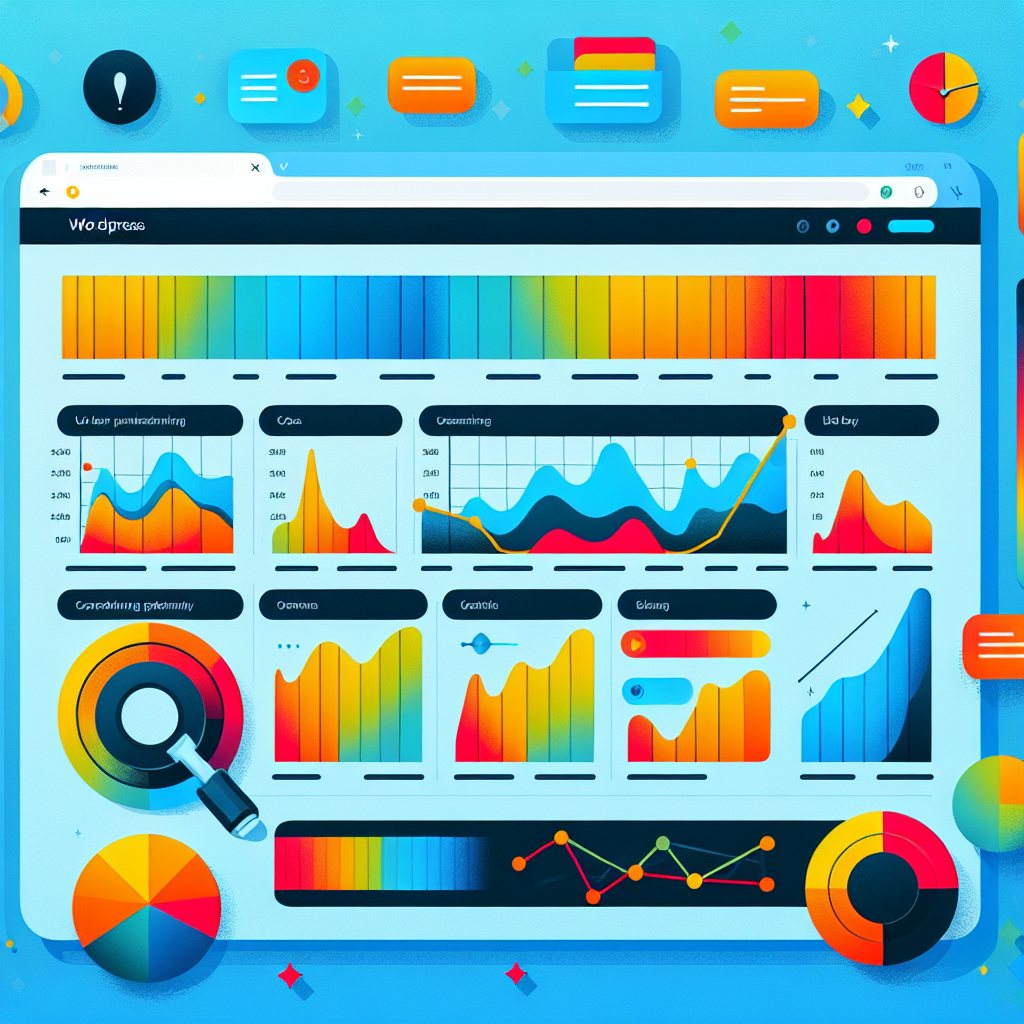
Enhance Your WordPress with the Best User Click Tracking Plugins
Understanding User Click Tracking
In today’s digital world, understanding how users interact with your website is not just beneficial—it’s essential. User click tracking allows you to see exactly where and how users are engaging with your site, providing invaluable insights for enhancing user experiences.
Identify Popular Buttons
Discover which buttons capture the most attention and interaction, allowing strategic improvements to your calls-to-action.
Optimize Page Layouts
Gain insights into user journey dynamics to optimize layouts and enhance parts that drive engagement and satisfaction.
Seamless Plugin Integration
Use WordPress click tracking plugins for easy integration that delivers a detailed overview of user interactions with minimal setup.
Benefits of Tracking User Clicks on WordPress
Tracking user clicks on your WordPress site can provide invaluable insights into how visitors interact with your content, guiding you to enhance user engagement, boost conversions, and optimize site performance.
Understand User Interests
Identifying the most clicked elements on your site allows you to prioritize content that captivates and retains user attention, steering your strategy to increase traffic and engagement.
Optimize Navigation Paths
By mapping user journeys, you can optimize navigation paths to streamline experiences, reduce bounce rates, and improve user satisfaction.
Enhance Conversion Strategies
Insight into drop-off points allows targeted improvements to boost conversion rates and form completions through effective calls-to-action.
Drive Data-Driven Decisions
Detailed analytics from tracking tools empower you to make informed decisions, fostering substantial growth and tailored user experiences.
Top WordPress Plugins for Click Tracking
1. MonsterInsights
MonsterInsights seamlessly integrates Google Analytics with your WordPress site. Track outbound, internal, and affiliate links with ease, using real-time data to guide your decision-making process.
Learn More2. Crazy Egg
Crazy Egg provides visual heatmaps to see where users click. Use this valuable feedback to optimize engagement and conversion rates on your web pages.
Discover More3. Clicky Analytics
Clicky offers real-time click-tracking capabilities without overloading your server. It provides insights into downloads, tweets, and visitor behavior.
Explore Plugin4. Heap
Heap captures every user interaction in your site or app, enabling retroactive creation of tracking events without code changes. Perfect for those seeking deep analytics insight effortlessly.
Find Out MoreInstalling and Using Click Tracking Plugins
Step 1: Install the Plugin
Navigate to your WordPress dashboard, select ‘Add New’ under ‘Plugins’ and search for a click tracking plugin. Try MonsterInsights or ExactMetrics, then click ‘Install Now’.
Step 2: Activate & Configure
Activate the plugin and follow its setup wizard. Connect to services like Google Analytics and choose metrics to track such as button clicks and form submissions.
Step 3: Analyze & Optimize
Use the dashboard to view user interactions. Analyze the data to find high-traffic areas, identify drop-off points, and optimize your site for better engagement.
Analyzing Click Data for Business Growth
Unlock User Behavior Insights
In today’s digital landscape, analyzing click data is integral to achieving substantial business growth. Businesses can unlock significant insights into user behavior by interpreting this data meticulously.
- Gain insights from click maps to highlight popular areas or unintended distractions.
- Utilize heatmaps for a visual overlay indicating areas of high engagement.
- Identify bottlenecks or friction points, such as high drop-off rates or design flaws.
Transform Click Data into Opportunities
Using insights strategically can enhance user experiences and increase conversion rates. Continuously extract these insights to stay ahead of competitors and drive substantial growth.
Contact UsSecurity and Privacy Considerations
In a world where data breaches and privacy concerns are increasingly common, ensuring the security and privacy of user data is not just a legal obligation but also a fundamental principle of building trust with your audience.
-
Transparency
Ensure transparency with your users about what data is being collected and how it will be used. A clear privacy policy should be easily accessible, outlining the specifics of data collection, storage, and usage.
-
Robust Data Protection
Implement robust data protection measures. Use encryption to protect data during transmission and storage. Regularly update your WordPress site and components to patch any security vulnerabilities.
-
Data Minimization
Limit data collection to only what is truly necessary. Evaluate what information is essential for your heatmap to function and discard any unnecessary data to minimize privacy risks.
-
Regulatory Compliance
Stay informed about the latest privacy regulations, such as the GDPR or the CCPA, ensuring your practices meet these standards. This not only ensures compliance but also demonstrates commitment to ethical data practices.
Alternative Solutions to Click Tracking
Crazy Egg
Heatmaps and A/B testing to optimize engagement. Visual reports aid in performance enhancement.
- Heatmaps
- A/B Testing
- Visual Reports
Mouseflow
Session recording and funnel analytics provide a comprehensive interaction view.
- Session Recording
- Funnel Analytics
- Click Tracking
Piwik PRO
Robust analytics with a strong focus on data privacy and GDPR compliance.
- Data Privacy
- GDPR Compliance
- Analytics
Google Analytics
Comprehensive insights into behavior with advanced segmentation.
- User Insights
- Advanced Segmentation
- Free Reports
Conclusion and Next Steps
You’ve now gained a deeper understanding of how to harness the power of plugins to elevate your website’s performance and user experience. As you reflect on what you’ve learned, it’s the perfect time to take impactful action. Start by assessing your current plugin setup and consider the unique needs of your website’s audience.
Identify the areas where enhancements are needed, whether it’s boosting your site speed, enhancing security, or optimizing user interaction. With the vast array of plugins available—each designed to solve specific challenges—you can target these needs effectively. For instance, if you’re focusing on increasing user engagement and conversions, you might explore using some of the best plugins tailored for WordPress, such as those designed specifically to improve conversions.
By choosing the right plugins, you tap into innovative solutions without the need for extensive coding knowledge or resources, keeping your site’s user experience seamless and engaging. Remember, the key to successful plugin integration is regular updates and performance assessments, ensuring that every tool you deploy continues to function optimally and compatibly with your site.
So, take that decisive step forward. Dive into your WordPress dashboard, explore the plugin marketplace, and start experimenting with the enhancements that will best serve your goals. The transformation in your website’s capability and customer satisfaction will soon be evident—champion your digital growth today!
Browse Categories:
You may also like
Choosing the Best WordPress Heatmap Plugins to Enhance User Engagement
Discover how to enhance your WordPress site by choosing the best heatmap plugins to track user behavior and improve engagement.
Enhancing User Experience with WordPress Heatmap Plugins
Explore the top WordPress heatmap plugins to improve user experience and conversions, with guidance on ethical tracking and plugin integration.

Enhance User Experience with the Best Free WordPress Heatmap Plugins
Explore the best free heatmap plugins for WordPress to enhance user engagement and track visitors effectively.