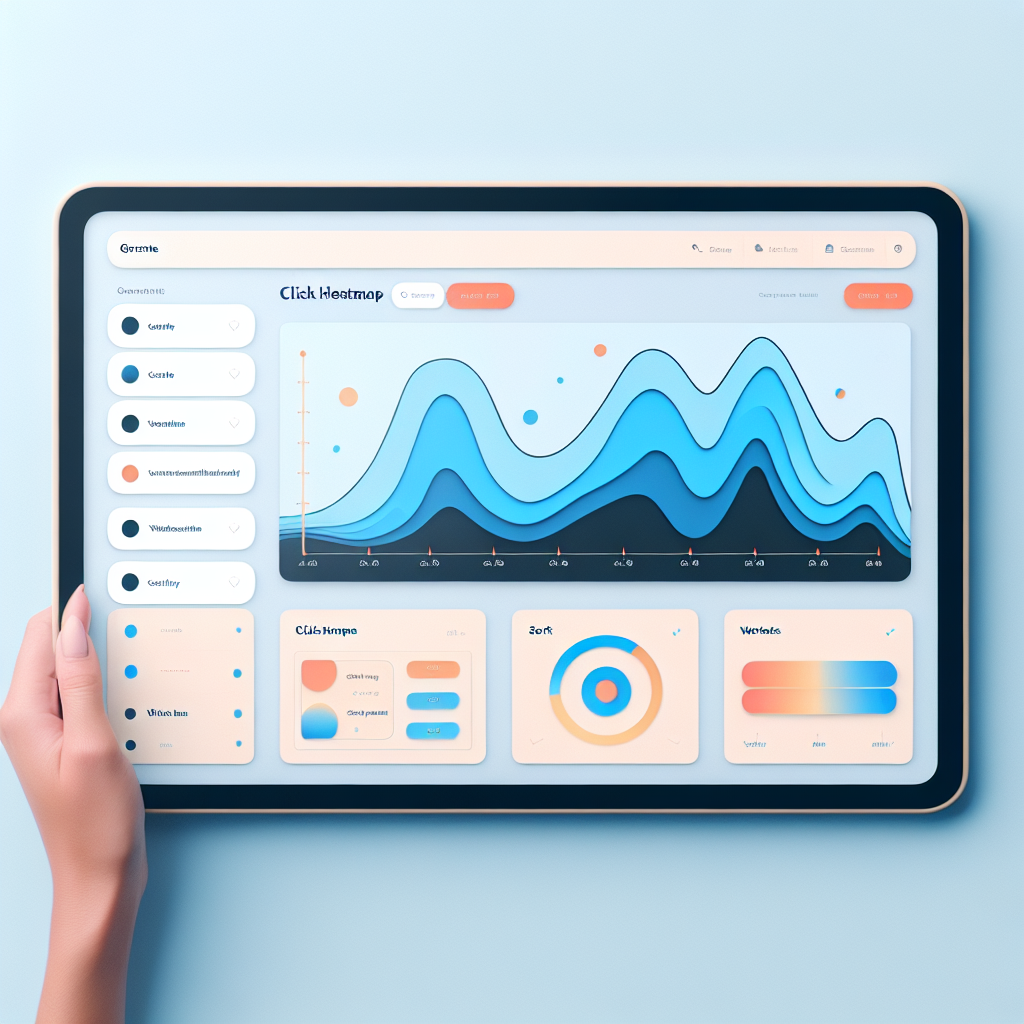
Enhance User Experience: The Best Plugins for Click Tracking and 3D Viewing in WordPress
Why User Experience Matters for Your Site
User experience is at the heart of any successful website. An excellent user experience ensures that visitors can easily navigate your site, find the information they need quickly, and enjoy their interaction with your brand.
For businesses, an optimal user experience can significantly boost conversions. A well-designed user interface could increase your website’s conversion rate by up to 200%, and better UX design could yield conversion rates up to 400%.
Plugins can be pivotal in enhancing user experience on your site. They allow for added functionality and customization without extensive coding, improving load times, and personalizing content.
Ultimately, prioritizing user experience through thoughtful design and strategic use of plugins can distinguish your website from competitors, fostering successful long-term relationships with your audience.
Understanding Click Tracking: What and Why?
Uncover the critical role of click tracking in optimizing user experience and boosting business growth.
What is Click Tracking?
Click tracking monitors and records where and how often visitors click on your website. It offers insights into user behavior, showing how visitors navigate your site and interact with various elements.
Why Use Click Tracking?
By implementing click tracking, businesses can tailor the user journey, enhance conversions, and ultimately drive growth by making data-driven decisions based on user interactions.
Key Features of Click Tracking Plugins
- Heatmaps
- Session Replays
- Detailed Analytics
Benefits for WordPress Users
With specialized WordPress plugins, you can easily integrate click tracking into your site and enhance your understanding of user behavior, leading to improved site performance and engagement.
Top Click Tracking Plugins for WordPress
Optimizing your WordPress site begins with understanding user interaction. Discover the best plugins to track user clicks and gain insights into user flow for improved engagement and design.
Crazy Egg
Crazy Egg generates heatmaps and analytics, showing hot spots of user engagement. Refine your layout using critical data from this WordPress heatmap plugin.
Learn MoreMouseflow
Mouseflow’s unique feature lets you replay user sessions, combining heatmaps with session recordings for a deep dive into user journeys.
Discover NowHotjar
Hotjar offers an easy-to-use interface with clear heatmaps and user feedback tools, making analytics accessible even for beginners.
Try HotjarClicky
Clicky provides real-time analytics, offering immediate insights crucial for rapid strategies and web element testing.
Get ClickyRecording User Sessions: Boosting Engagement with Detail
Understanding user behavior on your website is crucial for enhancing user engagement and improving the overall user experience. Explore how session recording plugins can provide invaluable insights into user journeys.
Hotjar
Gain insights through user session recordings and identify elements that capture attention and common navigation paths.
Learn MoreCrazy Egg
Uncover where users lose interest and where they encounter difficulties to make informed design changes.
Learn MoreMouseflow
Transform abstract click data into an actionable view of user experiences to boost conversions and satisfaction.
Learn MoreEnhance Visual Appeal with 3D Viewing Plugins
Transform your website into an engaging visual masterpiece by integrating cutting-edge 3D viewing plugins.
3D Viewer for WordPress
Effortlessly embed 3D models to let your audience interact and explore products in an immersive way.
Sketchfab Plugin
Display interactive, animated 3D content to engage users, improve their experience, and boost retention.
Embedding 3D models in WordPress not only updates your site’s aesthetics but also aligns with the growing demand for interactive content. Ideal for industries from e-commerce to education, these plugins provide a chance to boost conversion rates while offering a modern, engaging user experience.
Beyond Text and Images: Using 3D to Showcase Creativity
In the dynamic world of digital content, standing out means breaking away from traditional methods and embracing innovative solutions. One such frontier is the use of 3D display technologies, rapidly gaining popularity for their ability to create immersive, interactive experiences unmatched by standard text and images.
Real-World Benefits
- Auto manufacturers use 3D models to explore cars inside and out.
- Art galleries offer virtual tours, examining sculptures and paintings.
- Educational sectors bring concepts to life, enhancing understanding.
WordPress Solutions
Leveraging the right plugins can seamlessly integrate 3D content into your site.
Popular tools include WPVR for virtual reality experiences and Voxelize 3D for interactive models. Elevate your content today with these powerful plugins.
Choosing the Right Plugin for Your Needs
Guide on selecting plugins based on specific site goals and audience needs, encouraging thoughtful integration for the best results.
Identify Your Goals
To enhance your website, define what you wish to achieve—improving UI, boosting speed, increasing security, or enhancing SEO. This clarity helps in selecting specialized plugins that fulfill specific needs.
Audience Insights
Leverage tools like Google Analytics to understand user patterns and select plugins accordingly. Solutions should aim to make your site more user-friendly by addressing real user concerns.
Reviews & Ratings
Choose well-reviewed plugins for reliable support and functionality. Ensure compatibility with your WordPress version to avoid conflicts and optimize performance over time.
Privacy and Security in Plugin Usage
In the ever-expanding digital ecosystem, plugins, such as tracking and 3D visualization, offer powerful functionalities. However, it is crucial to ensure user privacy and security to build trust. Users are increasingly aware and concerned about data usage, necessitating a privacy-first approach.
Privacy-Focused Heatmap
Implement solutions that anonymize user data and comply with GDPR or CCPA. A heatmap that respects privacy offers valuable insights without compromising individual data.
Learn More3D Interaction Security
Conduct security assessments when using 3D visualization plugins. Regular updates and reliable sources help prevent vulnerabilities and protect user data.
Explore NowBuilding Trust
Enhance user confidence by prioritizing privacy and security. Protecting user data fosters higher engagement and loyalty in a competitive market.
Contact UsBrowse Categories:
You may also like
Unlocking Insights: Best WordPress Plugins to Track User Interaction and Improve Experience
Discover the best plugins for tracking user interactions on WordPress to enhance user experience effectively and efficiently.
Maximize Engagement: The Best WordPress Heatmap Plugins for 2025
Explore top WordPress heatmap plugins of 2025 to improve user engagement and track visitor behavior effectively.

Harnessing the Power of User Click Tracking: Best Plugins for WordPress
Explore top WordPress plugins to track user clicks and enhance site experience. Discover free and premium tools to boost engagement…