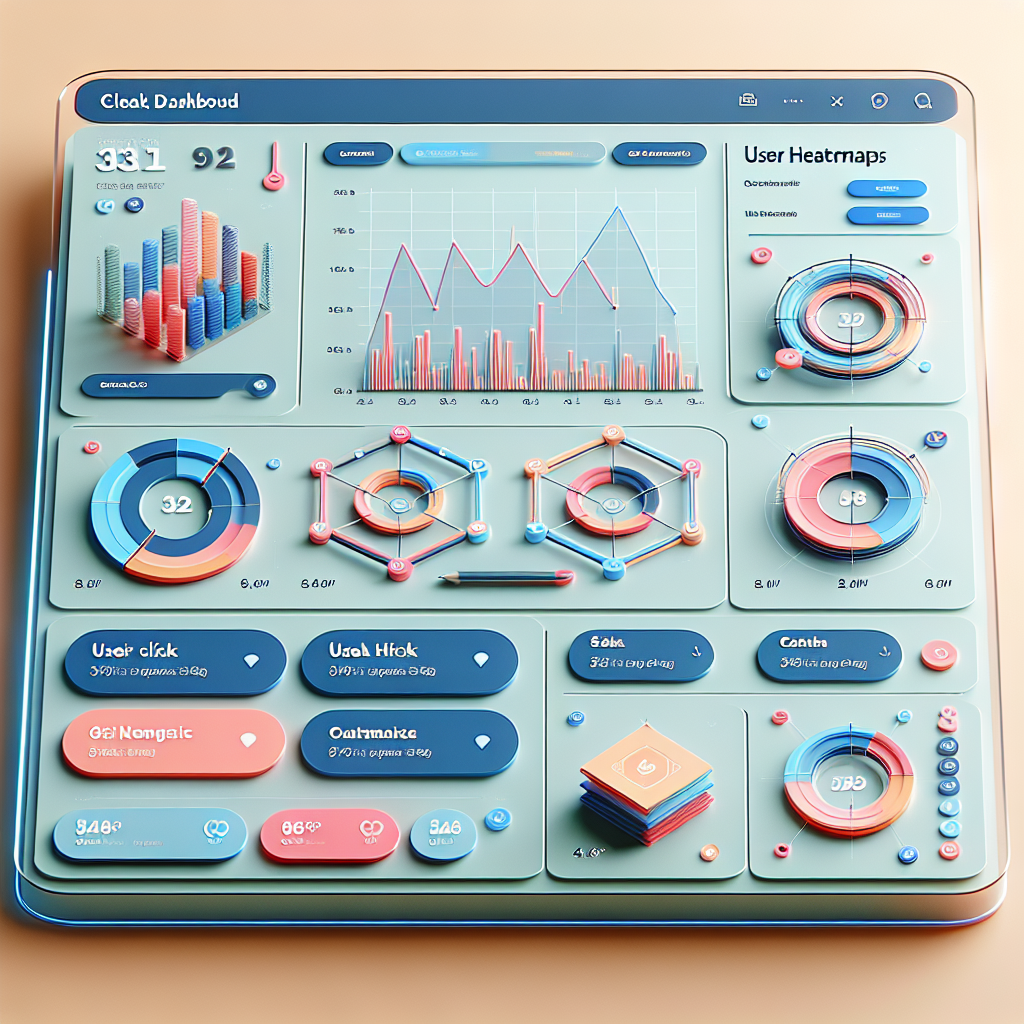
Unlocking User Insights with WordPress User Click Tracking Plugins
Introduction to User Click Tracking
In the fast-paced world of digital marketing and web development, understanding how visitors interact with your website is crucial. User click tracking is a powerful method to gain insight into customer behavior by recording where, when, and how users click on a website.
Consider it akin to having a roadmap of your user’s journey. For example, discovering which buttons or links are frequently ignored could highlight areas needing attention or redesign.
For those using WordPress, integrating a user click tracking plugin can offer a seamless way to access and analyze this data without complex coding requirements.
Key Benefits
- Identify user preferences and interests
- Optimize site for better engagement
- Implement changes from actionable insights
Benefits of Using Heatmap Plugins
Improved User Experience
Heatmap plugins highlight which elements attract attention, enabling strategic repositioning of information to enhance UX.
Lightweight & Efficient
Utilize lightweight heatmap plugins without sacrificing site speed, ensuring seamless user engagement and fast load times.
Informed Decision-Making
Gain a granular view of user engagement, leading to insights that optimize page layouts and navigation paths for better conversions.
How to Choose the Right Heatmap Plugin
Choosing the right heatmap plugin is crucial for insightful data that enhances user experience and conversion rates.
Learn More-
Identify Your Objectives
Choose a plugin that provides comprehensive analytics to meet your conversion goals.
-
Ease of Use
Opt for plugins with intuitive interfaces and simplified setup processes.
-
Budget Consideration
Assess whether free plugins meet your needs or a premium might offer better ROI.
-
Compatibility & Updates
Ensure compatibility with your WordPress setup and check for regular updates.
-
Support Availability
Opt for plugins that offer robust support for resolving issues efficiently.
Best Session Recording Plugins
In the ever-evolving landscape of digital marketing and website optimization, understanding your audience is key. Session recording plugins provide detailed insights into user behavior, allowing you to see exactly how visitors interact with your site, enabling you to identify user engagement patterns, troubleshoot navigation issues, and optimize the overall user experience.
Hotjar
- Intuitive interface
- Comprehensive analytics
- Feedback polls
Crazy Egg
- A/B testing tools
- Snapshot reports
- Innovative editing tools
Lucky Orange
- Real-time session replay
- Live chat functionality
- Immediate user engagement
DIY Click Tracking Solutions
Explore manual and alternative solutions for click tracking as a precursor to understanding plugin-based tracking, catering to users preferring simple methods.
Google Analytics Custom Events
Track user interactions by setting up custom events with Google Analytics. Add code to your site’s header or use Google Tag Manager for customization without deep coding.
Browser Developer Tools
Utilize the browser’s built-in developer tools for manual tracking. Understand usage patterns by logging interactions, ideal for users with technical know-how.
Minimalistic Plugins
Use plugins like “Simple Click Tracker” for basic tracking without complex setups. These provide click-tracking without platform commitment.
Importance of Privacy in User Tracking
In today’s data-driven world, user tracking has become an integral part of improving website performance and enhancing user experience. However, with great power comes great responsibility, particularly in ensuring user privacy.
Compliance with Regulations
Ensuring user privacy directly impacts trust and compliance with regulations like GDPR and CCPA. Businesses can maintain trust by being mindful of privacy implications while utilizing tracking data.
Privacy-Focused Tools
Privacy-focused WordPress heatmap tools provide insights without compromising data. These tools anonymize data and focus on aggregate user behavior to respect individual privacy.
Case Study: Success Stories
ConversionAide: Transformation through Insights
Harnessing user tracking technologies can lead to transformative results for website owners. Consider the example of ConversionAide, a small e-commerce platform, which implemented a WordPress heatmap plugin to enhance their site usability.
Challenges:
- High bounce rate
- Poor visibility of CTA buttons
Solutions & Results:
- Repositioned CTA buttons for better visibility, leading to a 30% increase in user interaction within three weeks
- Optimized content to improve user engagement
Such success stories highlight the power of data-driven decision-making. Even small and medium-sized enterprises can implement changes that translate directly into measurable growth.
Getting Started with Click Tracking
Click tracking is an essential component of understanding user behavior on your website. Implementing click tracking may seem daunting, but with the right tools and guidance, you can get up and running quickly and efficiently.
Step 1: Define Your Objectives
Determine what insights you hope to gain from this data. Are you looking to improve user experience, increase conversions, or understand user interactions? Clearly setting these objectives will guide your setup.
Step 2: Choose the Right Tool
Choose from numerous tools available for click tracking. For WordPress, the “track user behavior WordPress plugin” is ideal, offering powerful features without advanced technical skills.
Step 3: Install and Configure Your Tool
Navigate to your WordPress dashboard, search and install your plugin, then activate and configure it. Select pages and elements to track, set up events, and integrate with analytics as needed.
Step 4: Set Up Goals and Events
Set up goals and events, like tracking CTA clicks leading to a contact form. Measure the performance of site elements for better user engagement.
Step 5: Monitor and Analyze the Data
Regularly review collected data to gain insights into user interactions. Identify trends, such as successful content types or CTA placements.
Step 6: Iterate and Improve
Use insights to make informed decisions, adjust layouts, tweak CTAs, and refine your strategy to optimize engagement.
Browse Categories:
You may also like
Unlocking User Experience: The Best Plugins for WordPress User Click Tracking
Discover the best plugins to track user clicks and improve your WordPress site's user experience with actionable insights.

Transforming WordPress User Engagement with Click Tracking Plugins
Enhance user interaction on your WordPress site with click tracking plugins. Discover the best tools, benefits, and setup guides for…

Enhance User Experience with WordPress User Click Tracking Plugins
Improve your site's user experience with the right WordPress plugins for user click tracking and behavior analysis.