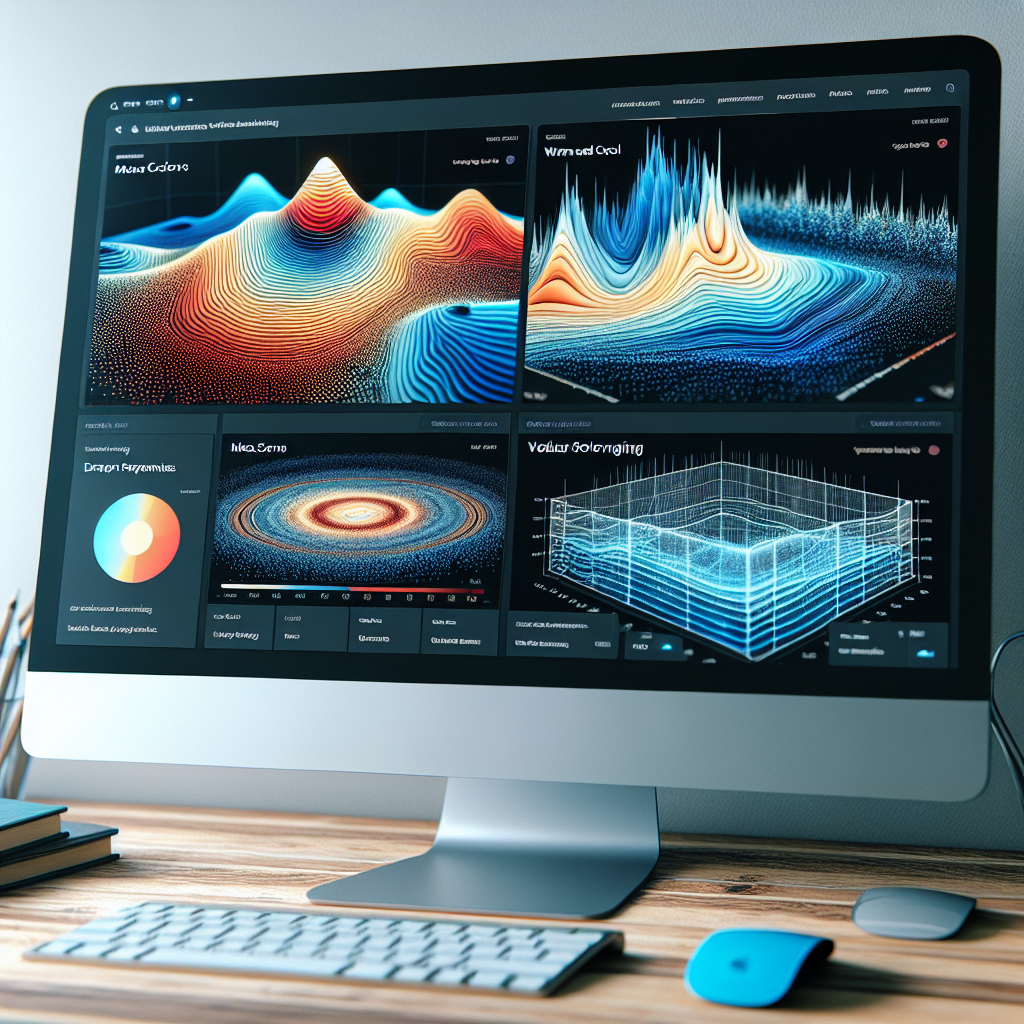
Top WordPress Plugins to Enhance User Interaction and Visualization
Introduction to WordPress Plugins for Enhanced Interaction
WordPress has revolutionized the digital landscape, empowering businesses of all sizes to create compelling online platforms. Discover how plugins can transform your website into an interactive experience that captivates and engages users.
With millions of active users worldwide, WordPress offers boundless opportunities for personalization through its vast plugin ecosystem. Plugins are essential tools that can turn a basic website into a dynamic and engaging platform, particularly advantageous for small businesses aiming for a significant impact without breaking the bank.
Think of plugins as the secret ingredients that enhance the functionality and interactivity of your site. From simplifying complex booking systems to bolstering site security, plugins allow you to implement sophisticated features effortlessly. In this article, we introduce must-have WordPress plugins designed to boost user experience, making them ideal for businesses of any size. Get ready to elevate your site’s functionality and watch your engagement soar!
Benefits of WordPress Plugins
- Enhanced User Engagement
- Improved Site Functionality
- Cost-Effective Solutions for Small Businesses
- Ease of Customization
Understanding Heatmaps in WordPress
Heatmaps are invaluable tools for analyzing website user interaction by visually depicting data using colors. On WordPress sites, they provide a powerful way to understand how visitors interact with a webpage.
What Are Heatmaps?
Heatmaps display ‘hot’ areas with many interactions in red and ‘cold’ areas with fewer interactions in blue, offering insights into visitor behavior.
- Visualize visitor clicks and hovers
- Identify user engagement hotspots
- Enhance content placement and design
Why Use Heatmaps?
Understanding interaction patterns can improve design efficiency and user satisfaction by revealing elements that distract or engage.
- Optimize user interface
- Drive conversions with strategic design changes
- Convert visitor data into actionable insights
Best Heatmap Plugins for WordPress
Discover top WordPress plugins that provide visual insights into user interactions, empowering you to optimize your website’s performance effectively.
Hotjar
- Heatmaps & Session Recordings
- Feedback Polls
- Robust Analytics
Crazy Egg
- User-friendly Interface
- A/B Testing Integrations
- Detailed Insights
Mouseflow
- Session Replay
- Feedback Campaigns
- Comprehensive User Insights
Lucky Orange
- Conversion Funnels
- Real-time Visitor Chat
- Live Visitor Count
Simple Heatmaps
- Lightweight & Minimalist
- Easy Setup
- Straightforward Heatmaps
Fathom Analytics
- Privacy-focused
- Data Protection
- Strict Privacy Compliance
Effective Session Recording Tools
In today’s competitive digital landscape, understanding user behavior is crucial for creating an engaging and efficient user experience on your website. Session recording tools offer a powerful solution to get an in-depth look at how visitors interact with your site.
- Capture real-time data that provides insightful analytics
- Access heatmaps, session replays, and activity logs with ease
- Tools like Hotjar provide heatmaps and user activity insights
- Crazy Egg offers user-friendly setup for seamless integration
Visualizing User Interaction
Understanding how users interact with your website is crucial for optimizing site performance and enhancing user experience. Visualizing user data provides insights into user behavior, helping you identify engaging areas and those needing improvement.
- Heatmap plugins allow you to see where users click, indicating frequent interactions.
- Session recording plugins help replay visitor sessions to identify navigation issues.
Exploring 3D Content in WordPress
Diving into the world of 3D content can significantly transform the way users interact with your website. Unlike traditional 2D visuals, 3D content offers an immersive experience that captivates users, extends their time on your site, and fosters a deeper connection.
- Enable viewers to interact with 3D models and encourage exploration for enhanced understanding.
- Example: An online furniture store using 3D models to visualize products in users’ homes, aiding purchasing decisions.
- Simplifying the integration of 3D content with plugins like the WordPress 3D Viewer Plugin.
Best Plugins for 3D Visuals
Explore top plugins to embed 3D models, enhancing your site’s interactive and visual appeal.
WP 3D Models
- Versatile 3D model integration
- Supports multiple file formats
- Customizable display options
3D Viewer
- Lightweight and powerful
- Efficient loading times
- Simple setup process
Sketchfab
- Robust platform for 3D content
- Large user community
- Extensive customization options
Choosing the Right Plugin for Your Needs
Selecting the right plugin for your project can significantly enhance your website’s functionality and user experience. With a vast array of plugins available, it’s essential to make informed decisions to meet your specific needs effectively.
- Understand your project’s requirements – pinpoint the functionality you need.
- Explore plugin reviews & comparisons for real-user experiences and issues.
- Check the update history for security and compatibility.
- Focus on user ratings and developer support options.
- Test shortlisted plugins in a staging environment.

Make Informed Decisions
The perfect plugin complements your site’s objectives without compromising performance or security. Ensure your website provides the best experience for its users by making informed plugin choices.
Browse Categories:
Tags for this post:
You may also like

Maximize User Engagement with WordPress Heatmap Plugins
Leverage WordPress heatmap plugins to track user behavior, improve conversions, and gain actionable insights on enhancing user engagement.

Top WordPress Tools to Track User Behavior and Boost Interaction
Explore top WordPress plugins to track user behavior, improve site interaction, and stay ahead with the latest trends in plugin…

Unlocking the Power of WordPress: Ultimate Plugins for User Interaction Tracking and 3D Visualization
Explore essential WordPress plugins for enhancing user interaction tracking and 3D content visualization.