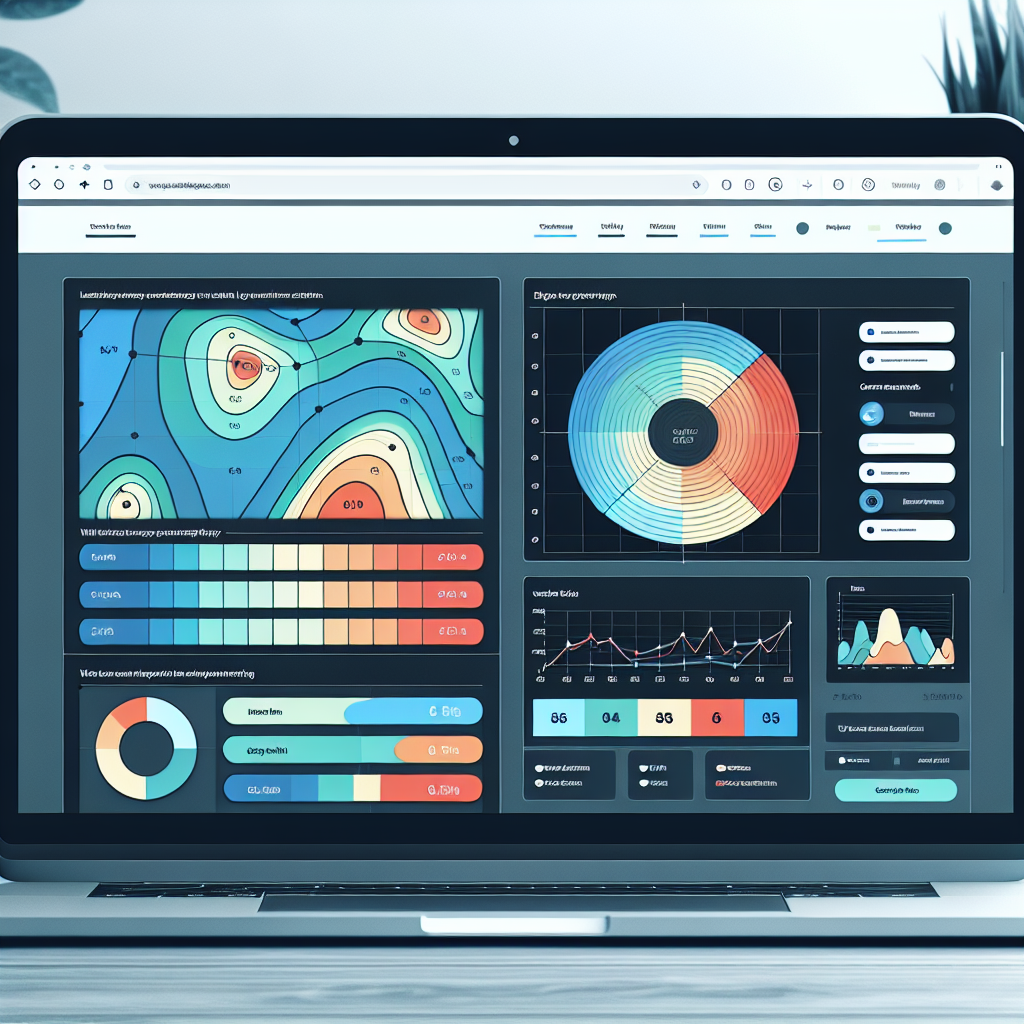
Top Free WordPress Plugins for Tracking User Clicks and Improving Conversions
Introduction to User Experience and Conversion Optimization
In today’s digital landscape, understanding user experience (UX) and optimizing conversion rates are critical components for the success of any online presence.
User Behavior Analysis
Effective user behavior analysis allows for the creation of a seamless and engaging experience that not only meets user needs but also encourages actions that align with business goals.
Conversion Optimization
Conversion optimization focuses on enhancing the website’s ability to convert visitors into customers by identifying barriers and streamlining actions that lead to conversions.
Leveraging WordPress Plugins
With the wide array of tools available, particularly in the WordPress ecosystem, finding the best plugin to improve conversions can significantly impact your site’s success.
Why You Need to Track User Clicks
Understanding user behavior is key to optimizing your website’s performance and driving conversions. With insights from click tracking, you can refine your strategies and offer better user experiences.
Valuable Insights at Your Fingertips
- Track user engagement to identify popular sections and areas needing improvement.
- Optimize underperforming pages by refining visuals, content, and calls-to-action.
- Discover trends like users clicking unlinked images, indicating potential for enhanced engagement.
Tools to Get You Started
Explore free tools like WordPress user click tracking plugins that are easy to implement and provide immense value in data-driven decision making.
Top Free Heatmap Plugins for WordPress
For WordPress website owners looking to enhance their understanding of how visitors interact with their site, opting for a free WordPress heatmap plugin is an excellent starting point. Heatmaps offer visual representations of user interactions, highlighting areas with the most clicks, views, and engagement.
Hotjar
Primarily a premium tool, Hotjar offers a free plan with heatmaps, session recording, and feedback tools.
Learn more →Crazy Egg
Known for premium services, offers free trials for initial visual analytics with scrollmaps and confetti reports.
Learn more →Mouseflow
Includes a free plan providing heatmaps and session recordings for up to 500 sessions per month.
Learn more →Ptengine
Offers a free tier with robust heatmap tools, providing insights into click behavior and page movement.
Learn more →Zoho Pagesense
Provides a free version with heatmaps, A/B testing, and goal-tracking features.
Learn more →Leverage these tools to gain actionable insights and improve design elements, content placement, and overall user experience. Opt for a plugin to see where users click on WordPress to boost engagement and conversion rates.
Session Recording Plugins for Insightful Analysis
Discover how session recording plugins enhance traditional heatmaps, providing businesses with deep, actionable insights into user behavior.
Hotjar
Offers session recordings, heatmaps, and conversion funnels for a comprehensive view of user engagement.
Learn MoreCrazy Egg
Known for its ease of use and robust recording capabilities, helping businesses track user activity effectively.
Learn MoreBalancing Data Insights with Privacy
In today’s data-driven world, insights derived from user interaction data enhance user experiences and optimize business strategies. However, respecting and protecting user privacy is paramount. Businesses must be aware of the implications of tracking user behavior and opt for privacy-respecting solutions.
For instance, privacy-focused WordPress heatmap plugins anonymize user interactions, ensuring identities are protected. These tools also practice data minimization and have transparent data usage policies. Consent mechanisms align with GDPR and CCPA regulations, empowering users to control their data.
Benefits of Privacy-Focused Heatmaps
- Anonymized Interaction Data
- Data Minimization Practices
- Transparent Policies
- Consent-Based Data Collection
- User Opt-Out Options
Success Stories from WordPress Users
E-commerce Triumph
A small e-commerce business faced challenges in understanding user behavior. By implementing a WordPress heatmap plugin, they gained insights into which areas of their website were engaging users. This enabled strategic adjustments, leading to a 20% increase in conversions.
Non-Profit Growth
A non-profit improved its donation process using WordPress plugins. With advanced analytics and data visualization, they optimized user experience leading to a 30% rise in online donations within months.
How to Choose the Right Plugin for Your Site
1. Define Your Site’s Needs
Start by understanding your website’s specific objectives. Whether it’s enhancing SEO, bolstering security, or tracking user behavior, each goal requires a distinct plugin.
2. Check Compatibility
Ensure your selected plugin is compatible with your current theme and other plugins. User reviews are a valuable resource for spotting potential conflicts.
3. Assess Performance Impact
Plugins should not slow down your site. Use tools like GTmetrix or Google PageSpeed Insights to evaluate speed impacts before and after installation.
4. Prioritize Security
Security is non-negotiable. Opt for plugins from reputable developers who regularly update their software to fix vulnerabilities.
5. Seek Support and Documentation
Choose plugins with solid support and thorough documentation. This can greatly ease troubleshooting and optimization efforts.
Contact Us for More AdviceNext Steps for Enhanced User Experience
Enhancing the user experience of your WordPress site is an ongoing journey. By integrating essential WordPress plugins, ensure smooth functionality and visitor engagement, driving higher retention and conversion rates. Evaluate your current setup, implement these insights, and regularly update your plugins to meet evolving expectations.
Browse Categories:
You may also like

Unlocking User Insights: The Best WordPress Heatmap Plugins for Enhanced UX
Discover top WordPress heatmap plugins to enhance user experience and track visitor behavior effectively.

Boost User Engagement with the Best WordPress Heatmap Plugins
Explore the best WordPress heatmap plugins to effectively boost user engagement and track visitor behavior with ease.

Maximize User Experience with WordPress Click Tracking and 3D Viewing Plugins
Discover how click tracking and 3D plugins can elevate your WordPress site's user experience.