The Ultimate Guide to Using Heatmaps and Session Recording on WordPress
Introduction to Heatmaps
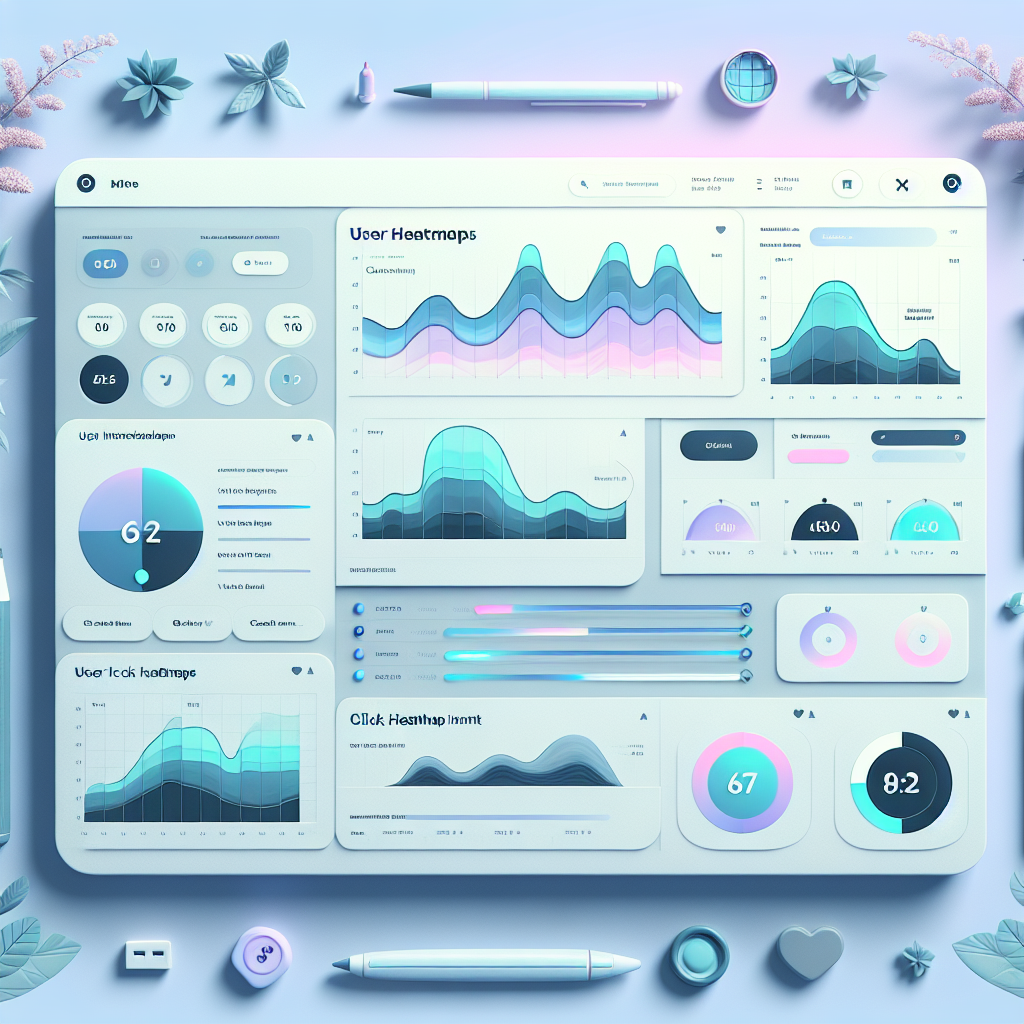
Heatmaps are vivid visualizations that reveal how users interact with your WordPress site by showing where they click, scroll, and hover. This tool converts complex data into actionable insights that inform design and content strategies.
- Highlight engagement ‘hot zones’ to identify key areas that attract user attention.
- Inform decisions on strategic CTA placement and optimize layouts for better flow.
- Enhance conversion rates by using insights to reposition key elements based on user patterns.
Understanding User Click Tracking
Gain insights into how click tracking can enhance your website’s usability and conversion rates by visualizing user interactions.
Monitor User Engagement
Track every clickable element to visualize user preferences and interaction patterns, helping identify what engages visitors most.
Enhance Conversion Rates
Adjust placements of interactive elements like call-to-action buttons to maximize visibility and elevate conversion figures.
Integrate Seamlessly with WordPress
Utilize WordPress click tracking plugins that require no coding skills to provide detailed analytics and reporting.
Inform Design Decisions
Use data from click tracking to make informed changes that create an intuitive and satisfying user experience.
Benefits of Session Recording
Understand User Behavior
Session recording lets you view your website through the eyes of your visitors, capturing real-time interactions. This powerful tool enables you to witness user navigation, as they browse through pages or engage with forms.
Identify Pain Points
Quickly pinpoint where users experience difficulties or abandon processes. By identifying these problem areas, you can streamline user flows, simplify interfaces, or expedite load times, directly improving user experience.
Enhance Engagement
Embrace insights from session recordings to sharpen your content strategy. Recognizing which topics or formats engage users the most allows for strategic content planning and increased relevance.
Choose the Right Plugin
Select plugins that offer intuitive use, thorough analytics, and discreet recording to maintain performance. Such tools can elevate user satisfaction by aligning your site’s offerings with visitor expectations.
Addressing Privacy Concerns
Understanding potential privacy issues with tracking and discovering privacy-focused plugins for a safer user experience.
Why Privacy Matters
As digital footprints expand, the risk of personal data misuse increases. It’s crucial to ensure that sensitive information gathered by website tools is protected.
- Data Anonymization for enhanced privacy.
- Compliance with regulations like GDPR.
- Clear and transparent data policies.
Choosing Privacy-Focused Plugins
Opt for plugins that prioritize user privacy without compromising functionality, ensuring both security and efficiency on your website.
Anonymous Heatmaps
Visualize user interactions without storing PII, ensuring complete user confidentiality.
Secure Data Policies
Choose transparency with plugins that provide clear insights into data processing and storage.
For more information on implementing secure, privacy-focused tools for your site.
Choosing the Right Plugins
Guide readers in selecting appropriate plugins to maximize user insights without compromising site speed.
OptinMonster
Renowned for its powerful lead generation abilities, OptinMonster offers a variety of options to capture visitor emails without hindering site performance.
Heatmap Tools
Tools like Hotjar and Crazy Egg provide invaluable insights into user behavior, offering lightweight heatmaps that visualize areas of high engagement on your site.
Real-World Integration Examples
Pinch of Yum
The popular food blog utilizes a CDN plugin for fast loading times and interactive plugins for recipe sharing like WP Recipe Maker, ensuring a seamless user experience and boosting SEO performance.
- Content Delivery Network for speed
- WP Recipe Maker for interactive content
Taylor Stitch
This e-commerce store uses advanced search and filtering plugins to enhance product discovery and employs heatmap plugins to analyze user interactions, leading to informed design decisions.
- Advanced search and filtering
- Free heatmap plugin for user insights
Troubleshooting Common Issues
Equip yourself with strategies to solve common plugin-related issues and improve your troubleshooting skills for a smoother website management experience.
- Ensure that WordPress and plugins are up-to-date to prevent compatibility issues. Consider automatic update schedules.
- Address plugin conflicts by deactivating recent plugins and using the Health Check & Troubleshooting plugin.
- Increase PHP memory through cPanel or hosting support to handle plugins that require more resources.
- Enable WP_DEBUG in your wp-config.php file for detailed error messages and diagnostics.
- Engage with support forums and plugin support teams for community-driven solutions.
Empower Your Debugging
By mastering these strategies, you’ll resolve common issues more swiftly and enhance your overall website management skills.
Connect with SupportMaximizing Conversions with Plugins
Discover how strategic plugin use can enhance engagement and boost conversion rates on your WordPress site.
Heatmap Analysis
Uncover user behaviors with WordPress heatmap plugins. Visualize clicks, discover engagement hotspots, and refine your site’s layout for optimal conversions.
Lead Generation
Boost your subscriber list with lead gen plugins. Create attractive pop-ups and personalized offers using tools like OptinMonster to capture and engage your audience.
Social Proof
Enhance trust with social proof plugins. Display real-time activities or reviews to build credibility and drive visitors toward conversion.
Browse Categories:
You may also like

Enhance Your WordPress User Experience with User Behavior Insights and the Best Plugins
Discover essential WordPress plugins for tracking user behavior and enhancing site performance effectively and responsibly.
Unlocking User Insights: The Best WordPress Heatmap Plugins for 2025
Explore the best WordPress heatmap plugins for 2025 to improve user experience and track visitor behavior effectively.

Enhancing User Experience with WordPress Click Tracking Plugins
Discover the best click tracking plugins for WordPress to elevate your user experience and gain valuable insights.