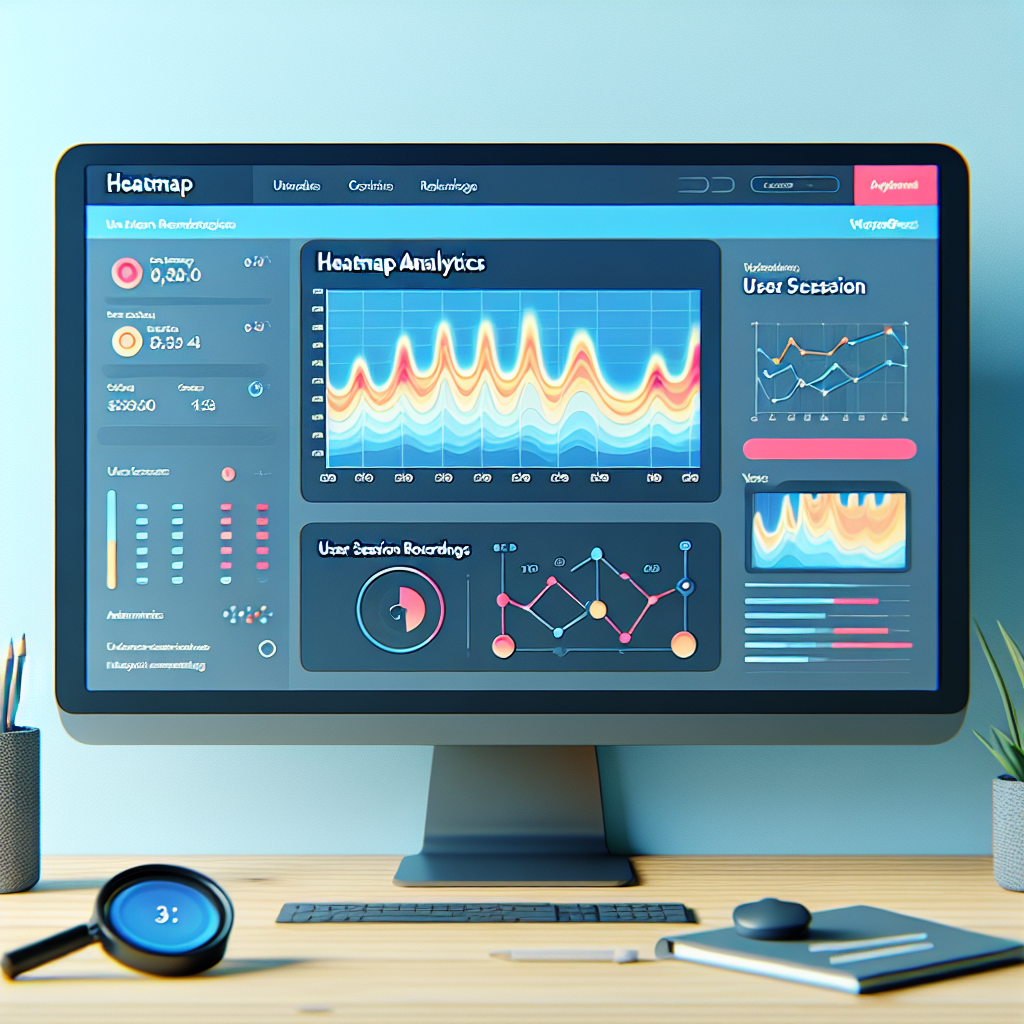
The Ultimate Guide to Tracking User Behavior on WordPress
Understanding User Behavior on Your WordPress Site
Maximize your WordPress site’s potential by delving into user behaviors, uncovering insights that enhance performance and user experiences.
Identify Bottlenecks
Pinpoint pages where users drop off and refine confusing elements. Tracking insights reveal bottlenecks for immediate improvement.
- Understand user preferences
- Alleviate user frustration
Replicate Success
Leverage high-engagement content or pages by understanding the key drivers of interaction. Expand proven successful strategies site-wide.
- Amplify engaging content
- Drive consistent results
Optimize User Journey
Transform data into insights that refine navigation paths, and boost satisfaction, fostering loyalty and conversion.
- Enhance user satisfaction
- Foster loyalty and conversions
Essential Tools for Tracking User Behavior
Understanding user behavior on WordPress websites can immensely enhance your site’s performance and user experience. With the right tools, website owners can gain invaluable insights into how users interact with their site, which in turn can inform design improvements, targeted content creation, and ultimately, increase conversions. Here are some top plugins to consider for tracking user behavior.
Hotjar
Renowned as one of the best session recording and WordPress heatmap plugins available, Hotjar provides a comprehensive suite for understanding user behavior. Its heatmap feature allows you to see where users are clicking, moving, and scrolling on your pages.
- Session Recordings
- Click and Scroll Heatmaps
- User Testing Insights
Crazy Egg
Crazy Egg offers a variety of tracking capabilities beyond just heatmaps, such as scroll maps and confetti reports, making it a staple among tracking tools.
- Scroll Maps & Confetti Reports
- Data Visualization Tools
- A/B Testing Capabilities
Mouseflow
Mouseflow not only records sessions but also offers numerous features like heatmaps, funnel and form analytics, making it effective for e-commerce sites.
- Session Recordings & Heatmaps
- Funnel Analytics
- Form Analytics
Lucky Orange
Lucky Orange combines a wide array of tracking tools with user-friendly interfaces, including live chat, heatmaps, and visitor recordings.
- Live Chat Integration
- Heatmaps & Visitor Recordings
- Real-Time User Interaction
Making the Most of Heatmaps
Heatmaps provide invaluable insights into user interactions by visually representing the intensity of engagements on your website. From clicks to scrolls, these intuitive maps display user behavior to help optimize your site’s layout.
- Click Heatmaps: Identify clickable elements that capture the most user interest.
- Scroll Heatmaps: Understand content engagement depth and refine page layout.
- Movement Heatmaps: Pinpoint areas of user focus for improved content placement.
Applications in E-commerce
Heatmaps can reveal insights such as low click rates on checkout buttons, suggesting potential layout enhancements for boosting conversions.
Implement privacy-focused and lightweight WordPress heatmap plugins to ensure user data integrity while maintaining site performance.
Benefits of Session Recording on WordPress
Enhance your site design and user engagement through proactive optimization strategies.
Understand User Behavior
Session recording tools offer insights into user interactions, unveiling critical data for improving site design.
Identify Usability Issues
Detect bottlenecks and complex forms that hinder conversions, and streamline processes for better results.
Boost User Engagement
Tailor content and design to meet user expectations, improving content placement and call-to-action designs.
Gain Comprehensive Insights
Session recordings provide qualitative data that complements analytics, revealing the ‘why’ behind user actions.
Choosing the Right Plugin for Your Needs
Boosting Conversions
Select analytics plugins that reveal visitor behavior, crucial for optimizing conversion elements. Heatmap plugins like Hotjar or Crazy Egg are invaluable for visual insights.
Learn MoreReputation & Support
Choose plugins with excellent ratings and reviews. Regular updates signify a developer’s commitment to security and compatibility.
Explore MoreEase of Use & Performance
Ensure the plugin is user-friendly and does not slow down your website. Test in a staging environment for optimal performance.
Get SupportTips for Installing and Configuring WordPress Plugins
Research Before Installation
Before adding any plugin, read user reviews, check ratings, and verify when it was last updated. Assess its reliability and compatibility with your WordPress version.
Backup Your Site
Always make a complete backup of your website before installing new plugins. This ensures you can revert to a previous state if needed.
Installation Process
Plugins can be installed directly from the WordPress repository. Navigate to ‘Plugins’ > ‘Add New’, search for your desired plugin, and click ‘Install Now’. Once done, activate to start using it.
Configuration
Configuring the plugin according to your needs is crucial. Follow its documentation for setup instructions, especially for plugins visualizing user interaction.
Test the Plugin
After configuration, thoroughly test for functionality and conflicts. It’s essential to check on different devices and browsers for consistent performance.
Regular Updates
Keep plugins updated to the latest versions to ensure security, new features, and improved functionality.
Monitor Performance
Use tools like Google PageSpeed or GTmetrix to check how new plugins affect your site’s performance. Consider alternatives if it impacts load times.
Troubleshooting Common User Tracking Issues
Identify and offer solutions to frequent problems faced when using tracking plugins, equipping readers with troubleshooting strategies.
Inaccurate Data Tracking
Often caused by conflicts with other plugins or themes. Ensure all plugins are updated to prevent compatibility issues. Temporarily disable others to isolate the problem.
Data Privacy Concerns
Ensure plugins anonymize data and display privacy policies to comply with GDPR and user expectations.
Slow Website Performance
To prevent slowdowns, selectively track data and avoid capturing unnecessary details that strain server resources.
Misconfigured Settings
Regularly review and adjust plugin settings to ensure they meet tracking objectives and yield accurate data.
Lack of Support and Documentation
Choose well-reviewed plugins that offer robust support and community forums for additional help as needed.
Enhancing Privacy and Security for User Tracking
In the modern digital landscape, user privacy and security have never been more crucial. Implementing rigorous privacy and security measures is essential for maintaining trust and complying with legal standards such as GDPR and CCPA.
Privacy-First Tracking Solutions
A privacy-focused WordPress heatmap provides insights while anonymizing data, ensuring compliance with privacy laws and fostering user trust. Tools like ‘Matomo’ and ‘Crazy Egg’ are excellent alternatives to Hotjar.
Rigorous Security Measures
Security practices such as end-to-end encryption, regular audits, and updates are vital. Embedding privacy by design into product development strengthens security from the outset.
Browse Categories:
You may also like

Enhance Your WordPress Site with User Click Tracking and 3D Viewer Plugins
Discover how user interaction and 3D viewer plugins can transform your WordPress site, enhancing user engagement and behavior insights.

Choosing the Best WordPress Heatmap Plugins to Elevate User Experience
Discover the best WordPress heatmap plugins to enhance UX, improve site performance, and achieve your goals with informed choices.

Revolutionize User Experience: The Best WordPress Heatmap Plugins of 2025
Discover the top WordPress heatmap plugins to transform how you understand and improve your user experience in 2025.