The Definitive Guide to WordPress User Click Tracking and Behavior Analysis
Why User Click Tracking is Essential
Tracking user clicks is vital for understanding how visitors interact with your website, which can significantly enhance its functionality and increase overall engagement. Analyzing click data provides invaluable insights into user preferences, behaviors, and potential pain points.
By addressing these issues, you can transform disjointed interactions into smooth experiences, resulting in higher satisfaction and retention rates. Moreover, click patterns can help optimize content by showing which elements garner the most attention.
Benefits of User Click Tracking
- Pinpoints underperforming areas for seamless user journeys.
- Provides critical data for content optimization and user engagement.
- Utilizes effective WordPress plugins for detailed analytics.
Understanding How Click Tracking Works
Demystifying the process to help you implement it on your site effectively.
The Mechanics Behind Click Tracking
Click tracking captures each instance of user interaction on webpages, revealing key insights into user behavior to inform decisions. At its core are JavaScript scripts that track:
- Clicks on Links, Buttons, or Images
- Element-specific Click Details – Element clicked, timestamps, user location
- Comprehensive Data – Browser type, IP address
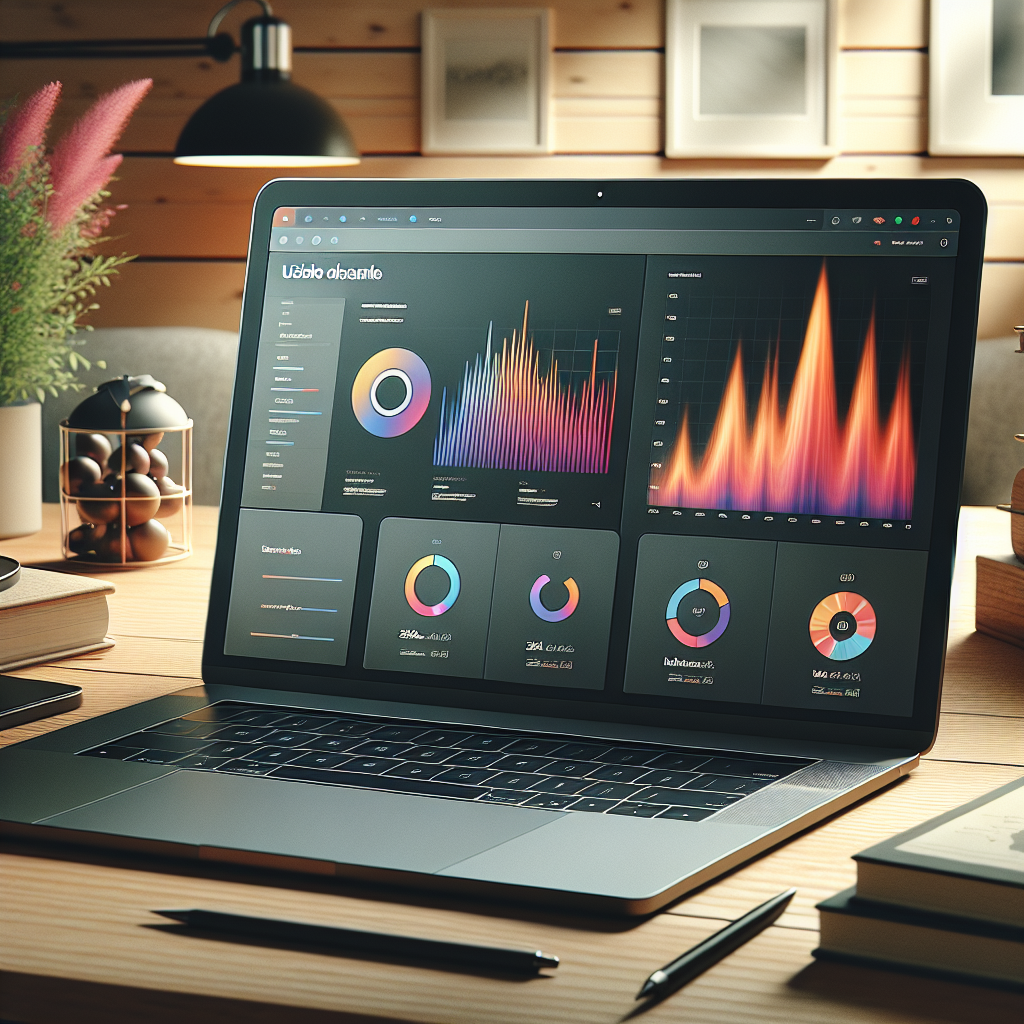
Visualizing Data Through Heatmaps
Data from click tracking is visualized in heatmaps, helping site owners identify:
- High-interest Areas – Recognizing which parts receive the most attention
- Underperforming Components – Adjustments for better visibility
Empowering Informed Decisions
Click tracking is more than just data collection; it empowers site owners to enhance content and design, driving better user engagement and converting insights into actions. Consider a WordPress plugin to seamlessly integrate analysis tools into your site.
Choosing the Right Plugin for Your Needs
Understand Your Needs
Identify what you require from a click tracking plugin: simple click tracking or detailed insights such as a WordPress heatmap plugin. Heatmaps offer visual data on user interaction, helping optimize content layout.
Compatibility & Support
Ensure compatibility with your current WordPress theme and version. Choose plugins that are regularly updated and supported to avoid functionality disruptions.
Performance Impact
Choose lightweight plugins to maintain fast load times, which are crucial for superior user experiences and better search rankings. Opt for a plugin to see where users click in WordPress for speed-focused tracking.
Data Privacy Compliance
Ensure the plugin complies with data protection regulations such as GDPR to protect visitor information. This consideration is vital for both user trust and legal compliance.
Contact UsReview of Top WordPress Click Tracking Plugins
Compare leading click tracking plugins to highlight their features and benefits, empowering you to make informed choices.
Crazy Egg
Comprehensive suite with WordPress heatmap plugin, ideal for extracting key user insights via click and scroll maps.
- Easy installation
- Reliable support
Hotjar
Known for user-centric tools like heatmaps and session recordings with strong feedback and integration capabilities.
- Strong analytics
- Platform integration
Mouseflow
Privacy-focused heatmap tool that ensures compliance with privacy regulations while enhancing data understanding.
- GDPR compliant
- Dynamic filtering
Lucky Orange
Offers real-time tracking and live chat integration, ideal for immediate insights and communication.
- Real-time insights
- Live chat feature
Free vs. Paid Plugins: Which Is Better for You?
Pros of Free Plugins
-
Cost-effective: Great for new businesses or personal projects with tight budgets.
-
Community Support: Benefit from a collaborative user-based support system.
-
Frequent Updates: Often get regular updates to stay secure and compatible.
Cons of Free Plugins
-
Limited Features: May need to upgrade for advanced functionalities.
-
Support Limitations: Inconsistent official support favoring paid customers.
Pros of Paid Plugins
-
Comprehensive Features: Offers richer functionalities for complex needs.
-
Dedicated Support: Access to professional and timely assistance.
-
Reliability and Updates: Regular updates and bug fixes ensure stability.
Cons of Paid Plugins
-
Cost: The recurring fees might be challenging for small budgets.
-
Overcommitment: Risk of overpaying for unused features.
Evaluate your website’s needs carefully to choose the ideal plugin solution that aligns with your goals and budget.
Installing and Configuring Your Chosen Plugin
Ready to set up your click tracking plugin on WordPress? Follow these simple steps to get started and optimize your site effectively.
-
Installation
Access your WordPress Admin Dashboard, navigate to the ‘Plugins’ section, click ‘Add New’, search for your chosen plugin, and click ‘Install Now’. After installation, activate the plugin.
-
Basic Configuration
Find the plugin settings under ‘Plugins’ or as a new menu item; follow on-screen instructions to set up the basics, potentially requiring account creation.
-
Setting Up Tracking
Navigate to the plugin’s settings page to configure which pages and elements you’d like to track, utilizing features like heatmaps for deeper insights.
-
Verifying Installation
Verify the plugin’s functionality by visiting a tracked page and checking data logs in the plugin’s dashboard or report section.
-
Optimizing Settings
Explore deeper settings to customize tracking and reports as per your requirements, ensuring data accuracy and relevance.
How to Analyze User Click Data
Understanding how users interact with your website can provide invaluable insights that help optimize both your user experience and site layout. Analyzing user click data is one of the most effective methods to achieve this. These insights guide you in making data-driven decisions that enhance usability and drive growth.
- Discover user interaction patterns and site navigation issues.
- Use heatmaps to find high-interest elements and ineffective areas.
- Continuously refine and enhance the site for better conversions.
Case Study: eCommerce Optimization
By analyzing click data, the site owner can identify which product images attract the most attention, determine the effectiveness of call-to-action buttons, and locate navigation elements that may be causing friction.
For instance, changing the approach to allow users to click on images that aren’t links provides a more engaging content interaction and potentially improves conversions.
Best Practices and Tips for Effective Tracking
Enhance your site’s user interaction strategies with these expert tips, perfect for anyone aiming to drive conversions and maximize the impact of click tracking.
Set Clear Goals and KPIs
Begin with defining clear objectives for user actions and establish KPIs to track success.
Leverage Dedicated Plugins
Use top plugins like MonsterInsights or Pretty Links for intuitive tracking and seamless integration.
Segment Your Audience
Understand different segments to tailor messages and enhance engagement.
A/B Testing
Continuously optimize layouts, messages, and CTAs by conducting regular A/B tests.
Heatmaps and Session Recordings
Visual insights from these tools shed light on user behavior and areas to improve.
Regular Reviews and Adjustments
Stay agile by regularly reviewing data and modifying strategies for ongoing optimization.
Browse Categories:
You may also like

Unlocking Insights: The Best WordPress Heatmap Plugins for Understanding User Behavior
Explore top WordPress heatmap plugins to unlock insights on user behavior, improve conversions, and enhance website interaction.

Harness the Power of User Click Tracking: The Best WordPress Plugins for 2025
Explore the top WordPress plugins for user click tracking in 2025, and learn how to optimize your site's performance and…
Top AI-Powered WordPress Plugins for Enhanced User Engagement
Explore top AI-powered WordPress plugins to boost user engagement and streamline site functionalities, with essential tracking and UX enhancements.