Optimizing User Experience with WordPress Heatmap and User Tracking Plugins
Understanding User Click Tracking
User click tracking is a powerful tool that gives website owners valuable insight into the behavior of their audience. By monitoring which elements users click on, businesses can understand not only what captures attention but also identify potential areas for improvement in the user experience (UX).
Visual Insights
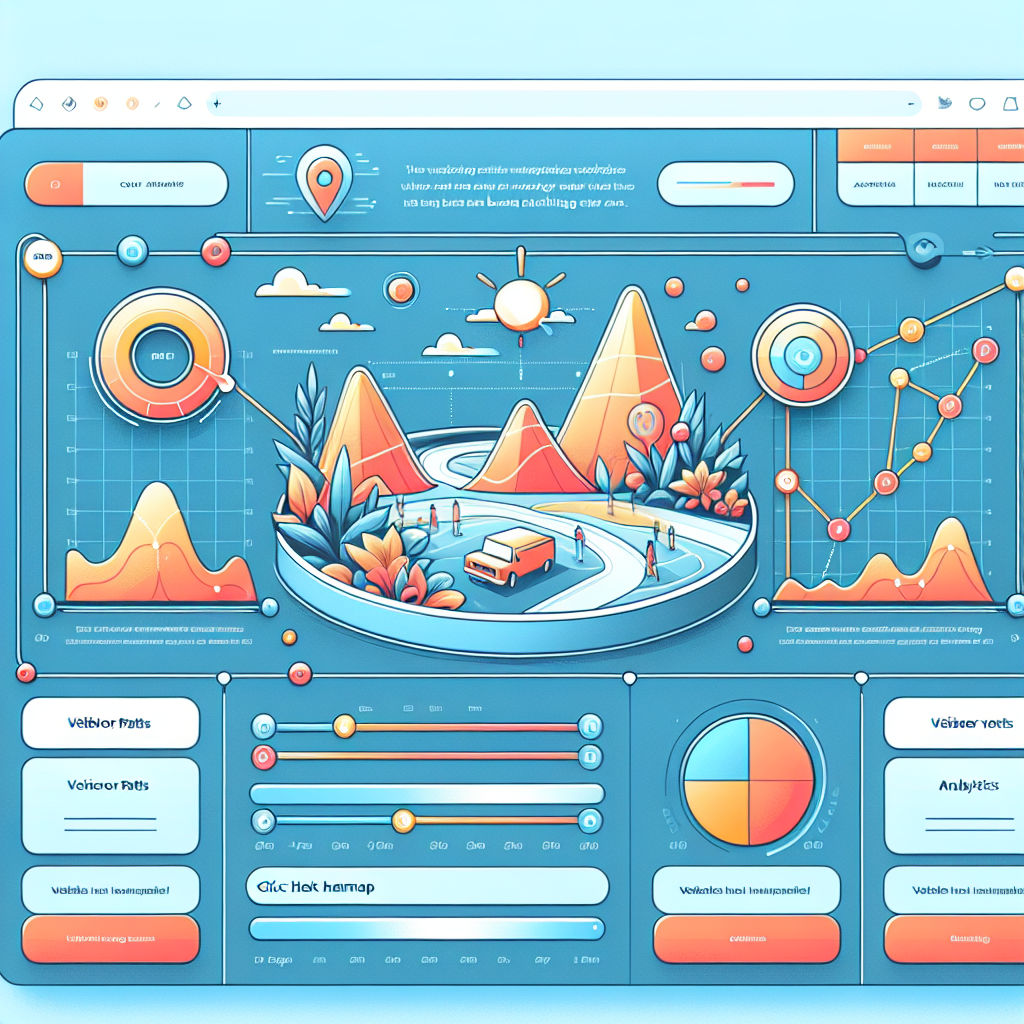
Heatmaps offer visual tools that enable website designers to see active regions, providing critical data to inform layout and content strategy.
Advanced Analytics
Integrating WordPress user click tracking plugins can offer real-time data and analytics to enhance website effectiveness and usability.
Privacy-Focused Solutions
Ensure user data is collected ethically with privacy-focused WordPress heatmap plugins to maintain user trust and comply with regulations.
Boost Engagement
A data-driven approach refined by user insights can significantly boost user satisfaction, engagement, and conversion rates.
Choosing the Right Heatmap Plugin
Key Considerations
-
Ease of Integration: Look for a plugin that’s easy to install and compatible with your setup.
-
Data Depth: Choose the plugin based on whether you need basic click tracking or advanced analytics.
-
Performance: Opt for a lightweight plugin that won’t slow down your site.
-
Support and Updates: Ensure the plugin is well-supported and kept up to date.
Real-World Impact
An e-commerce site used heatmap data to identify low interaction CTA buttons. By redesigning their layout after analyzing the heatmap, they achieved a 20% increase in sales.
Implementing Session Recording Tools
Session recording plugins offer an enhanced view of user interactions, capturing their actions in real-time to expand insights beyond static data points.
Beyond Numbers and Statistics
Witness firsthand how users navigate your site, revealing behavioral trends and points of friction that are not apparent with heatmaps alone.
Identify User Friction
Discover drop-off points and non-intuitive elements to improve usability, accessibility, and boost customer satisfaction.
Data-Driven Decisions
Gain in-depth understanding from recordings, alarming hidden behaviors, and refine strategy based on objective insights.
“In the competitive world of digital engagement, implementing session recording tools not only broadens your analytical scope but enriches your ability to make data-driven decisions that align with your goals.”Get in Touch
Tracking User Behavior for Better Conversions
Bridge user behavior insights with conversion strategies, using data-driven decisions for site optimization.
Heatmaps
Visual representation of user activity. Analyze areas with most interaction for optimized engagement.
- Identify hot spots
- Enhance page layout
Session Replays
Watch user sessions recordings to understand their web journey and pinpoint drop-off areas.
- Improve user navigation
- Boost engagement rates
Analytics & A/B Testing
Leverage comprehensive analytics and test different content to maximize conversion rates.
- Data-driven decisions
- Continuous improvement
Exploring Free Heatmap Solutions
For those looking to delve into user behavior without straining their budget, free WordPress heatmap plugins offer a balance between cost and functionality, optimizing user experience and boosting engagement.
Crazy Egg
Lauded for its user-friendly interface, Crazy Egg offers a free trial that showcases clicks, scroll depth, and mouse movements to help identify engaging website parts.
Hotjar
Typically associated with paid plans, Hotjar offers a free tier that provides insights into user interactions through click, move, and scroll heatmaps.
Mouseflow
Known for its analytical functionalities, Mouseflow’s free tier is perfect for smaller sites aiming to gain insights without extensive monitoring.
WP Live Chat Support
Combines heatmap features with live chat support. Ideal for startups, the free version includes essential interaction analysis features.
Privacy Focused
Matomo emphasizes user privacy, allowing data ownership without third-party servers, a significant factor for data-conscious businesses.
Addressing Plugin Conflicts and Errors
Addressing plugin conflicts can be a daunting task, especially for those new to managing websites. However, understanding common issues and having troubleshooting strategies at your disposal can significantly ease the process.
- Identify symptoms such as crashes or error messages that indicate plugin conflicts.
- Deactivate and reactivate plugins one by one to isolate conflicting plugins.
- Regularly update WordPress and plugins to ensure compatibility.
- Consult plugin documentation and support forums for troubleshooting tips.
Pro Tips for Managing Plugin Conflicts
Ensuring a smooth WordPress environment involves more than just identifying issues. It’s about cultivating a well-maintained, error-free site.
Adopt a systematic approach to error handling to enhance your confidence in managing your online presence.
Finding Alternatives to Hotjar
Explore alternative plugins to Hotjar for varied needs, giving readers options to suit specific requirements like privacy and budget.
Mouseflow
Emphasizes privacy with GDPR-compliant data storage, offering heatmaps and session replays.
- Privacy Focused
- Session Replay
- Heatmaps
Crazy Egg
Offers a user-friendly interface with robust features including A/B testing capabilities.
- Detailed Heatmaps
- Recording Options
- A/B Testing
Lucky Orange
A budget-friendly tool providing heatmaps, session recordings, and chat tools.
- Chat Tools
- Heatmaps
- Session Recordings
Future of UX Tracking Plugins
Stay ahead of trends in UX tracking with the latest plugins that optimize user experiences. As digital landscapes evolve, equipping your site with future-proof plugins is essential for maintaining engagement and functionality.
AI & Machine Learning
Experience personalization like never before with AI-driven plugins that adapt to user behaviors and preferences.
Cross-Platform Tracking
A cohesive view of user interactions across devices to predict needs and enhance engagement.
Privacy-Centric Features
Integrated consent management ensures compliance with data regulations while providing valuable analytics.
Browse Categories:
You may also like

Maximizing User Engagement: The Best WordPress Heatmap Plugins for 2025
Explore top WordPress heatmap plugins for 2025 to boost user engagement and optimize behavior tracking.
Enhance User Engagement with WordPress Heatmap and User Tracking Plugins
Discover top WordPress plugins for tracking user behavior and boosting engagement, focusing on heatmaps, session recordings, and privacy considerations.

Essential User Behavior Tracking Plugins for WordPress in 2025
Discover essential plugins to track user behavior on WordPress, boost conversions, and ensure privacy in 2025.