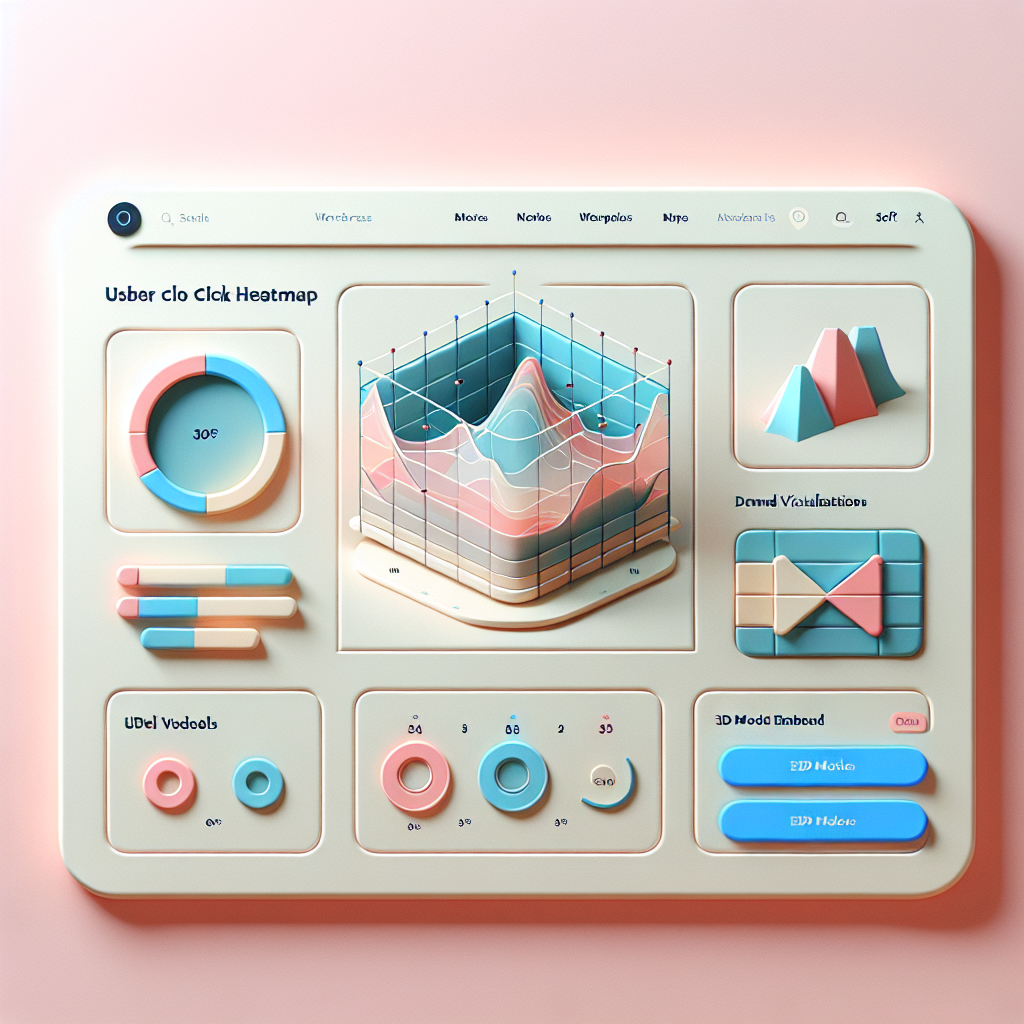
Optimize Your WordPress Site: Essential Plugins for Tracking User Behavior and Enhancing 3D Content
Understanding the Importance of User Behavior Tracking
Why insights transform websites into conversion powerhouses.
Informed Decisions
Gather detailed insights into visitor interactions to make data-driven decisions that boost user engagement and conversions.
Identify Bottlenecks
Pinpoint problem areas such as a confusing layout or high exit rates, and improve them to enhance the user journey.
A/B Testing
Compare different layout versions using empirical A/B testing to determine the best-performing configurations.
Top Heatmap Plugins for WordPress
Discover how heatmap plugins empower WordPress users to gain deep insights into user interactions, ultimately refining site design and content strategy.
Hotjar
Leverage robust heat mapping, click tracking, and scroll tracking features. Offers a free tier for smaller sites.
Explore HotjarCrazy Egg
Comprehensive insight tools including heatmaps, overlay, and confetti reports. Try for free for 30 days.
Explore Crazy EggMouseflow
Provides session replay alongside heatmaps, capturing all visitor interactions. Free version available.
Explore MouseflowLucky Orange
Merges heatmaps with polls and conversion funnels, enhancing user feedback and design strategy.
Explore Lucky OrangeInspectlet
Ideal for detailed interaction analysis, includes session recording and form analytics. Free plan available.
Explore InspectletEnhancing Insights with Session Recording Plugins
Discover the power of session recording plugins to gain deeper understanding of user interactions and optimize your website’s performance.
Unmatched User Path Insight
Trace every step users take on your website, identify friction points, and make data-driven improvements.
Enhanced User Experience
Identify and resolve user confusion with clarity, improving conversion rates and satisfaction.
Bridging Data and Experience
Combine quantitative data with qualitative user interactions for comprehensive analysis.
Continuous Improvement
Evolve your website design and functionality to meet user needs proactively.
Boost Conversions with Actionable Behavioral Data
Discover the power of behavioral insights to enhance user engagement and drive higher conversion rates on your website.
Understand User Navigation
Gain valuable insights into user navigation to identify which pages hold their interest and where they abandon the sales funnel.
- Identify bottlenecks in user experience
- Analyze page performance
- Optimize based on data insights
Personalize for Engagement
Tailor your content and offers using user behavior patterns to maximize engagement and conversion potential.
- Personalized recommendations
- Customized call-to-action messages
- Increased transaction opportunities
Privacy-Focused Heatmap and Analytics Tools
In an era where data privacy is paramount, selecting the right analytics tools for your website is critical. Embrace solutions that respect user privacy and comply with regulations like GDPR and CCPA.
Plausible Analytics
A privacy-centered tool that offers essential insights without using cookies or tracking individual users. Plausible provides compliance with privacy laws while keeping your site lightweight.
- Anonymizes user data
- Ensures IP masking
- Lightweight and fast
Choosing Privacy-First Tools
Opting for privacy-focused analytics goes beyond compliance; it builds trust with your audience. Ensure your analytics tool respects user privacy and gather insights ethically.
- No cookie usage
- Invisible user tracking
- Improves load times
Introduction to 3D Viewer Plugins for WordPress
In the digital world, captivating your audience goes beyond basic text and images. The rise of interactive content has transformed how users engage with websites, making 3D viewer plugins a groundbreaking tool for WordPress enthusiasts.
A WordPress 3D viewer plugin allows developers and content creators to seamlessly embed 3D models into webpages. This means readers can interact with product designs, architectural plans, or even educational models directly on your site.
Discover MoreHigher User Engagement
Instead of static visuals, users get a dynamic experience, leading to higher user retention and a more profound connection with your content.
Real-Life Applications
From online furniture stores to educational models, 3D viewer plugins unlock new potential for various industries.
Stay Competitive
Consumer expectations for richer digital experiences grow continuously; embedding 3D models is the way forward.
Best 3D Plugins to Showcase Your Portfolio
In today’s digital age, having a visually stunning portfolio is crucial for creatives who want to stand out. Utilizing 3D plugins can transform your standard portfolio into an immersive experience. Let’s explore some top plugins that can elevate your digital displays.
3D FlipBook
Experience a realistic book-like viewing with intuitive controls and page flip animations. Engage viewers with an immersive portfolio format.
Sketchfab
Embed high-quality, interactive 3D models directly on your site. Join a platform of inspiration and share expertise with a vast creator community.
WP VR
Create interactive virtual tours from images and panoramas. Perfect for architects and designers to present dynamic spaces in a unique way.
Implementing Tracking and 3D Strategies for Optimization
By integrating tracking and 3D strategies into your website, you significantly enhance performance and user engagement. Visualizing user interaction is crucial for understanding visitor navigation. A powerful WordPress plugin offers insights like heatmaps, click paths, and session recordings.
- Heatmaps show user attention areas.
- Click paths reveal navigation patterns.
- Session recordings help refine UX.
Employing 3D strategies transforms experiences. Interactive elements make content immersive, as 3D product models offer comprehensive views, enhancing customer engagement and trust.
Actionable Strategies
- Identify key performance metrics.
- Select plugins aligning with goals.
- Use analytics tools for tracking.
- Continuously optimize based on data.
Browse Categories:
Tags for this post:
You may also like

Enhance User Experience with WordPress: Top Plugins for User Behavior Tracking
Explore essential WordPress plugins to enhance user experience and track visitor behavior, optimizing sites for better engagement and performance.

Optimize User Interaction with Top WordPress Heatmap and 3D Viewer Plugins
Discover the best WordPress plugins to enhance user interaction with effective heatmap tracking and 3D viewing solutions.
Maximize Engagement: Top WordPress Heatmap and Session Recording Plugins for 2025
Explore top WordPress plugins for heatmap and session recording to boost engagement and conversions in 2025.