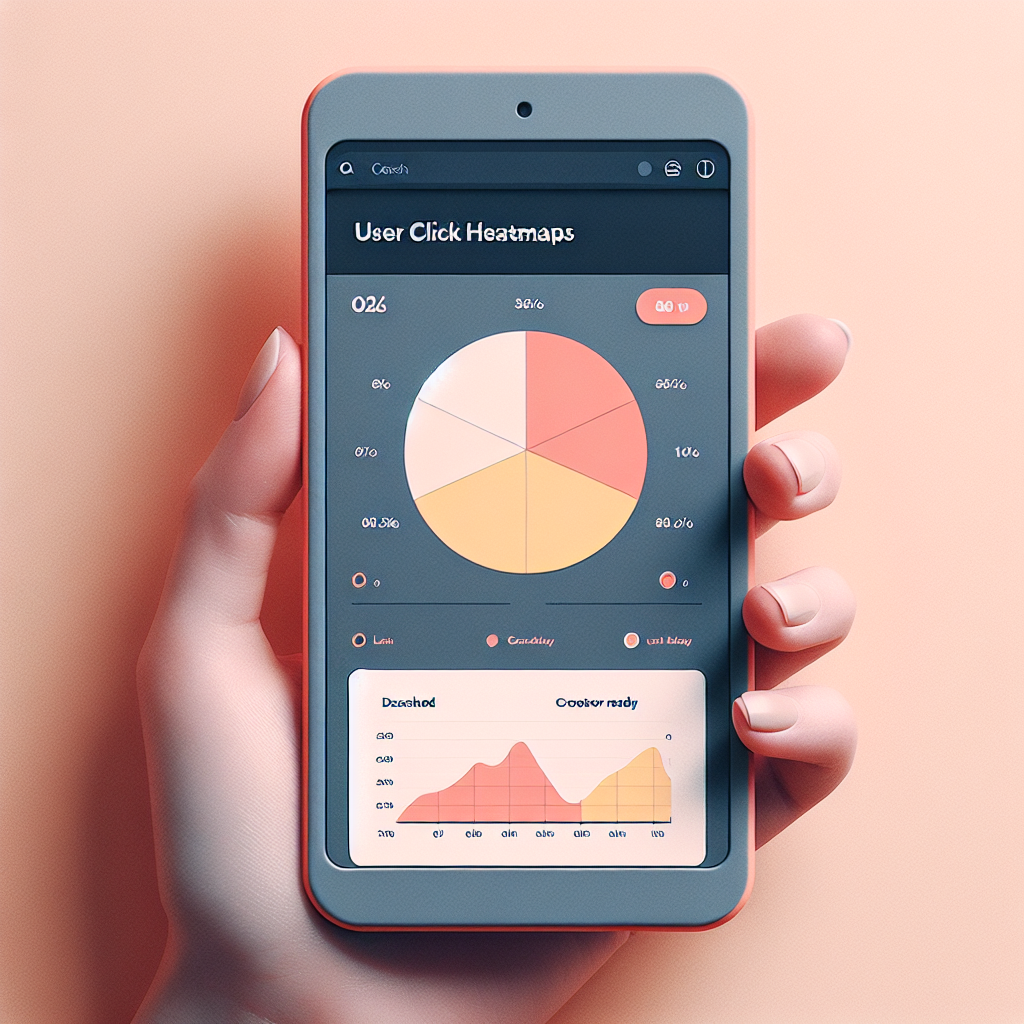
Maximizing Your Site’s Potential with WordPress Heatmap and User Interaction Plugins
Understanding User Interaction Tracking
Unlock the potential of your website with user interaction tracking. By monitoring and analyzing user behavior, you can optimize the user experience, tailor content effectively, and drive conversions like never before.
Why Track User Interactions?
- Gain insights into clicks, scrolls, and navigation patterns
- Optimize user experience and enhance content strategies
- Drive conversions through informed decisions
Case Study: E-commerce Platforms
Discover how top e-commerce platforms use tracking data to their advantage:
- Identify most viewed products
- Understand user drop-off points
- Enhance product placement strategies
Why Heatmaps Matter for Your Site
Heatmaps have become an invaluable tool for website owners eager to dive deeper into user engagement and behavior. By visually representing how visitors interact with your pages, heatmaps provide clear insights that can dramatically enhance the effectiveness of your site.
Identify User Attention
Heatmaps reveal what captures a user’s attention immediately, highlighting areas of high interaction to optimize layout and content placement.
Discover Subtle Behaviors
Heatmaps uncover subtle behaviors and trends missed by traditional analytics, such as hovering over elements without clicking.
Effective A/B Testing
Visually compare user interactions before and after changes using heatmaps to make data-driven decisions confidently.
Top Heatmap Plugins for WordPress
Hotjar
Hotjar offers a comprehensive suite of tools beyond just heatmaps, including user click tracking and visitor recordings. It allows you to see where users click, move, and scroll the most, enabling data-driven design decisions.
Crazy Egg
Crazy Egg offers detailed heatmaps and user recordings with simple integration. It features A/B testing, pivotal for improving site performance and conversion rates.
Mouseflow
Mouseflow provides heatmaps, session recordings, funnel tracking, and form analytics, useful for identifying drop-off points and optimizing conversion processes.
Lucky Orange
Lucky Orange combines heatmap capabilities with chat functionality and visitor polls, offering a comprehensive tool to understand visitors’ needs.
Inspectlet
Inspectlet delivers highly detailed heatmaps and session replay features for clear visual insights, ideal for in-depth analysis of user interactions.
Considering Lightweight Options
Optimal Performance
Lightweight plugins keep your website running smoothly, ensuring fast load times and improved user experiences.
Efficient Insights
Use lightweight heatmap plugins to gain user interaction insights without bloating your resources.
Simplicity and Functionality
Enjoy precise functionality with easy updates, reducing the risk of downtime during installations.
Enhanced User Experience
Keep visitors engaged with a seamless browsing experience, reducing bounce rates significantly.
Best Session Recording Plugins
Explore session recording plugins and discover how detailed user interaction tracking can help optimize user experience.
Hotjar Plugin
Hotjar offers a comprehensive suite of user behavior analytics including session recordings, heatmaps, feedback polls, and surveys. It’s the perfect toolkit to understand your users better.
- Session Recordings
- Heatmaps
- Feedback Polls
- Surveys
Crazy Egg
Crazy Egg provides heat mapping, A/B testing, and scroll mapping, helping you visually understand what users engage with the most.
- Session Recordings
- Heatmaps
- A/B Testing
Mouseflow Plugin
Mouseflow records full user sessions and provides heatmaps, funnels, and form analytics, making it easier to pinpoint user issues.
- Full User Sessions
- Heatmaps
- Form Analytics
Balancing Privacy with Analytics
In today’s digital age, the collection and analysis of user data is a pivotal component of optimizing online experiences. However, it’s vital to balance this data-driven approach with stringent privacy considerations to protect users’ personal information.
Privacy Considerations
-
Transparency: Clearly communicate to users what data is collected and how it is used through comprehensive privacy policies.
-
User Consent: Secure explicit consent before tracking user data. Use cookie consent banners to facilitate this process.
-
Data Minimization: Focus on collecting only the data that you truly need. Avoid non-essential data collection to maintain user trust.
-
Regular Audits: Conduct regular privacy audits of your data practices to ensure compliance with privacy laws.
Privacy-Focused Tools
Consider using privacy-focused WordPress heatmap plugins that provide insights into user behavior while respecting privacy. Features include:
- Anonymous tracking
- Data minimization
- Compliance settings
Recording User Activity for Insights
To gain a comprehensive view of user engagement, recording user activity is essential. Pairing these insights with heatmaps reveals not just where users click, but how they navigate your website.
-
Heatmaps highlight popular areas, while activity recordings show where the user journey encounters friction.
-
E-commerce sites can identify problems in the checkout process, enhancing conversion rates and reducing cart abandonment.
-
Platforms like Hotjar or Crazy Egg integrate seamlessly for session replay, capturing mouse movements, clicks, and scrolls in real time.

Taking Action for Improved User Experience
Unlock the full potential of your WordPress site by enhancing user experience and reaching your business objectives.
Choose the Right Conversion Tools
- OptinMonster – Boost interactions and capture leads efficiently.
- WooFunnels – Create a seamless funnel experience for your visitors.
- WPForms – Integrate easily with a user-friendly interface.
Enhance Site Performance
- WP Rocket – Improve load times and site speed.
- W3 Total Cache – Achieve faster responsiveness and satisfy visitors.
Browse Categories:
You may also like

Top WordPress Plugins to Track and Enhance User Experience in 2025
Discover top plugins to enhance WordPress user experience through tracking and visualization while prioritizing privacy and effective engagement.

Enhancing WordPress Sites with User Interaction Insights: Top Plugins for 2025
Discover top WordPress plugins to track user interactions and enhance user experience with privacy and performance in mind.
Track User Behavior on WordPress: Essential Plugins to Enhance User Experience
Explore essential plugins for tracking user behavior on WordPress to boost user experience and site performance effectively.