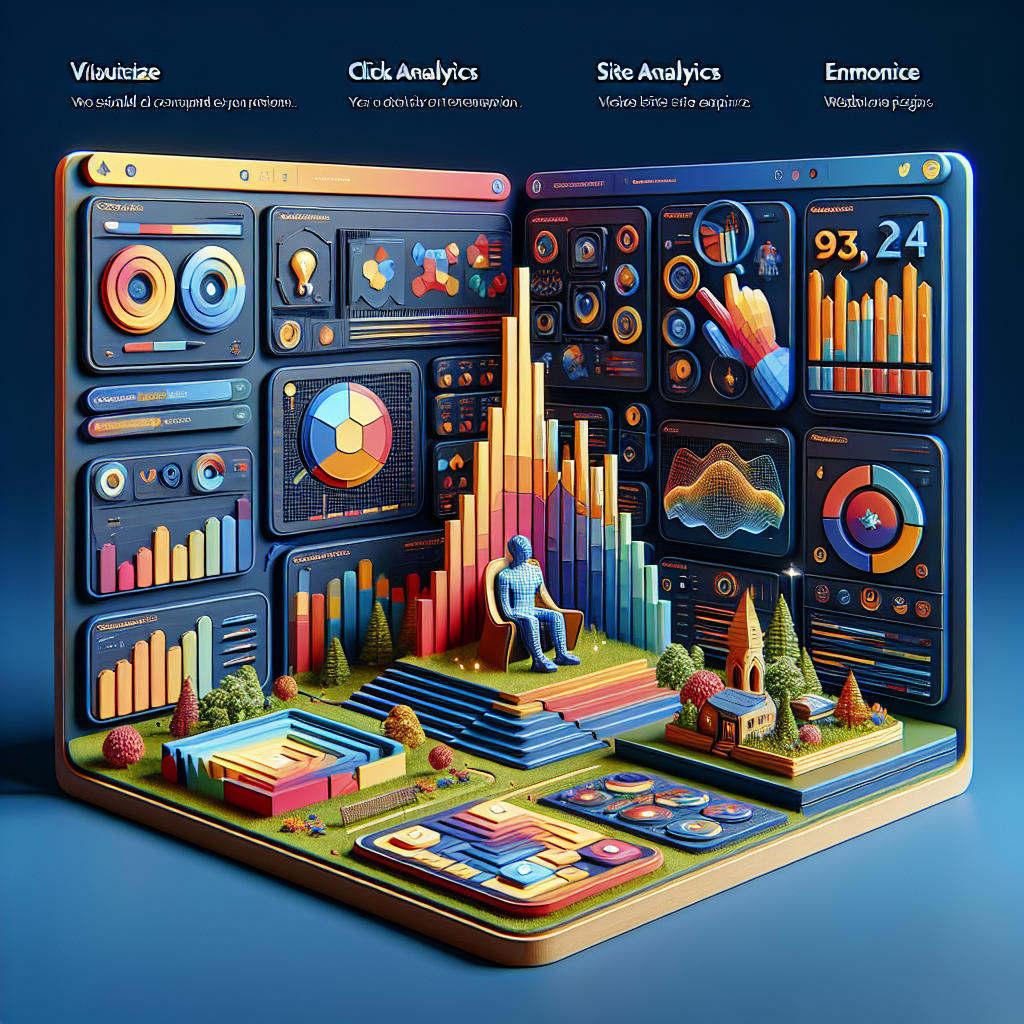
Maximizing User Engagement: Essential WordPress Plugins for 2025
Understanding User Behavior on WordPress
Tracking user behavior is critical to improving both user experience and overall website performance on WordPress. By knowing what visitors click, the duration of their stay, and where they exit, you can gather insights that refine decision-making.
Improve Engagement
Identify which parts of your site are engaging or problematic, allowing for optimized user experience and higher conversion rates.
Automate with Plugins
Leverage WordPress plugins for seamless tracking and get detailed analytics. Tools like heatmaps and session recordings can guide improvements effortlessly.
Introduction to Heatmaps and Sessions
In the competitive world of digital marketing, understanding how users interact with your website can provide a significant advantage. Heatmaps and session recordings are two powerful analytical tools that offer insights into user behavior, helping you optimize your site for better performance and engagement.
Heatmaps
Visual representations of data showing user interaction via colors, aiding in quick understanding of engagement.
For example, a heatmap might reveal that users are frequently clicking on a non-clickable element, indicating a need for design adjustments.
Session Recordings
Provides a play-by-play of a user’s journey through your website, allowing you to watch their navigation.
Session recordings allow you to virtually look over a user’s shoulder as they browse your site, making them incredibly valuable for fine-tuning user experience.
Both heatmaps and session recordings are instrumental in illustrating how effective your layout, design, and content are. By analyzing these analytics, businesses can identify potential issues, test hypotheses, and make data-driven decisions to boost conversions.
For WordPress users, utilizing a WordPress heatmap plugin or finding the best session recording plugin WordPress has to offer, can greatly enhance the understanding of visitor behavior. These tools integrate seamlessly into WordPress, making them accessible for both small businesses and large enterprises.
Get in TouchChoosing the Right Heatmap Plugin
Essential Features
- Click Tracking
- Scroll Depth Measurement
- Session Recordings
Tools like Crazy Egg and Hotjar offer comprehensive analytics.
Ease of Use
Look for easy installation and intuitive dashboards. Consider lightweight options like Heatmap for WP.
These plugins integrate seamlessly with WordPress without impacting performance.
Privacy Considerations
Choose plugins compliant with data regulations like GDPR. Visitor Analytics respects privacy with anonymized data.
Ensure clear consent management tools are in place to protect user data.
Tracking User Clicks Effectively
Understanding where and how users interact with your website can significantly enhance your digital strategy. By utilizing a WordPress user click tracking plugin, you can uncover valuable insights about user behavior that can lead to improved engagement and increased conversion rates.
- Identify high-interest areas to optimize buttons and links for better user experiences.
- Use insights for A/B testing to refine design elements and improve conversion rates.
- Dynamically optimize your site to match visitor expectations, increasing satisfaction and prolonging site visits.
Real-World Impact
Imagine launching a new product on your e-commerce site. By using a plugin to see where users click in WordPress, you could determine if visitors are interacting with key call-to-action elements like “Buy Now” buttons.
If these elements are underperforming, consider relocating or redesigning them to capture attention, significantly increasing your conversion rates.
By effectively tracking user clicks, you’re not just gathering data—you’re generating actionable insights that can drive real-world results and improve your site’s performance.
Session Recording Tools for Deeper Insights
Capture detailed user journeys and understand patterns like never before with session recording plugins that go beyond just heatmaps.
Hotjar
Experience comprehensive insights into user activity with Hotjar, directly from your WordPress dashboard. Understand how visitors interact and identify areas of friction effortlessly.
- Real-time user recordings
- Identify usability issues
- Improve conversion rates
Lucky Orange
Leverage Lucky Orange to see through your users’ eyes and pinpoint where they face challenges, without any complex setup or coding.
- Visualize user interaction
- Quickly identify problem areas
- Boost user satisfaction
Integrating 3D Viewer Plugins in Your Site
Integrating 3D viewer plugins into your website takes the user experience to an entirely new level, offering not just information but interaction. For businesses wanting to showcase products or projects, this can be a game-changer.
Why Integrate 3D Models?
- Transforms your site from static to dynamic, enabling visitors to explore products up-close from every angle.
- Increases user engagement, making content memorable and potentially boosting conversion rates.
- Ideal for showcasing a comprehensive and interactive portfolio.
Benefits for Different Sectors
- Real estate sites can offer virtual open houses, enhancing buyer experience.
- Artists and designers can showcase art pieces with nuance and textures.
- Optimized for performance ensuring models load smoothly without affecting site speed.
Using 3D viewer plugins, even those with minimal technical expertise can add sophisticated functionality to their websites, enhancing user interaction and setting your site apart. If you’re looking to boost your content strategy, implementing 3D models is a step in the right direction.
Contact Us for IntegrationReviewing Free Plugin Alternatives
Free WordPress Heatmap Plugin
Heatmaps provide invaluable insights into user behavior, helping site owners understand how visitors interact with their site. A popular free option is the “Hotjar” plugin, which offers core heatmap services perfect for small businesses.
Learn MoreFree 3D Viewer Plugin
For engaging product showcases, the “WebAR” plugin offers basic 3D visualization capabilities at no cost. It’s particularly beneficial for industries like real estate or retail.
Learn MoreBy leveraging these free plugins, small businesses can enhance their WordPress sites and improve user experience without any initial costs.
Contact UsBest Practices for Plugin Use
Choose Quality Over Quantity
Ensure plugins are reliable and compatible with reviews, ratings, and frequent updates. Use essential plugins for standout features and user experience.
Regular Updates and Maintenance
Regularly update plugins to patch vulnerabilities and improve performance. Utilize management tools for easy tracking of pending updates.
Test in a Staging Environment
Experiment with new plugins in a safe setting to preemptively address potential issues, preserving the live site’s user experience.
Limit Plugin Overload
Too many plugins can slow down your site. Regular audits to prune or replace with multi-purpose options can enhance site speed.
Invest in Support and Documentation
Having robust support and documentation helps resolve conflicts and minimizes downtime, bolstering site reliability.
Browse Categories:
Tags for this post:
You may also like
Unlocking User Behavior: Top WordPress Plugins for Click Tracking and Interaction Visualization
Explore the best WordPress plugins for tracking user clicks and interactions to optimize site performance and enhance user experience.

Optimize Your WordPress Site: Top Plugins for Tracking User Behavior and Enhancing Experience
Discover top WordPress plugins to track user interaction and improve your site’s user experience and conversions.
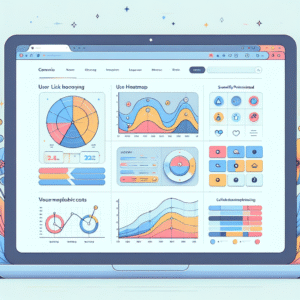
Unlocking Insights: The Best WordPress Heatmap & User Behavior Tracking Plugins
Explore the top WordPress plugins for tracking user behavior and optimizing engagement using heatmaps and session recordings.