Maximize User Engagement with Top WordPress Heatmap Plugins
Understanding Heatmaps: A Fundamental Overview
Explore the significance of heatmaps in user behavior analysis and why they’re essential for optimizing your WordPress site.
What are Heatmaps?
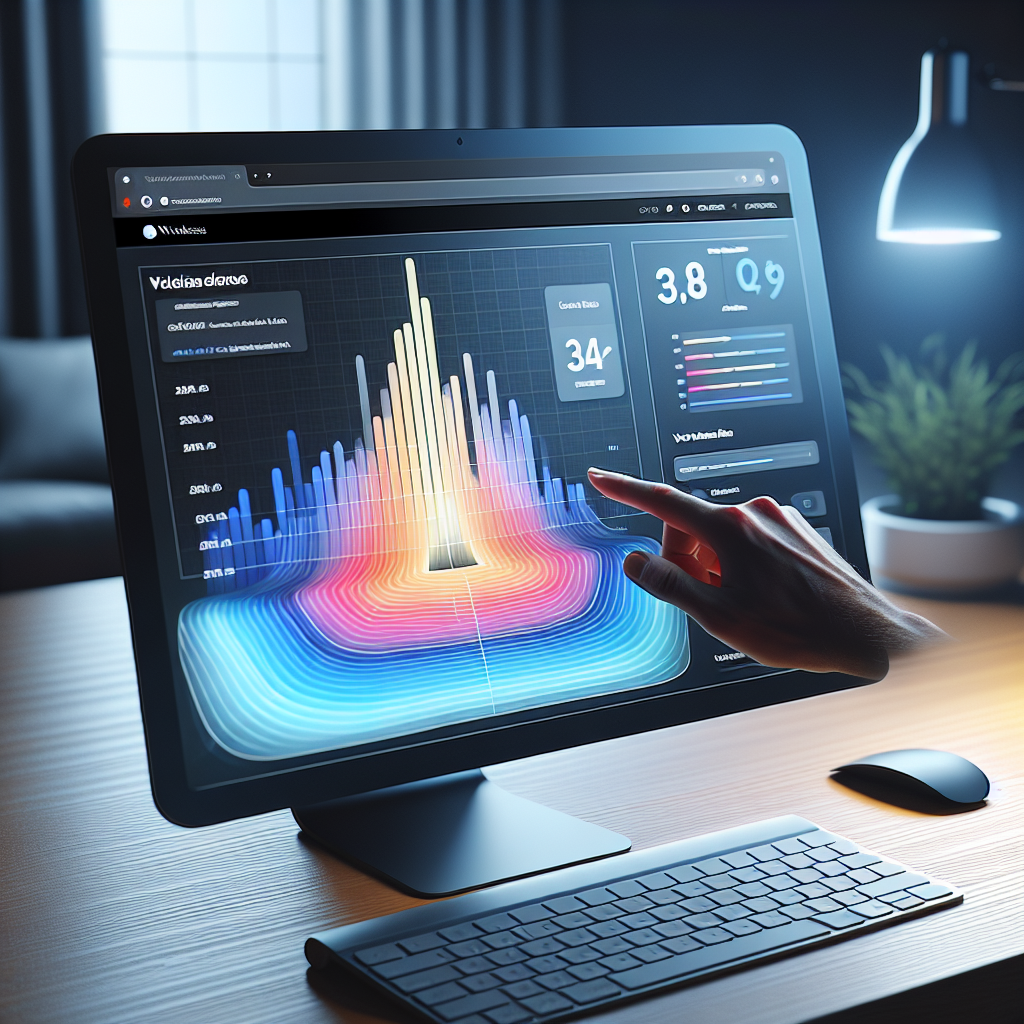
Heatmaps are powerful analytical tools that visually represent data, effectively revealing user engagement on websites through a color gradient.
They highlight user interactions, showing which areas of a webpage receive the most and least activity.
Importance of Heatmaps
Heatmaps reveal invisible patterns of user engagement such as click hotspots, lingering sections, and overlooked content.
This visual data helps make informed decisions to enhance UX, content strategy, and site layout.
Using WordPress Plugins
WordPress heatmap plugins effortlessly integrate into your site, allowing easy monitoring of user behavior without technical expertise.
These tools identify UX issues and aid in adjusting design to better fulfill user needs.
Real World Benefits
Understanding and utilizing heatmaps equips website owners with insights to optimize content and layout, boosting engagement and conversions.
Leverage heatmaps today for actionable insights that enhance user analytics.
Top Benefits of Using Heatmaps on WordPress Sites
Discover how heatmaps can transform your website’s user experience and performance.
Enhanced User Engagement
Understand user interaction and strategically enhance key content zones.
Facilitated A/B Testing
Leverage user data to test and optimize site layouts and elements.
Improved Usability
Identify and rectify navigational issues to streamline website usage.
Choosing the Right Heatmap Plugin for Your WordPress Site
Lightweight and Performance-Friendly
Ensure your plugin is lightweight to maintain your site’s speed without compromising on performance. Fast sites enhance user experience and improve search engine rankings.
Privacy-Focused Features
Choose plugins that prioritize privacy by anonymizing data, ensuring compliance with GDPR and other regulations, and maintaining trust with your users.
Ease of Integration
Opt for user-friendly plugins that integrate seamlessly with WordPress and are easy to use without extensive technical knowledge.
Support and Community
Leverage plugins with active support and a strong community for troubleshooting and advice, ensuring long-term reliability with frequent updates.
Top Free Heatmap Plugins for WordPress
In the realm of website optimization and user experience, heatmap plugins offer invaluable insights as they visually represent data on how users interact with your site. If you’re looking for a budget-friendly solution, exploring a free WordPress heatmap plugin might be just what you need. Here’s a curated list of top free options:
Hotjar
Hotjar offers a free tier that includes heatmap functionality. It’s perfect for small to medium-sized websites looking to gain a better understanding of user behavior without committing to a paid plan.
Learn MoreMouseflow
Mouseflow provides session replay and funnel analytics on its free plan. Understand where users click and address conversion barriers effortlessly.
Learn MoreCrazy Egg
Enjoy a free trial offering access to heatmap tools. See user clicks and explore extra features like scroll maps, aiding design refinements.
Learn MoreWP Visitor Stats
Formerly known as WP Statistics, this plugin includes a basic heatmap feature for visualizing user clicks on your WordPress site.
Learn MoreInspectlet
Watch actual user sessions with Inspectlet. Gain deep insights into user engagement without the high costs.
Learn MoreBy installing any of these plugins, you can access valuable data and insights without breaking the bank. Whether you need a simple plugin to see where users click on your WordPress site or require more robust tracking capabilities, these free options provide a solid start. As your site grows, remember that many of these solutions offer paid tiers full of additional capabilities, allowing your analytics to scale alongside your aspirations.
Alternatives to Heatmaps: Exploring Session Recording
What is Session Recording?
Session recording offers a comprehensive view of user interactions, capturing their journey from mouse movements to page transitions. This tool allows you to observe actual interactions, unlike static heatmaps, providing actionable insights into user behavior.
Why Choose Session Recording?
Session recordings reveal behavioral patterns, highlight user drop-off points, and offer insights into areas needing improvement. By leveraging session recording, you can enhance conversion rates and optimize the user experience more effectively than heatmaps alone.
Top WordPress Session Recording Plugins
- Plugin A: Seamless integration, optimized performance, and comprehensive data analysis.
- Plugin B: Enhanced user behavior insights with tailored reporting for WordPress sites.
- Plugin C: Easy setup and holistic view of user engagement on your website.
Leverage these plugins to gain a holistic view of visitor engagement and boost your website performance effectively. Consider combining session recordings with heatmaps for a well-rounded analysis.
Privacy Considerations for Using Heatmaps
When integrating heatmaps into your online data analytics strategy, prioritizing user privacy is paramount. Heatmaps can capture sensitive information if not handled with caution.
User Consent
Ensure explicit user consent before data collection begins. Transparent communication is essential through updated privacy policies and clear consent forms.
Data Anonymization
Implement features that strip away personal identifiers from the collected data to protect user privacy.
Regulatory Compliance
Align your heatmap tool selection with a provider that adheres to privacy regulations such as GDPR or CCPA.
Regular Audits
Regularly audit your data collection methods and privacy practices to ensure ongoing compliance and transparency.
Enhancing User Experience with Heatmap Insights
Unlock the potential of heatmaps to transform user behavior data into actionable site improvements.
Understand User Interaction
Heatmaps offer visual insights into user behavior, highlighting where visitors focus their attention, helping you make data-driven improvements.
Increase Conversions with Data
Leverage scroll maps and click maps to reposition essential elements for better visibility, enhancing navigation and boosting conversions.
Refine User Journeys
Identify areas of friction and optimize your page layout and design to align with user behavior, refining their journey through your site.
Data-Driven Design Decisions
Using heatmaps, ensure your site’s design aligns seamlessly with real-world interactions, improving overall performance and user satisfaction.
Implementing Heatmap Insights for Business Growth
Transitioning from data analysis to tangible business growth requires effective implementation of heatmap insights. These visual tools offer a snapshot of user interactions, making it easy to identify patterns and potential issues quickly.
Key Strategies for Optimization:
- Adjust underperforming elements by repositioning them or enhancing calls-to-action to boost engagement.
- Identify low-interaction areas for content revamp, ensuring every section enhances user experience.
- Use plugins that track user behavior on WordPress, converting data into actionable insights efficiently.
Regular updates based on these insights can improve search rankings and user satisfaction, driving significant growth. Aligning strategic actions with data positions your business for competitive advantage.
Contact Us to Learn MoreThe Power of Data-Driven Decisions
Quantify and enhance user activity using top WordPress plugins designed for improved conversions. Leverage heatmap insights to evaluate and adjust your digital strategy for continuous optimization and measurable business growth.
Browse Categories:
You may also like
Uncover Insights: How the Right WordPress Plugins Revolutionize User Interaction
Discover how WordPress plugins transform user interactions, boost engagement, and ensure privacy while optimizing your site for ultimate performance.

Optimize User Experience with WordPress Heatmap Plugins
Discover top WordPress heatmap plugins to enhance user experience through precise tracking and data-driven insights.
Enhance User Experience with WordPress Click Tracking and Heatmap Plugins
Unlock user insights with top WordPress click tracking and heatmap plugins to boost engagement and conversion rates.