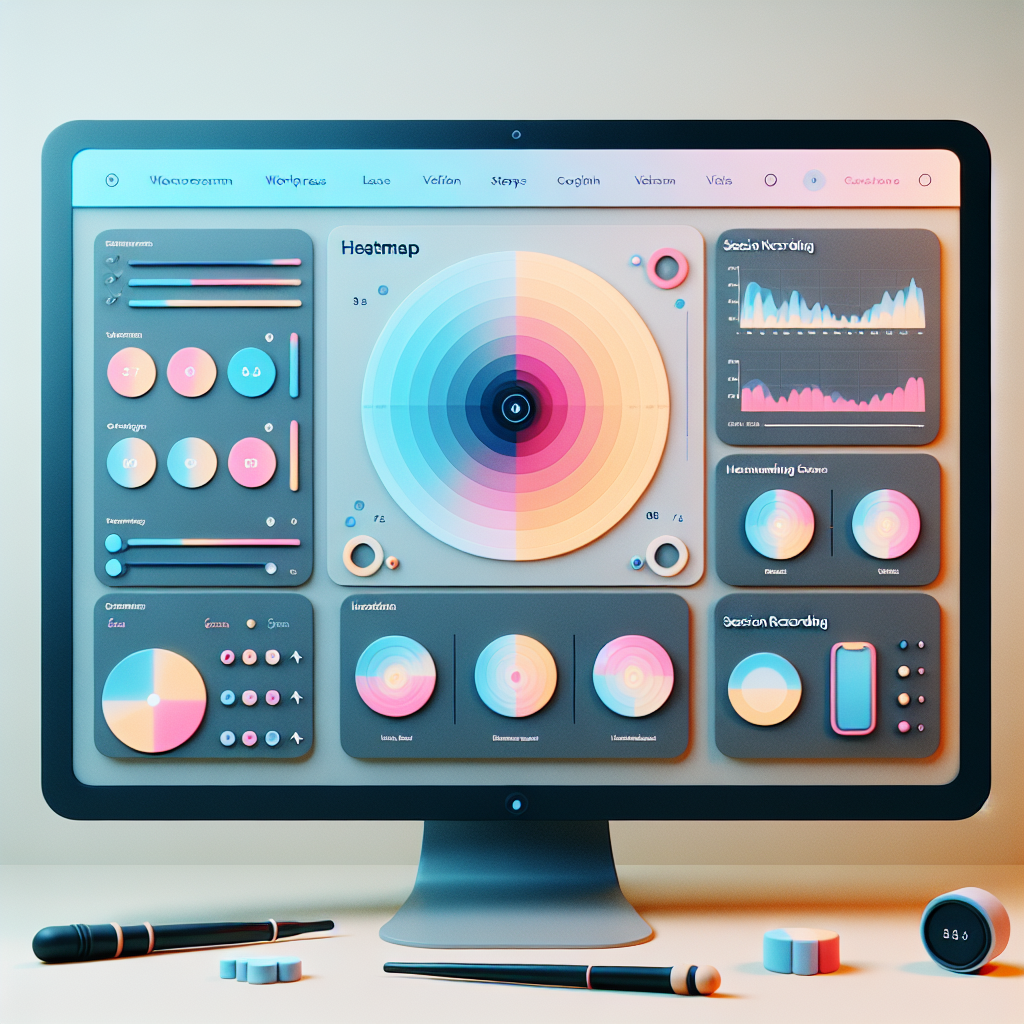
Maximize Engagement: Top WordPress Heatmap and Session Recording Plugins for 2025
Introduction to WordPress Heatmaps
Understanding how visitors interact with your WordPress website is crucial for optimizing the user experience. A heatmap visually represents user interactions, highlighting high activity areas such as clicks and scrolls, to boost user engagement and conversions.
Identify Hotspots
See where your users are most engaged with visual representation. Highlights high activity areas such as clicks, scrolls, or hovers.
Drive User Engagement
Utilize insights to increase clicks and interactions by strategically adding links or calls to action.
Revealing Confusions
Pinpoint areas that users ignore or find confusing, providing an opportunity to make data-driven improvements.
Data-Driven Decisions
Informed changes improve layout, content placement, and design elements which enhance overall site performance.
Why You Need User Click Tracking
Boost User Experience
Understanding user interactions is crucial. Click tracking offers insights into which parts of your site engage the most and which are overlooked, helping optimize layout and content.
Visually track user activity effortlessly with plugins.
Enhance Conversions
Adapt based on user preferences. Reposition or redesign low-click areas to improve visibility and appeal.
Gain insights on conversions and optimize calls-to-action.
Best Heatmap Plugins for WordPress
Optimize your website and understand user behavior with these top WordPress heatmap plugins.
1. Hotjar
Known for robust features, offering insights into visitor behavior via heatmaps, session recordings, and conversion funnels. Hotjar is user-friendly and offers an all-in-one solution for WordPress users.
2. Crazy Egg
Offers heatmaps, scrollmaps, and A/B testing features. Crazy Egg helps visually interpret user interaction, mapping where users click most frequently to inform content modifications.
3. Mouseflow
Provides detailed session replay along with heatmaps. Mouseflow tracks keystrokes and offers live analytics for comprehensive insights, favored by marketers focused on UX improvements.
4. Lucky Orange
Offers dynamic heatmaps that adjust with page changes. Lucky Orange includes form analytics to identify where users hesitate or drop off, optimizing conversions.
Top Session Recording Tools for WordPress
Enhance your WordPress site by understanding visitor behavior through session recording plugins. These tools help you visualize user interactions, allowing you to make informed decisions about your site’s design and functionality.
Hotjar
Renowned for its all-in-one analytics capabilities, Hotjar integrates with WordPress, offering recordings, heatmaps, and deep insights to refine user experience.
Mouseflow
Track movements, clicks, and scrolls in real-time. Mouseflow’s session replay offers a full view of visitor journeys, ideal for analyzing user engagement.
Smartlook
Providing powerful features without slowing your site, Smartlook filters sessions by visitor behavior, offering actionable insights.
Lucky Orange
More than just recordings, Lucky Orange includes live chat, heatmaps, and conversion funnels, crucial for enhancing user engagement.
Inspectlet
Inspectlet offers detailed behavioral insights with session recordings, heatmaps, and form analytics, ideal for optimizing website performance.
Lightweight and Free Heatmaps Plugins
Hotjar
Hotjar offers a free basic plan which includes heatmaps and session recordings, perfect for visual analysis of user interactions.
- Easy integration with WordPress
- Visualize user clicks and scrolls
- Ideal for startups and small businesses
Crazy Egg
Crazy Egg focuses on privacy with anonymized user data, ensuring compliance with data protection regulations.
- Privacy-focused and compliant
- Lightweight, minimal impact on performance
- Free trial available for comprehensive analysis
Alternatives to Hotjar for WordPress
Crazy Egg
Offers heat mapping and A/B testing to help optimize design based on user interaction.
Mouseflow
Includes session recordings to replay user interactions and identify usability improvements.
Lucky Orange
Provides a mix of heat mapping and chat functionality at a cost-effective price.
Inspectlet
Known for detailed session recordings and segmentation capabilities to tailor user experiences.
Embedding 3D Models on WordPress
Enhance user engagement and interactivity with 3D models on your WordPress site. Perfect for industries like architecture, fashion, and gaming.
- Offer a multi-angle view to improve product displays.
- Ideal for educational sites and virtual museum tours.
- Plugins like Sketchfab simplify integration and customization.
How to Select the Right Plugin for Your Needs
Define Your Objectives
Start by identifying what you want to achieve: boosting SEO, enhancing security, improving site speed, or requiring niche solutions like visualizing user interaction.
Consider User Reviews
Valuable insights from reviews and ratings reveal the plugin’s real-world performance and reliability.
Prioritize Security
Opt for plugins that are regularly updated and have undergone vulnerability testing to protect your site.
Compatibility and Updates
Ensure the plugin is maintained and compatible with the latest WordPress versions by checking the last update date.
Evaluate Support
Good customer support is crucial for resolving issues and maximizing the plugin’s potential.
Test in a Staging Environment
Trial plugins in a controlled environment before live deployment to ensure they meet your needs without risks.
Browse Categories:
Tags for this post:
You may also like

Choosing the Best WordPress Heatmap & Click Tracking Plugins for 2025
Discover the best WordPress heatmap and click tracking plugins to enhance user interaction and conversion rates for your site in…

Maximizing User Experience: The Essential WordPress Plugins for Tracking and Engagement
Discover essential WordPress plugins to boost user engagement and track behavior, ensuring your site's success with strategic insights.

Boost Your WordPress Site’s Success with User Interaction Plugins
Discover the essential user interaction plugins for enhancing your WordPress site's performance and user experience.