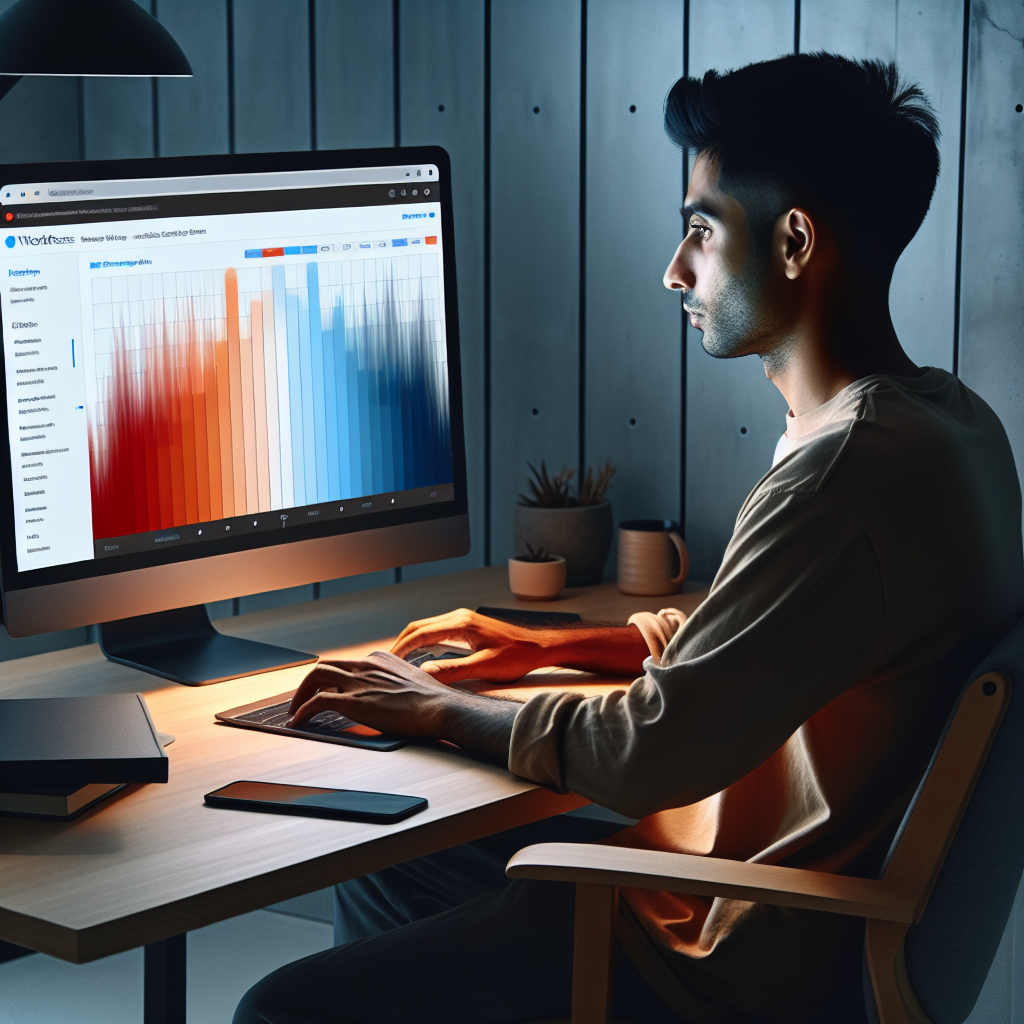
Mastering User Interaction: Top WordPress Heatmap Plugins for 2025
Understanding User Behavior with WordPress
In the digital age, understanding your audience is as critical as creating compelling content. For WordPress site owners, effectively tracking user behavior can unlock this understanding, leading to improved UX and higher conversions.
Why Track User Behavior?
Better insights lead to better user experiences, driving higher conversions. By using WordPress plugins designed for behavior tracking, you can precisely identify where users drop off, which content engages them, and optimize their journey.
Tracking is not just about data — it’s about informed actions that boost engagement and revenue. Use insights to customize journeys and optimize site structures.
Why Heatmaps Are Essential for Your WordPress Site
Discover the power of visualizing user interactions with heatmaps.
Visual Insight with Heatmaps
Heatmaps provide an invaluable window into user interaction, helping you understand where users click, scroll, and pay attention. It’s like a digital eye-tracking study revealing intricate user behaviors.
Optimize Conversion Paths
Identify hot and cold areas to improve key elements like call-to-action buttons. Ensure users engage effectively with your site’s conversion points by adjusting layout based on heatmap insights.
Continuous Refinement
With user click tracking plugins, monitor click positions to continuously test and refine your WordPress site. This ensures an optimized environment aligned with user needs.
Stay Ahead of Trends
Adapting to evolving web interactions with heatmaps means meeting user expectations in real-time. Enhance user experience and drive higher engagement by incorporating heatmaps into your strategy.
Top Heatmap Plugins for 2025
With the digital landscape evolving, understanding user behavior through heatmaps is crucial. Explore the best WordPress heatmap plugins of 2025 to enhance insights into visitor interaction.
Choose the right plugin to fit your strategy:
-
Hotjar
A versatile tool with insights into clicks and scrolls, feedback tools such as polls and surveys. Ideal for serious site optimization.
-
Crazy Egg
Easy to set up with strong data visualization: heatmaps, scrollmaps, and A/B testing tools for enhanced usability.
-
Mouseflow
Offers session replay with heatmaps for a detailed view of user interactions, ideal for targeting specific behaviors.
-
Lucky Orange
A budget-friendly option with heatmaps, session recordings, and live chat functionality even in the free version.
-
Inspectlet
Provides detailed session recordings and heatmaps, perfect for e-commerce sites to boost conversions.

Best Session Recording Plugins for WordPress
Enhance your understanding of user behavior with session recording plugins that complement heatmaps, providing deeper insights and improving your tracking strategy.
Hotjar
Hotjar combines heatmaps, session recordings, and surveys into a single platform. It offers comprehensive insights by capturing mouse movements, clicks, and form inputs.
Mouseflow
Mouseflow offers session replay, funnel analysis, and feedback campaigns. Get up to 100 recordings for free, allowing you to explore user activities in-depth.
Crazy Egg
This plugin provides session recordings, heatmaps, and A/B testing. Crazy Egg reveals where visitors get stuck, offering insights for optimization.
Lucky Orange
Lucky Orange includes session recordings, heatmaps, and chat capabilities, allowing you to delve deeper into usability and user experience issues.
Lightweight Alternatives to Popular Plugins
TrackingCode
A lightweight alternative to Hotjar, offering essential heatmap and session recording features with minimal site impact.
Lucky Orange
Comprehensive user engagement tools with real-time data capture that ensures minimal impact on performance.
Heatmap for WordPress
Streamlined visual data analysis capturing user interactions without slowing down your site.
Navigating Privacy Concerns with Heatmap Plugins
Address privacy issues related to user tracking, reassuring readers about compliance and ethical use.
Respect for User Privacy
Choosing a privacy-focused WordPress heatmap that respects user privacy ensures compliance with GDPR and CCPA regulations, responsibly handling personal information.
Data Aggregation Techniques
By aggregating data, heatmap plugins maintain anonymity while still offering insights, ensuring that individual user interactions aren’t identifiable.
Integrating Heatmaps Into Your Workflow
Integrating heatmaps can transform the way you understand user interactions on your website. This practical guide encourages incorporating these tools systematically to boost user experience and conversion rates.
Choose a Suitable Tool
Opt for easy-to-install WordPress plugins that require just adding a tracking code to your site.
Set Clear Goals
Identify specific pages and user interactions like clicks, movements, or scrolling to analyze.
Regular Review Sessions
Incorporate monthly or quarterly reviews to leverage insights for refining site elements.
Utilize A/B Testing
Use heatmaps to observe user interactions across variants, improving site performance iteratively.
Remember:
Integrating heatmaps isn’t a one-off task but a continuous journey. By embedding these tools into your regular site analysis workflow, you can hone a deeper, more visual understanding of user engagement.
Learn MoreChoosing the Right Tool for Your Site
Selecting the right tool for your website can mean the difference between merely gathering user data and truly understanding and optimizing user experience. A reliable WordPress plugin to visualize user interaction is essential for gaining insights into how visitors engage with your site.
- Consider ease of installation and compatibility with your current WordPress setup.
- Evaluate the depth of insight it provides and how features align with specific goals.
- Look for features that offer intuitive interfaces and actionable insights without overwhelming complexity.
By making an informed choice, you’ll transform your web analytics into strategic action points, guiding your site’s future development. Embarking on this journey equips you with the power to refine your site and ensures a seamless and engaging experience for every visitor.
Browse Categories:
You may also like

Mastering User Behavior: Top WordPress Heatmap Plugins for 2025
Discover the top WordPress heatmap plugins for 2025 to enhance user experience and engagement on your site.

Enhance Your WordPress Site: The Best Heatmap and User Tracking Plugins
Discover the top WordPress plugins for heatmap tracking and enhance your site's user experience and interaction insights.

Enhance User Experience with WordPress Heatmap & User Tracking Plugins
Discover how to enhance your WordPress site's user experience with cutting-edge heatmap, tracking, and 3D embedding plugins.