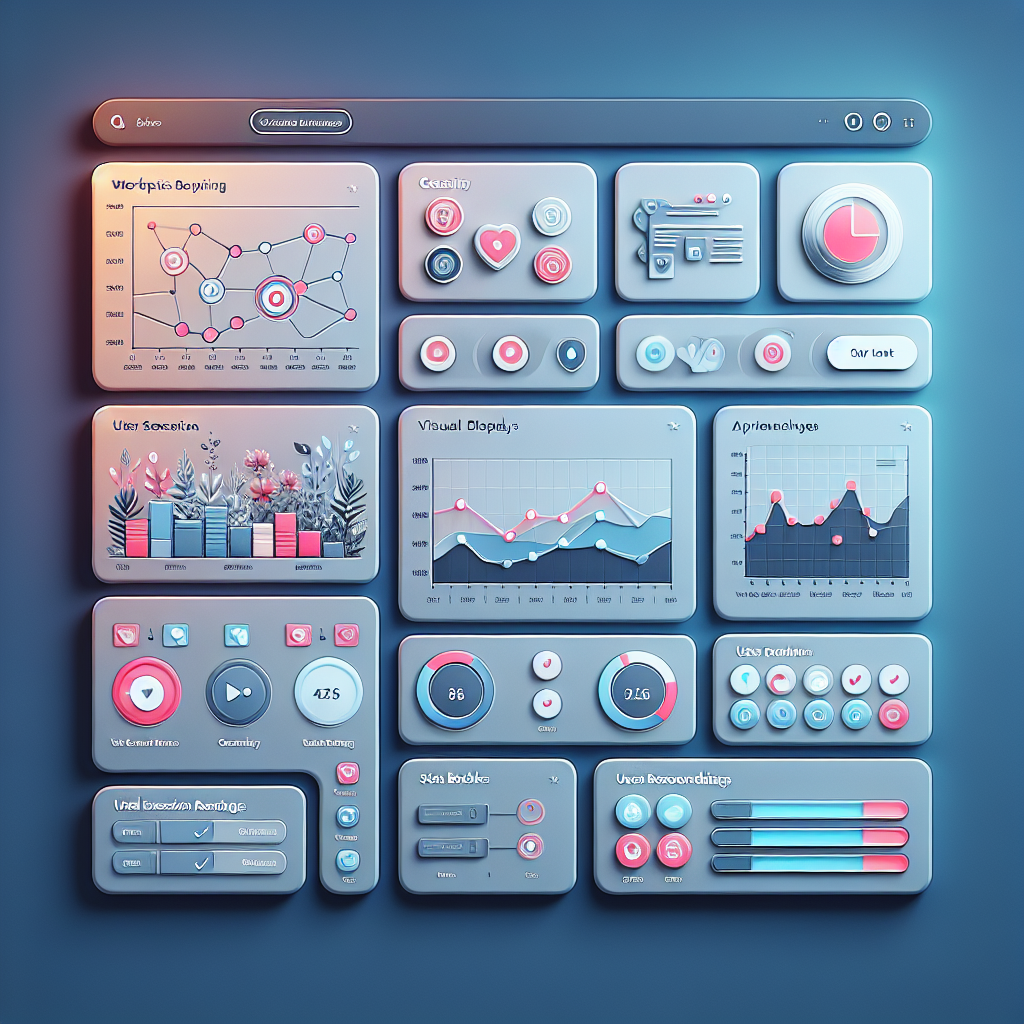
Mastering User Interaction Insights with WordPress Heatmap and Tracking Plugins
Understanding User Clicks on WordPress
Discover the key to enhancing user experience by tracking interactions, providing a pathway to optimal website performance.
Track User Engagement
Uncover insights from user interactions; identify top-performing areas and spots needing improvement.
Analyze Click Patterns
Learn which CTAs resonate and which pages attract interest to refine your strategy.
Optimize User Experience
Employ a holistic approach to improve user satisfaction and drive conversions.
Heatmap Essentials for WordPress
Heatmaps visualize how users interact with your website, highlighting areas of engagement through color gradients. By using heatmaps, WordPress site owners can enhance user experience and performance.
-
Click Behavior: Identify popular links or buttons through user clicks.
-
Scroll Tracking: Understand how far users scroll to optimize content placement.
-
Mouse Movement: Track cursor attention hotspots for better layout planning.
By integrating these insights from a lightweight WordPress heatmap plugin, you can tailor user experiences effectively without compromising site performance.
Top Plugins to Track User Interaction
MonsterInsights
Integrates seamlessly with Google Analytics, providing comprehensive tracking capabilities right from your WordPress dashboard.
- Monitor pageviews, clicks, and conversions
- Seamless setup
Crazy Egg
Offers a visual representation of user interactions such as clicks, scrolls, and mouse movements.
- Privacy-focused heatmap
- Includes A/B testing and surveys
Hotjar
Combines heatmaps, session recordings, and feedback polls to give you meticulous details about user interactions.
- Visual analytics for clicks, scrolls
- Offers feedback polls
Lucky Orange
Known for real-time analytics with user recordings and personalized dashboards.
- Access to user recordings
- Includes live chat and conversion funnels
WP User Activity
Simple plugin for tracking logged-in user activities, focused on activity logs and monitoring user roles.
- User activity logs
- Monitor user roles and actions
The Utility of Session Recording
Session recording provides unparalleled insights into user behaviors, enabling site owners to observe each aspect of the user journey — unveiling prospects for design and strategy enhancement.
Enhanced User Experience
By analyzing interaction patterns, improve site navigation, layout, and the buying journey, ultimately elevating the user experience.
Informed Design Changes
Base design iterations on concrete data of real interactions rather than speculation for more effective UX/UI decisions.
Improved Conversion Rates
Spot and rectify obstacles in the conversion journey, boosting engagements and sales performance.
Refined Content Strategy
Tailor content based on engagement insights for material that best resonates with your audience.
Integrating Analytics with Heatmaps
Enhance your insights with analytics plugins and make empowered, data-driven decisions.
Amplify User Understanding
Integrating heatmaps with analytics gives a richer detail into user behaviors, revealing where users click and how they interact with your site.
- Visual representation of user interactions
- Connect click data to user journeys and conversion rates
Transform Data Interpretation
Use plugins like Hotjar or Crazy Egg to overlay essential metrics onto your heatmaps. Discover trends and identify optimization opportunities.
- Identify trends and anomalies
- Optimize site navigation and user experience
Get Started with Heatmap and Analytics Plugins
Empower your site with a holistic view of user data. Improve interactions, boost conversions, and connect deeper with your audience.
Visit Home Contact UsSmart Alternatives to Hotjar
Discover cost-effective and privacy-concerned alternatives to Hotjar, perfect for WordPress users seeking solutions that align with their needs.
Crazy Egg
- Heatmaps and Scroll Maps
- A/B Testing
- Competitive Pricing Plans
Mouseflow
- Real-time User Interactions
- Session Recordings
- Free Plan Available
Lucky Orange
- Comprehensive Analytics Suite
- Feature-rich Experience
- Budget-friendly
Plausible Analytics
- User Privacy Prioritized
- Open-source Tool
- Essential Insights
Clarity by Microsoft
- Deep Insights into Behavior
- Free Alternative
- Minimal Impact on Performance
Enhancing User Experience with Data
Utilizing user data effectively can significantly enhance the user experience on a website, making it intuitive and engaging. By analyzing data from user interactions, you can identify common navigation paths and streamline your site’s architecture, ensuring visitors find what they need efficiently.
Netflix Case Study
Netflix uses accumulated user data to personalize content, significantly improving user satisfaction and increasing retention rates. Similarly, your website can offer tailored content or products, thereby improving the user experience.
WordPress Plugin Solutions
- Google Analytics Dashboard for WP: Track essential metrics right from your dashboard.
- MonsterInsights: Break down complex analytics into actionable insights to boost engagement.
“Harnessing user data through these means transforms the website experience, building a foundation for long-term growth by aligning strategies with actual user needs and behaviors.”
Implementing Changes Based on Insights
Utilize insights from WordPress heatmap and click tracking plugins to enhance site functionality and user experience. These tools provide visual and data-driven understanding of user interactions.
-
Assess Heatmap Data
Identify user interaction patterns, linking frequent click areas to relevant content for improved navigation.
-
Optimize Layout
Reposition ignored elements to high interaction zones, enhancing engagement and conversion.
-
Improve User Journeys
Streamline processes based on click tracking data, ensuring an enhanced user experience.
Key Benefits of Insight-Driven Changes
- Elevate overall site performance
- Encourage repeat visits
- Enhance user satisfaction
Browse Categories:
You may also like
Mastering User Engagement with Heatmaps and 3D Plugins on WordPress
Discover the power of WordPress heatmaps and 3D plugins to enhance user engagement and conversion on your site.
Unlocking User Insights: Top WordPress Plugins for Tracking Clicks and Behavior
Discover the best WordPress plugins for tracking user clicks and behavior to enhance site experience and boost conversions effectively.

Transform Your WordPress Site with AI-Powered Tools in 2025
Discover how AI-powered plugins can transform your WordPress site in 2025, enhancing UX and boosting conversions.