Mastering User Insights: The Best WordPress Heatmap Plugins for 2025
Understanding Heatmaps and Their Benefits
Discover how heatmaps unlock insights into user behavior, crucial for crafting an engaging and effective website.
Visualizing Data with Heatmaps
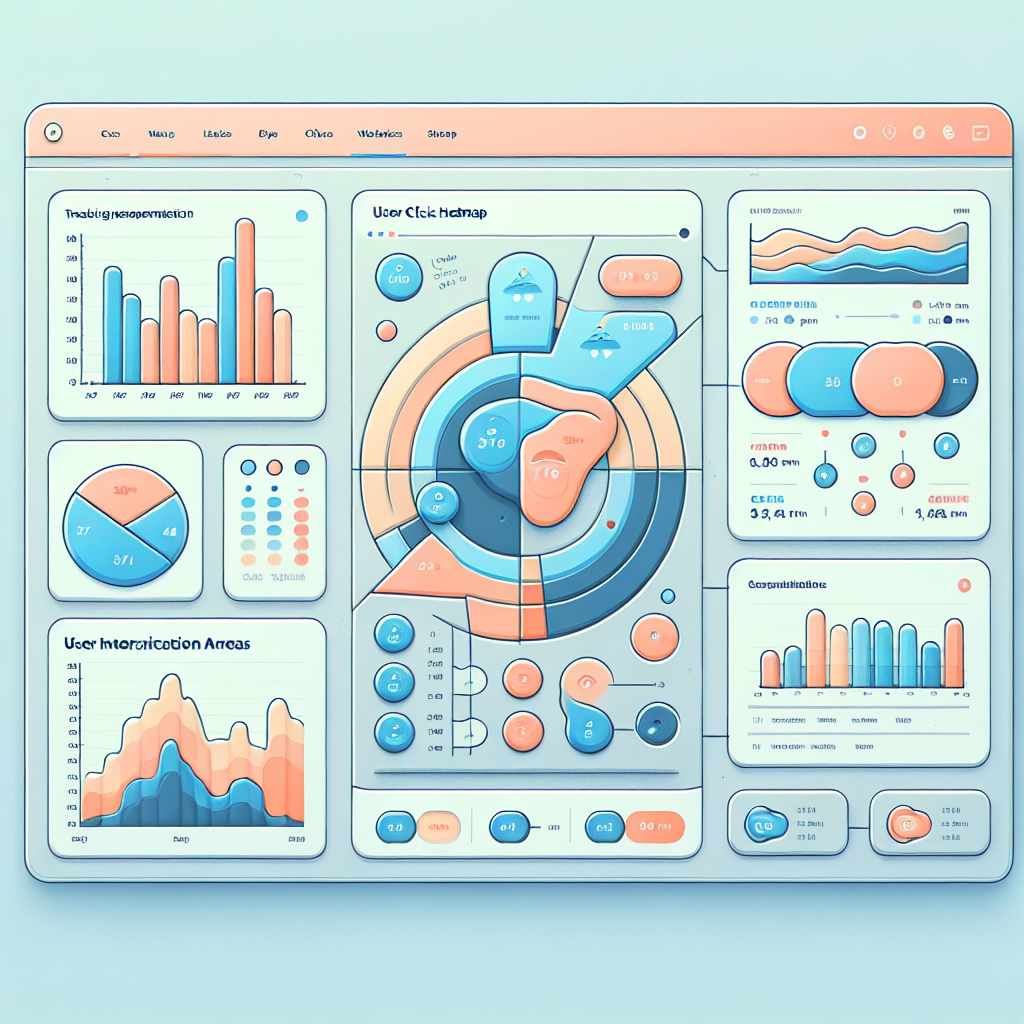
Heatmaps transform complex data into an easily digestible, color-coded format. This visual storytelling tool helps website owners understand user interactions and optimize their site layouts accordingly.
Enhancing User Experience
By identifying how users interact with webpage elements, heatmaps enable strategic adjustments that elevate conversion rates and streamline user experiences, crucial for competitive e-commerce sites.
Essential for A/B Testing
Heatmaps provide clear visual feedback during A/B tests, showcasing which layouts and designs drive higher engagement. Coupled with analytics, they deliver comprehensive insights for tailoring website interfaces.
Key Features to Consider in a Heatmap Plugin
1. Accurate Mouse Tracking
Ensure the plugin offers high-fidelity tracking of user movements, helping pinpoint areas that attract attention or are ignored.
- Differentiates between clicks, scrolls, and hovers
2. Integration Compatibility
The best heatmap plugins integrate seamlessly with tools like Google Analytics for a more holistic view of site metrics.
3. Customization Options
Set specific tracking parameters tailored to different pages or user segments to gather relevant data.
4. Real-time Data Processing
Instant access to the latest interaction data helps quickly identify trends and make data-driven decisions.
5. Session Recording Functionalities
Complements heatmaps by providing visual context to interactions, helping uncover usability issues.
Top Free WordPress Heatmap Plugins for 2025
Discover the best free heatmap plugins to boost your WordPress site’s performance by understanding user behavior without any financial investment.
Hotjar
Comprehensive analytics with a limited free tier, excellent for small to medium websites aiming to analyze user behavior.
- Track clicks, taps, and scrolling
- Understand user interactions
Crazy Egg
Free version includes heatmaps, scroll maps, providing insights into user behavior for site improvement.
- Identify unexpected patterns
- Pinpoint improvement areas
User Heat
Straightforward WordPress plugin giving detailed click-related graphics, covering essentials for user tracking.
- Easy to use
- Visual user interaction data
Page Analytics by Google
Browser extension providing overlaid click data, enriching Google-centric analytic strategies.
- Click data directly on page
- Google-centric analytics
Heatmap.me
Lightweight, requiring no configuration, ideal for moderate traffic, offering real-time click tracking with ease.
- Quick setup
- Seamless integration
Comparison of Premium Heatmap Plugins
Crazy Egg
Ideal for those seeking a user-friendly interface with excellent features, it provides heatmaps, A/B testing capabilities, and conversion optimization tools.
- Insightful user clicks and scroll analysis
- Time spent tracking for engagement metrics
Mouseflow
Offers more than heatmaps; use form analytics and session replays to understand user behavior.
- Funnel analytics to improve sales pipeline
- In-depth behavioral analysis
FullStory
Known for detailed session replays and powerful analytics, helping you identify usability issues efficiently.
- Comprehensive user interaction visualization
- Granular data for product improvement
Hotjar
A well-known choice, offering extensive heatmap analytics, though exploring alternatives might present more cost-effective solutions.
- Heatmaps for user behavior insights
- Budget-friendly alternatives available
Advantages of Developing Custom Plugins
Developing custom plugins tailored to your specific needs can offer a wealth of benefits, especially when utilizing tools like heatmaps for your WordPress site. By investing in custom plugin development, you unlock the full potential of website analytics, enhancing user experience significantly.
- Focus on key metrics crucial to your business.
- Integrate real-time tracking and advanced segmentation.
- Adapt and evolve as per changing business needs.
Custom solutions ensure your tracking tools remain effective and aligned with strategy, fostering a more impactful digital environment.
Case Studies: Success Stories Using Heatmaps
E-commerce Triumph
An e-commerce company noted a 20% rise in completed purchases after streamlining their checkout process, facilitated by heatmap insights pinpointing user drop-offs.
Digital Agency Success
A digital agency improved client conversions by 35% after modifying their heatmap plugin-driven design, highlighting overlooked CTAs.
Installation and Setup Tips for Heatmap Plugins
Choosing a Plugin
First, choose a reliable WordPress heatmap plugin like Hotjar, Crazy Egg, or Mouseflow. Assess your needs and budget, then take advantage of the easy one-click installations available in the WordPress plugin directory.
Configuring the Plugin
After installation, find the plugin under ‘Settings’ or ‘Tools’. Configure it to monitor specific pages by selecting elements to track and deciding on data collection duration. Most plugins guide you through these steps.
Inserting Code Snippets
Some plugins require inserting a JavaScript snippet into your header or footer. Use the ‘Site Header and Footer’ plugin for easy management of script inserts without theme file editing.
Interpreting Data
Regularly analyze heatmap results to improve user experience. Adjust your site based on insights into user clicks and scrolls to optimize for conversions, paving the way for a user-centric growth strategy.
Ensuring User Privacy with Heatmaps
Alleviating concerns about legal compliance and ethical use, while harnessing the power of heatmaps.
Legal and Ethical Considerations
- Utilize privacy-focused heatmaps to safeguard user data while staying compliant with GDPR and CCPA.
- Employ tools that anonymize data, ensuring user identities are protected.
Trust and Transparency
- Build trust by transparently explaining data collection processes and offering opt-out options.
- Enhance brand reputation by prioritizing user privacy and ethical practices.
Browse Categories:
You may also like

Maximize Engagement: The Best Plugins for Heatmaps and 3D Interaction on WordPress
Discover top plugins to enhance user interaction on WordPress with heatmaps and 3D models for a more dynamic experience.
Maximizing User Experience with WordPress Plugins: Tracking & 3D Features
Discover top WordPress plugins to enhance user experience through click tracking and 3D features, for improved visitor engagement.
Enhance User Experience with WordPress Heatmap and Click Tracking Plugins
Discover the benefits of WordPress heatmap and click tracking plugins to enhance user experience and boost engagement on your site.