Improve User Experience with Heatmaps and 3D Viewers: A Guide for WordPress Users
Understanding WordPress Heatmaps
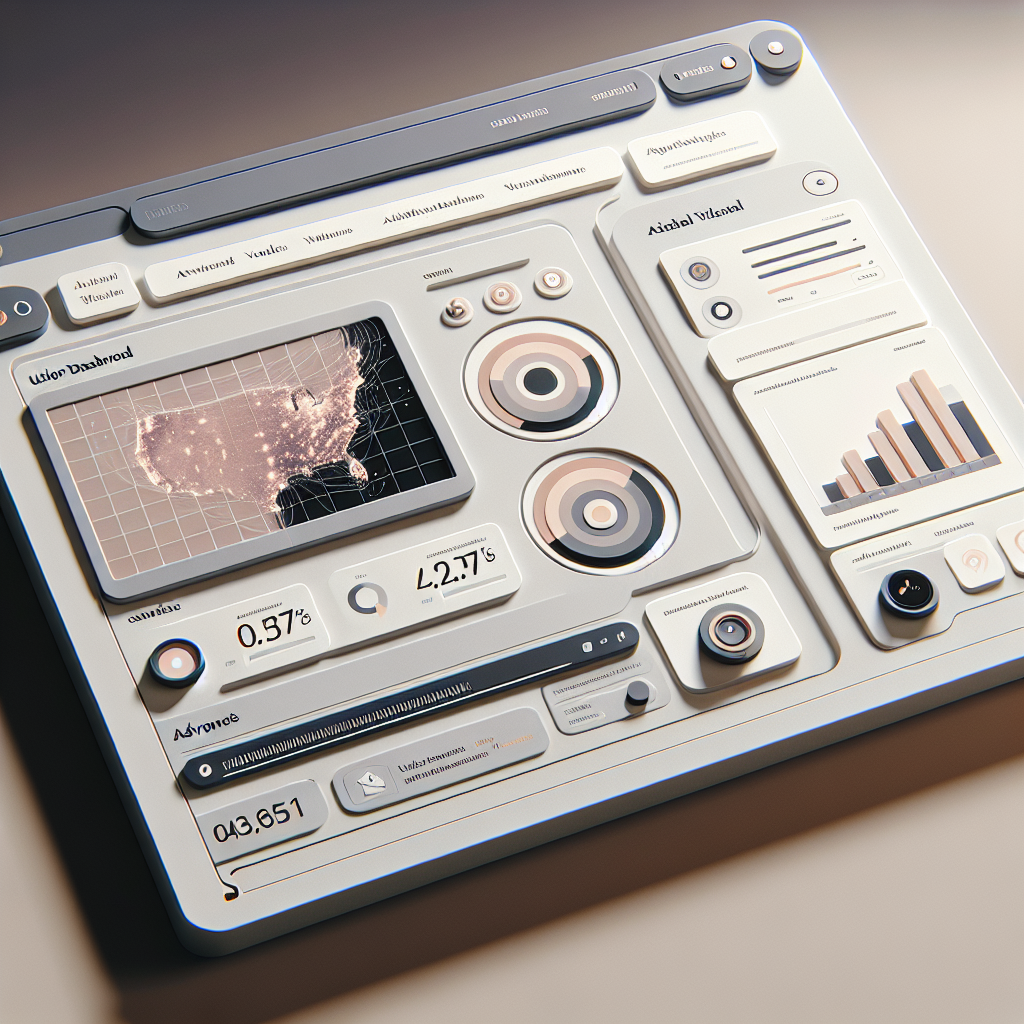
Heatmaps are essential tools for understanding user interaction on your WordPress site. By visually representing data, heatmaps reveal how visitors engage with web pages. They highlight areas of high activity using warm-to-cool color gradients, helping website owners identify parts of their pages that receive the most attention or might be neglected.
Benefits of Heatmaps
- Effortlessly track user behavior without complex data analysis.
- Gather insights for optimizing layout, navigation, and user experience.
- Establish user patterns and preferences to guide design decisions.
Implementing a WordPress heatmap plugin not only provides a visual map of user activity but also converts user behavior data into actionable insights. Consider how understanding user interaction can improve your site’s performance and engage users more effectively.
Exploring Top Heatmap Plugins
Understanding user behavior on your website is essential. Heatmap plugins provide valuable insights by visually representing user interactions, such as clicks, scrolls, or areas users linger on. Here are some top heatmap plugins tailored for WordPress:
Hotjar
Offers comprehensive heatmap functionalities and user-friendly interface with features like session recordings and conversion funnels.
Crazy Egg
Features the unique “Confetti” tool for detailed traffic sources and A/B testing capabilities for in-depth user behavior analysis.
Lucky Orange
Affordable with a comprehensive suite, including heatmaps, session recordings, and chat support. Offers a basic free version.
Mouseflow
Focuses heavily on privacy with detailed analysis while ensuring data security and compliance.
Inspectlet
Ideal for global audiences with dynamic heatmapping capabilities and conversion rate tracking.
Choosing the Right Heatmap Plugin for Your Needs
Understand Your Objectives
Identify your primary goals like improving user engagement, boosting conversions, or understanding user behavior. This will guide you to the features you need most.
Lightweight Plugins for Performance
If speed is a priority, consider lightweight plugins like “Crazy Egg” or “Mouseflow” that offer essential insights without affecting site load times.
Plugins to Boost Conversions
For improving conversions, explore options like “Optimizely” or “VWO” which provide detailed insights through click-tracking, scroll maps, and user session recordings.
Alternatives to Hotjar
Consider alternatives like “FullStory” and “Lucky Orange” if you’re seeking comparable features to Hotjar, often at different price points with unique capabilities.
Making the Right Decision
Trial various options, use free demos, and consult user reviews to find what aligns best with your specific needs, budget, and technical requirements for optimizing your site.
Introduction to 3D Viewer Plugins
Unlock new creative possibilities and engage your audience like never before.
Enhance Engagement with 3D Content
Embed 3D models with ease on your WordPress site, transforming static pages into dynamic experiences.
- Effortlessly integrate 3D viewers
- Offer immersive virtual showrooms
- Elevate customer satisfaction
Benefits of 3D Visualizations in WordPress
3D visualizations are reshaping web interactions by capturing user interest with immersive and dynamic content, making them invaluable for businesses and creatives alike.
Enhanced User Engagement
Captivate visitors with interactive 3D models, increasing their time on site and fostering deeper connections with your brand.
Dynamic Interactions
Allow customers to explore products from every angle, boosting purchase confidence and reducing returns.
Data-Driven Insights
Utilize user interaction data from 3D models to refine web design and enhance user experience.
Top 3D Viewer Plugins for WordPress Sites
Enhance your site’s appearance and user interaction with immersive 3D capabilities.
Sketchfab
Embed 3D models directly into your WordPress site with ease. Perfect for both hobbyists and professionals.
3D Model Viewer
A free and user-friendly plugin supporting major 3D file formats, seamless WordPress integration.
VEROLD Studio (deprecated)
Originally set a precedent for interactive 3D models, ideal for legacy users seeking dynamic visuals.
Implementing and Optimizing Plugins for Best Results
Heatmap Plugins: Visualize & Optimize User Interaction
Effectively tracking user interaction on your WordPress site using heatmaps can highlight the most engaging areas. Choose a reliable plugin like ‘Crazy Egg’ or ‘Hotjar’ to gain insights into scrolling patterns and click activity.
- Identify hotspots for better CTA placement
- Regularly analyze and optimize layout
3D Viewer Plugins: Enhance User Experience
Embed interactive 3D models seamlessly with plugins like ‘Sketchfab’. Ideal for e-commerce and educational content, these tools can significantly enhance user engagement.
- Optimize load times with compression techniques
- Utilize lazy loading for improved performance
Troubleshooting Common Plugin Issues
Plugins are the backbone of WordPress’s customization capabilities, but they can sometimes lead to conflicts and errors, compromising your site’s functionality. Here, we’ll explore common issues and how you can resolve them, empowering you to tackle problems independently.
Identifying Plugin Conflicts
Temporarily disable all plugins and check if the issue persists. If the problem resolves, re-enable them one at a time to pinpoint the conflicting plugin.
Keep Everything Updated
Ensure your WordPress, theme, and plugins are up-to-date. Developers often release updates to fix bugs or compatibility issues.
Analyzing Error Logs
WordPress error logs can provide insight into what’s causing issues. These logs can be accessed from your server’s file manager or through tools like WP Debugging.
Seeking Support
Visit the plugin’s support forum. Often, you’ll find similar queries from other users and solutions from developers or community experts.
Restoring from a Backup
If a quick fix isn’t apparent, and your website is significantly affected, restoring from a recent backup can get things back on track.
Custom Plugin Development
In some cases, custom plugin development might be necessary if off-the-shelf solutions are causing persistent issues. Custom plugins are tailored to fit your unique needs, minimizing conflict potential.
Browse Categories:
Tags for this post:
You may also like
Enhancing User Experience with the Best WordPress Click Tracking and Heatmap Plugins
Discover top WordPress plugins for click tracking and heatmaps to enhance user experience and optimize your site's design.

Enhance WordPress User Engagement with Heatmap and 3D Viewer Plugins
Discover essential WordPress plugins to track user behavior, enhance engagement with 3D content, and optimize conversions effectively.
Enhance User Experience with WordPress Click Tracking and Heatmap Plugins
Unlock user insights with top WordPress click tracking and heatmap plugins to boost engagement and conversion rates.