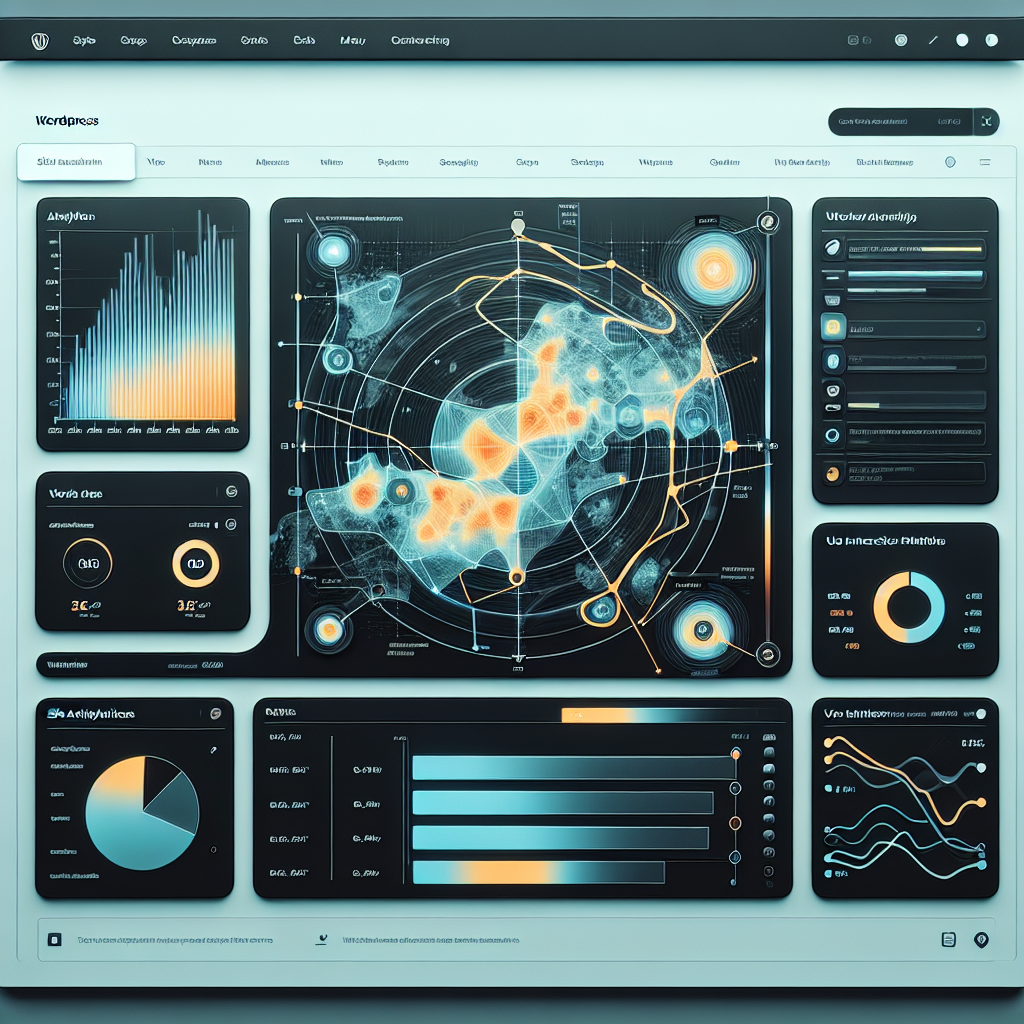
Enhancing User Interaction on Your WordPress Site with Heatmap Plugins
Introduction to Heatmaps
Discover how heatmaps can transform website optimization by revealing user behavior patterns to improve interaction and boost engagement.
How Heatmaps Work
Heatmaps use color coding to highlight interaction hotspots on a webpage, providing visual insights into user clicks, scrolls, and hovers.
Integrating with WordPress
Seamlessly integrate heatmaps with your WordPress site using specialized plugins to interpret visitor data and boost conversions.
Turning Data into Strategy
Leverage the power of tracking user behavior to strategically position key elements and enhance overall site performance.
Why Use Heatmap Plugins?
Understanding user behavior is pivotal for improving the design, functionality, and overall effectiveness of a website. Heatmap plugins serve as essential tools for website owners seeking to gain these insights, providing a vivid, visual representation of how users interact with their webpages.
Visualize User Interaction
See precisely where visitors click, move cursors, or scroll. Use this data to prioritize what captures attention and address neglected areas.
Optimize User Experience
Identify overlooked elements like call-to-action buttons and make informed decisions to enhance the page layout for better engagement.
Diagnose Hidden Issues
Use insights to find and fix issues such as non-clickable images perceived as links, preventing user frustration and improving flow.
Top Heatmap Plugins for WordPress
Understand how users interact with your site and enhance their experience with the best heatmap plugins.
Hotjar
Comprehensive features including session recordings, surveys, and feedback polls. A valuable tool for small sites or blogs.
Learn MoreCrazy Egg
User-friendly interface with detailed reports on click patterns and scroll behaviors. Features A/B testing capabilities.
Learn MoreMouseflow
Offers heatmaps, session replay, funnels, and form analytics with highly praised interactive session recordings.
Learn MoreLucky Orange
Real-time dashboards, chat, heatmaps, and conversion funnels with robust session recordings.
Learn MoreInspectlet
Specializes in session recording and provides form analytics and conversion funnels to enhance user experience.
Learn MoreInstalling Your First Heatmap Plugin
Embarking on the journey of optimizing your website’s performance can be both exciting and a bit daunting. By installing a heatmap plugin, you’ll equip yourself with the insights required to enhance user experience and boost your website’s effectiveness.
1. Identify Your Needs
Consider what specific user interactions you want to analyze, such as where users click the most or how far they scroll a page.
2. Choose a Heatmap Plugin
Popular options include Hotjar, Crazy Egg, and Mouseflow. For beginners, Hotjar is often recommended due to its user-friendly interface.
3. Login to Your WordPress Dashboard
Navigate to your WordPress admin area to manage settings and install new plugins.
4. Navigate to the Plugins Section
Click on ‘Plugins’ then ‘Add New’ to reach the WordPress Plugin Directory.
5. Search and Install
Find your plugin via the search bar, click ‘Install Now’, and then ‘Activate’.
6. Setup and Configuration
Find new menu options for the plugin in your dashboard, often requiring setup like account creation or API key input.
7. Start Tracking
The plugin begins collecting data, accessible via its dashboard for reports and visualizations.
Browse Categories:
You may also like

Uncovering 2025: Top WordPress Plugins for Enhanced User Experience and Analytics
Discover essential WordPress plugins in 2025 to boost user experience, track behavior, and optimize site performance.

Choosing the Best WordPress Plugin for User Click Tracking and Behavior Analysis
Explore essential WordPress plugins for tracking user clicks and enhancing site performance through data-driven optimizations.

Unlocking User Insights: Top Heatmap Plugins for WordPress
Discover the best heatmap plugins for WordPress in 2025 to unlock user insights and enhance your site's user experience.