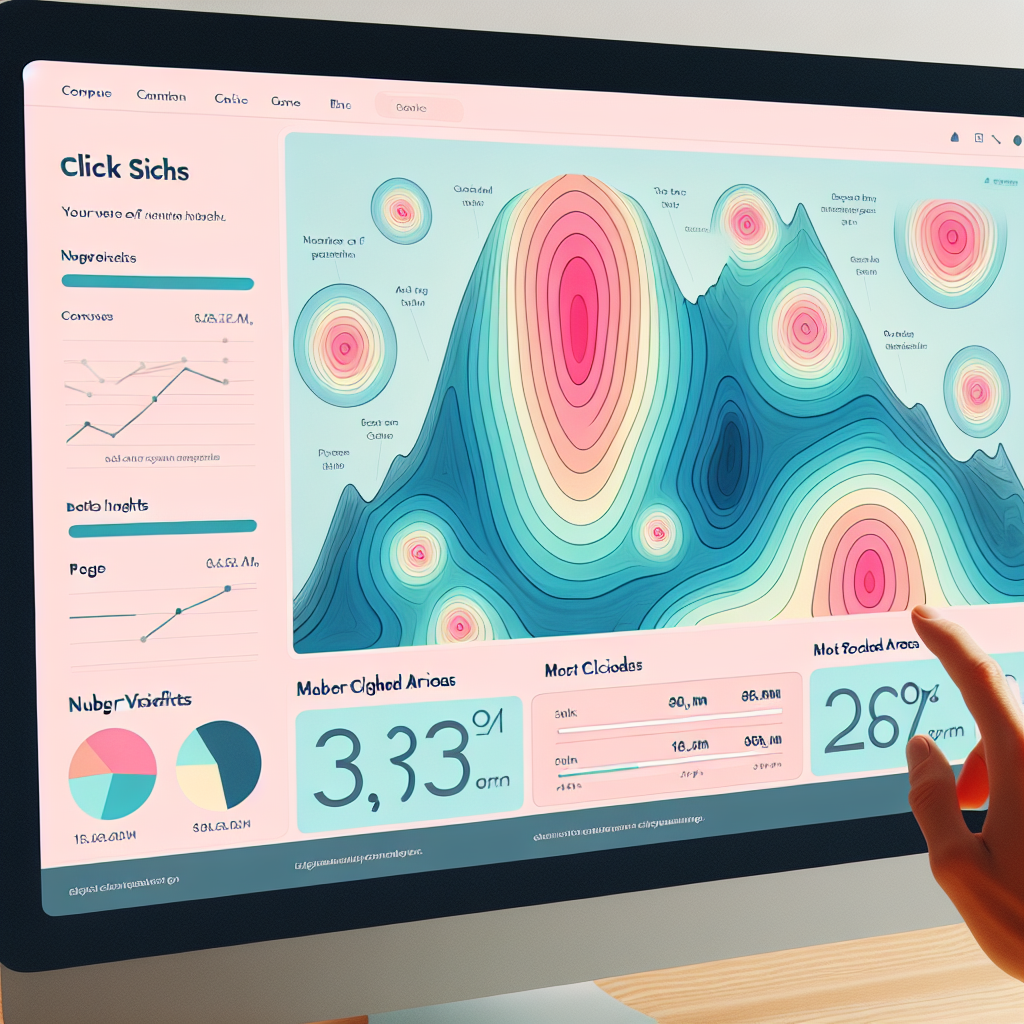
Enhancing User Experience with WordPress Click Tracking Plugins
Introduction to User Click Tracking on WordPress
Unlock the secrets to optimizing your website with user click insights.
Why Click Tracking?
User click tracking provides crucial data about how visitors interact with your site. Discover which elements engage users most and tailor your site’s layout to enhance this interaction.
Boost Conversions
Analyze click patterns to enhance user journeys and reduce drop-offs. Optimize elements like button placements to improve conversion rates.
The Benefits of Tracking User Clicks
Understanding how visitors interact with your website is crucial in optimizing their experience and achieving your business goals. Tracking user clicks offers a treasure trove of insights that can transform how you engage with your audience.
-
Identify elements attracting attention or being overlooked, enabling data-driven decisions.
-
Guide content strategies by understanding user interest patterns and engagement metrics.
-
Pinpoint friction points in the user journey to enhance user experience and satisfaction.
In a digital landscape where every click counts, understanding your users’ behavior through tracking is indispensable for creating a more engaging, efficient, and user-centered website experience.
Contact UsTop WordPress Heatmap Plugins
Understanding user interaction is key to enhancing user experience and boosting conversions. These WordPress heatmap plugins offer the insights needed for optimizing your website’s performance.
Crazy Egg
Beyond basic heatmaps, Crazy Egg offers click tracking, scroll mapping, and A/B testing to refine website elements and boost conversions.
Learn MoreHotjar
Offers heatmaps, session recordings, and surveys, providing insights into user behavior and feedback for informed website optimization.
Learn MoreMouseflow
With a free plan featuring heatmaps and session replays, Mouseflow helps track visitor journeys to enhance conversions without breaking the bank.
Learn MoreLucky Orange
Combining heatmaps, session recordings, and real-time analytics, Lucky Orange uncovers hidden opportunities for boosting user engagement and conversions.
Learn MoreChoosing a Plugin to See Where Users Click
Enhance your business growth strategy by understanding user interactions. Learn how to select plugins that reveal user clicks, transforming insights into action.
-
Click Heatmap Analytics
An essential tool for visualizing user engagement through heatmaps, aiding in layout optimization and user experience enhancement.
-
Hotjar Plugin
Offers comprehensive tools for click tracking, session recording, and user feedback, ideal for deeper user analytics integration.
Why Track Clicks?
Tracking user clicks helps streamline design and adjust content, driving higher engagement and conversion rates. Choose plugins that provide actionable insights, fostering business growth.
Addressing Privacy Concerns with Click Tracking
In today’s digital landscape, privacy considerations have become paramount. Click-tracking tools, while incredibly useful for understanding user behavior, can raise significant privacy concerns if not handled correctly. As an ethical site owner, it’s essential to navigate these waters responsibly to maintain user trust.
Key Considerations
- Consent is Crucial: Implement a robust privacy policy and ensure user awareness and consent to tracking activities.
- Use Privacy-Focused Plugins: Choose heatmap tools that anonymize data and comply with privacy laws like GDPR.
- Enable Opt-in Tracking: Allow users to choose whether they wish to be tracked, aligning with privacy regulations.
- Secure Data Collection: Configure plugins to exclude sensitive information from data collection.
Enhance User Trust
Transparent data usage and collection practices demonstrate a commitment to user privacy, significantly mitigating risks. By choosing privacy-focused WordPress plugins and implementing best practices, you effectively balance the benefits of click-tracking with the imperative of protecting your users’ privacy.
Contact UsExploring Alternatives to Hotjar for WordPress
Discover powerful alternatives to Hotjar, providing versatile features for your WordPress click-tracking needs.
Crazy Egg
Crazy Egg boasts user-friendly heatmaps, session recordings, and A/B testing tools, ideal for those with limited tech skills.
Mouseflow
Offering real-time interaction tracking and deep insights, Mouseflow excels in comprehensive user journey analysis with heatmaps and session replays.
Matomo
Matomo provides an open-source, privacy-centric solution with complete data ownership, perfect for businesses prioritizing data security.
Integrating Click Tracking with User Experience Improvements
Understanding user interaction through click-tracking data is a revolutionary step towards refining the User Experience (UX) of your website. This data eliminates guesswork, helping you to unravel pain points and friction in user journeys. Learn how industry leaders like Amazon and Netflix utilize such strategies to fine-tune their user interfaces.
Identify high-engagement pages and neglected content with precision data.
Detect and resolve user journey bottlenecks, boosting engagement and retention.
Leverage WordPress plugins to integrate click-tracking features seamlessly.
Troubleshooting Common Plugin Issues
Equip yourself with the confidence to resolve minor issues independently, enhancing your insights with click-tracking plugins.
Plugin Conflicts & Errors
Resolve common conflicts by deactivating other plugins and reactivating them one-by-one. This helps identify the culprit plugin causing incompatibility.
Inaccurate or Missing Click Data
Address caching issues by configuring settings to exclude your click-tracking plugin and clearing cache post any changes.
Keep Software Updated
Most conflicts arise from outdated versions. Ensure both WordPress and all plugins are up-to-date for smooth functioning.
Contact SupportBrowse Categories:
You may also like

Enhance User Experience on WordPress: Best Free and Effective Plugins
Discover essential WordPress plugins to track user behavior and enhance your site's user experience effectively.
Enhance User Experience with WordPress Click Tracking and Heatmap Plugins
Discover how WordPress heatmap and click tracking plugins can revolutionize your website's user experience with insightful behavior data.

Unlocking User Insights: The Best WordPress Heatmap and Session Recording Plugins
Discover the best heatmap and session recording plugins for WordPress to optimize user experience and conversions without sacrificing privacy.