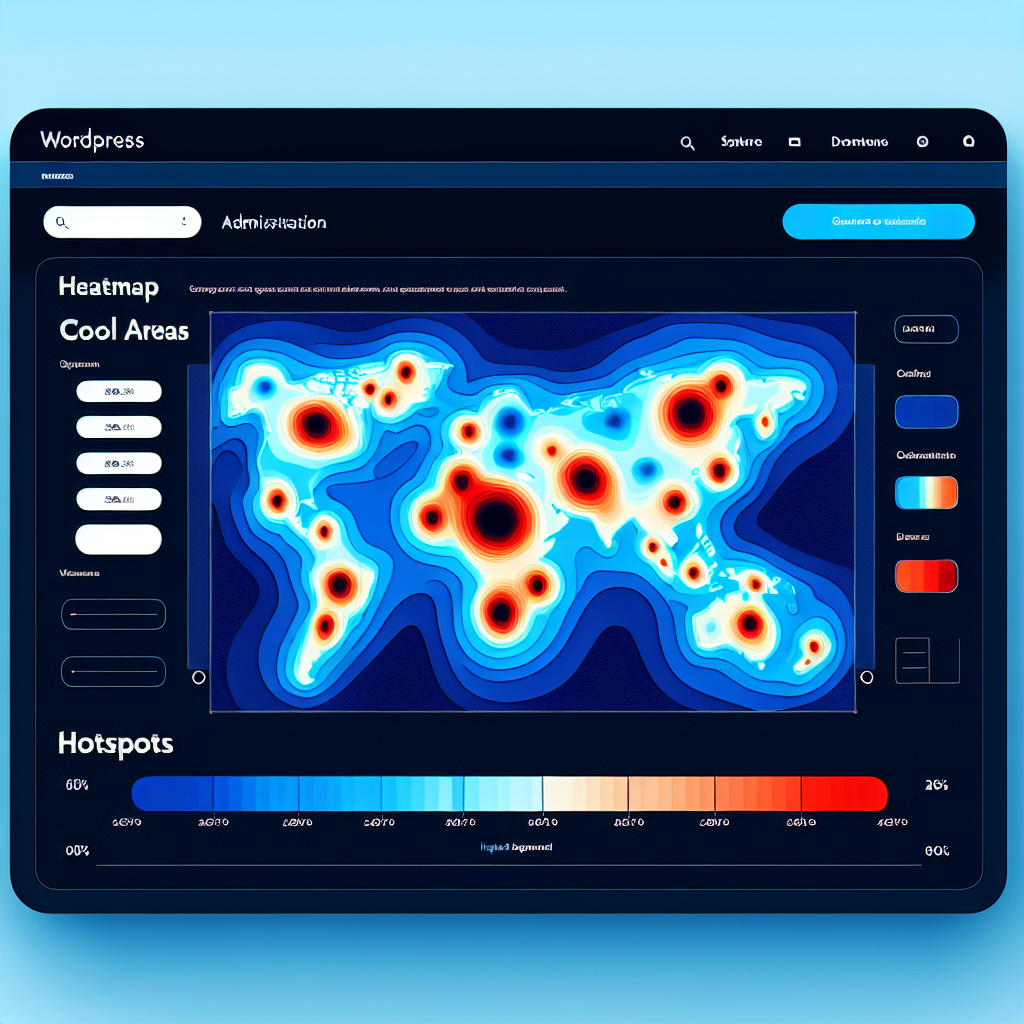
Enhance Your WordPress User Experience with Powerful Heatmap and Session Recording Plugins
Introduction to User Experience Tools
Unlocking insights with heatmaps and session recordings to enhance website engagement and functionality.
Why Use UX Tools?
Understanding what your users do on your website is crucial to improving their experience and increasing engagement. Tools like heatmaps and session recordings visualize user interactions, offering insights into behavior.
-
Visualize user data through intuitive heatmaps highlighting key areas of interaction.
-
Replay sessions to understand user navigation and detect potential frustration points.
-
Enhance design and functionality through data-driven decisions to optimize user pathways.
Impact on Business Outcomes
Imagine running an online store using WordPress without knowing which pages engage users. A tracking plugin can highlight top visits, directing efforts to maintain sales momentum.
Apply these insights to improve conversion rates and elevate user satisfaction. Let data guide you in crafting a seamless customer journey, increasing business success.
Benefits of Heatmaps in WordPress
Understand User Interaction
Heatmaps provide visual insights into user behavior, showcasing where users click, scroll, and interact the most, allowing you to build an engaging site experience.
Optimize Design with Real Data
Gain valuable data to implement design changes that improve user experience and conversion rates by using insights on user interactions.
Improve A/B Testing
Enhance A/B testing effectiveness by analyzing concrete user engagement data for different design choices directly from heatmaps.
Maximize Content Visibility
Identify overlooked page sections and optimize your layout to position key information in highly viewed areas to capture user attention efficiently.
Validate Engagement Assumptions
Bridges the gap between quantitative metrics and intuitive understanding of user actions, enhancing collaboration among marketers, designers, and content creators.
Budget-friendly Tools Available
Explore a range of free and premium WordPress heatmap plugins to fit any budget, making it an indispensable tool for all WordPress site owners.
Best Heatmap Plugins for WordPress
Crazy Egg
Known for its easy setup and robust features, Crazy Egg offers heatmaps, scroll maps, and overlays. Its A/B testing tools provide added insights without needing technical expertise.
Lucky Orange
An all-in-one conversion optimization suite with heatmaps, session recordings, and real-time analytics. It features visitor polls and chats for interactive customer behavior understanding.
Mouseflow
Mouseflow provides an intuitive dashboard with session replay, funnels, and heatmaps. It helps identify pain points in user journeys, ideal for lightweight needs.
Heatmap for WordPress by SumoMe
Perfect for beginners, this free plugin integrates effortlessly with WordPress dashboards, providing essential heatmap analytics for small businesses or bloggers.
Ptengine
Combines heatmap features with analytics and event tracking. Its capability to monitor multiple web properties is perfect for larger businesses with several sites.
Overview of Session Recording Plugins
Session recording plugins are powerful tools that work in tandem with heatmaps to provide a comprehensive picture of user behavior on your website. While heatmaps visualize the areas where users click, scroll, or linger, session recordings capture exactly how users interact with your site in real-time. This dual approach offers invaluable insights that can deepen your understanding of user behavior and improve your website’s performance.
- Playback features for user engagement analysis
- Identify navigation obstacles and unexpected errors
- Enhance website performance and conversion
Integrating session recording with heatmaps allows you to tackle user experience issues comprehensively. For instance, if your heatmap data shows a high engagement rate on a particular page but conversion rates are low, session recordings can shed light on potential improvements by showing you exactly how visitors are interacting with your content.
Why Combine with Heatmaps?
Imagine a visitor landing on your homepage and navigating through the sections you carefully crafted. A heatmap tells you they’re spending time on the latest blog post and skipping your call-to-action in the sidebar. But what it doesn’t show is the confusion they experience when a button doesn’t respond as expected. This is where session recording comes into play, capturing that moment and enabling you to witness firsthand the obstacles users face.
Learn MoreHow to Choose the Right Plugin for Your Needs
Understand Your Necessities
Identifying your primary goals is crucial. Whether it’s for improving site security, enhancing SEO, or boosting user engagement, knowing your needs helps narrow down your choices.
For tracking visitor behaviors, consider a ‘track user behavior WordPress plugin’ for valuable insights via data analytics.
Test compatibility with your WordPress setup to avoid conflicts, ensuring smooth functionality.
Evaluate Plugin Reliability
Plugin ratings and user reviews can provide a reliable benchmark for the plugin’s performance and developer responsiveness. Check the frequency of updates for ongoing support.
Consider a ‘WordPress plugin to visualize user interaction’ to provide a visual representation of user engagement.
Leverage trial periods or free versions for testing, ensuring the plugin meets your expectations without financial risk.
Implementation and Integration Tips
Identify Your Needs and Research
Before adding any plugin, clearly define your site’s goals, and research plugins that enhance interactions, focusing on ratings and reviews.
Check Compatibility
Ensure compatibility with your WordPress version and theme to avoid conflicts that could disrupt your site.
Backup Your Site
Always create a full backup of your site before installing new plugins to safeguard against data loss.
Install the Plugin
Through your WordPress dashboard, search for and install your desired plugin, then activate it for use.
Configure Settings
Tailor plugin settings to your goals. Understand each setting to maximize the plugin’s potential.
Test Functionality
Thoroughly test on various devices and browsers to ensure consistent user experience across platforms.
Monitor Site Performance
Use analytics tools to evaluate impact on performance, looking at metrics like page speed and user engagement.
Seek Support if Needed
Reach out for help if needed. Many plugins offer support through forums or dedicated teams.
Case Studies and Success Stories
OptinMonster: Transforming Traffic into Subscribers
Discover how a small e-commerce store increased their email list by 50% using OptinMonster. This tool’s pop-ups, slide-ins, and opt-in forms turned passive visitors into active subscribers, boosting conversion rates by impressive margins.
Yoast SEO: Amplifying Digital Presence
Learn how a nonprofit organization used Yoast SEO to enhance their online visibility. In a matter of months, their organic traffic increased by 300%, drawing in more donors and widening their digital impact.
Conclusion and Next Steps
As we conclude this exploration of WordPress plugins, it’s clear that the right plugins can transform your WordPress site from a simple blog into a powerful online tool for your small business. WordPress’s vast library of plugins, including numerous free WordPress plugins for small businesses, offers flexibility and functionality that can greatly enhance your website’s capability without breaking the bank.
- Enhancing site security to protect user data
- Improving SEO to drive traffic
- Streamlining customer interactions via contact forms or live chat plugins
- Optimizing site speed and performance
Consider the practical benefits of implementing plugins that target specific needs like SEO optimization, performance enhancement, and security improvement. For instance, a plugin such as Yoast SEO can dramatically increase your site’s visibility in search engine results, driving more traffic and potentially boosting sales. Similarly, implementing a cache plugin can significantly improve your site speed, enhancing user experience and reducing bounce rates. Security plugins are imperative to guard your data, ensuring that your business reputation remains intact.
Browse Categories:
You may also like

Enhance Your WordPress Site with User Interaction Insights: Heatmaps and Beyond
Learn how to use WordPress plugins to analyze user interactions, enhance UX, and make data-driven decisions for your site.

Enhancing User Experience: Top WordPress Plugins for Click Tracking and 3D Viewing
Discover essential WordPress plugins for enhancing user experience with click tracking and 3D viewing. Optimize interactions and engagement today!

Enhance Your Site with the Best WordPress Heatmap Plugins: Track and Improve User Experience
Discover the best WordPress heatmap plugins to track user behavior and boost your site's engagement and conversions.