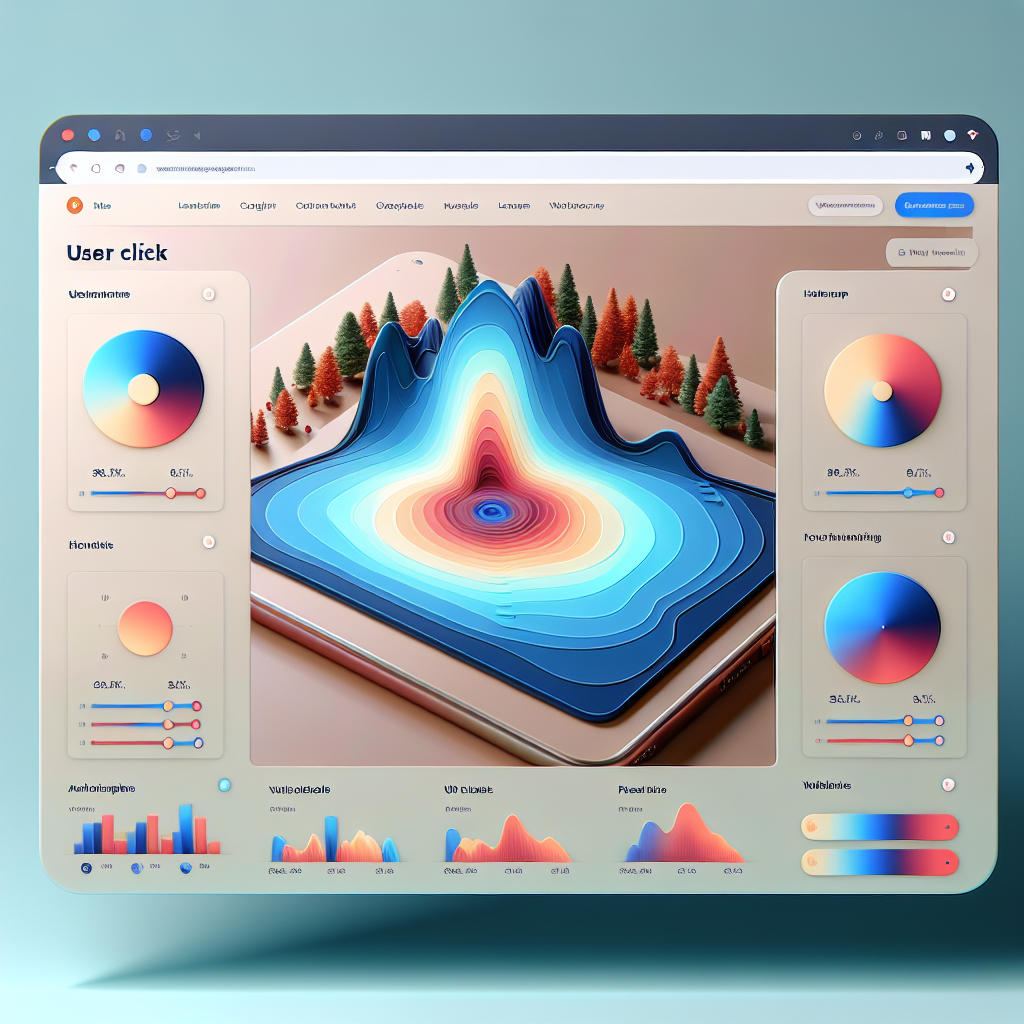
Enhance Your WordPress Site with User Click Tracking and 3D Integration
Understanding the Importance of User Interaction
In today’s digital landscape, understanding how users interact with your website is more important than ever. Every click, scroll, and interaction forms a meaningful part of the user journey that can greatly impact engagement and conversions.
Why Track User Behaviors?
By tracking these behaviors, website owners can gain invaluable insights into what captures user interest and what might be pushing them away. This information is crucial to improving engagement and conversions.
Effective Use of Plugins
Implementing a WordPress user click tracking plugin offers detailed analytics into user navigation and interactions, helping identify popular areas and highlight optimization opportunities.
How to Track User Clicks Effectively
Implementing a WordPress user click tracking plugin provides insights into visitor interactions. Understand the benefits of these plugins for optimizing user experience and site performance.
- Record user activity such as clicks, scrolls, and movements.
- Identify which site elements are effective and which need optimization.
- Improve usability and strategic marketing efforts based on real user data.
Reliable Plugins for Click Tracking
- MonsterInsights
- Hotjar
- Crazy Egg
These plugins visualize click data with heatmaps and detailed analytics dashboards, making it easier to spot potential usability issues and refine site design for better engagement.
Unlocking the Benefits of Heatmaps for Websites
Discover how heatmaps uncover user interaction patterns, allowing you to optimize your layout and content for enhanced engagement.
Understand User Patterns
Gain insights into where users click, hover, and scroll, enhancing your understanding beyond mere metrics.
Optimize Layouts Strategically
Identify high-engagement areas and strategically place engaging elements to maximize effectiveness.
Privacy-Focused Solutions
Utilize privacy-compliant plugins to ensure user insights are gathered in a GDPR-friendly manner.
Choosing the Right Heatmap Plugin for WordPress
Selecting the appropriate heatmap plugin for your WordPress site is crucial to enhancing user experience and optimizing conversion rates. A lightweight plugin is essential for maintaining swift load times and seamless user experience.
Key Considerations:
- Focus on key data needs like click-through rates vs. visitor behavior analytics.
- Emphasize lightweight solutions such as Crazy Egg and Mouseflow.
- Consider alternatives to Hotjar, like Lucky Orange or Clicky.
Customized Insights
Adapt insights to your business needs effectively.
Real-Time Data
Gain immediate insights into user interactions.
Exploring Session Recording Plugins
Unlock deep insights into your users’ actions and improve your site’s performance with powerful session recording plugins.
Why Use Session Recording?
- Understand precise user interactions
- Optimize user experience and engagement
- Increase conversion rates with targeted improvements
Top Plugins to Consider
- Mouseflow: Offers heatmaps and funnel tracking
- Hotjar: Provides detailed analytics for enhanced decision-making
Integrating 3D Content into Your WordPress Site
In today’s fast-paced digital environment, capturing user engagement is more crucial than ever. Discover how embedding 3D models can transform interactions on your site.
Engage with 3D Models
Imagine offering an experience where users can rotate, zoom, and explore digital models, enhancing interaction and understanding.
Utilize tools like the “3D Viewer” or “Sketchfab” plugins to easily implement 3D content without coding expertise.
Elevate Your Website
Stand out from the competition by adopting these interactive content strategies, enhancing user engagement, and driving higher conversion rates.
Join leading brands in utilizing 3D content to create immersive experiences that set a new standard for web interaction.
Finding the Right 3D Viewer Plugin
Ease of Use
Choose a plugin with a simple interface that allows for easy 3D model uploads and management, especially if you’re new to web development or 3D rendering.
Performance and Compatibility
Opt for a lightweight and efficient plugin that does not slow down your site, ensuring smooth performance and fast loading times.
Customizable Display Options
Ensure the plugin offers various display options and the capability to manipulate models in the viewer for versatile presentations.
Responsive Design
Make sure your plugin is mobile-friendly and adaptable to various screen sizes for a seamless user experience across all devices.
Bringing It All Together
Implementing click tracking and 3D features on your website can significantly boost user engagement and enhance the overall experience your site offers. These tools not only attract more visitors but also encourage them to interact with your content in a meaningful way, helping to increase dwell time and reduce bounce rates.
Click tracking allows you to understand your user’s journey better, providing insights into what truly captures their interest. By leveraging this data, you can optimize your content, navigation, and overall website strategy to better serve your audience.
Meanwhile, implementing 3D features, such as product visualizations or interactive elements, can transform static browsing into an engaging exploration. These features not only improve the aesthetic appeal of your site but also make complex information more digestible.
Just imagine a visitor landing on your site and being greeted with interactive elements that capture their attention and draw them deeper into your offerings.
Click Tracking Benefits
- Improves user experience by personalizing content.
- Provides valuable insights into user behavior.
- Helps optimize site navigation and layout.
3D Features Benefits
- Enhances aesthetic appeal with interactive visuals.
- Makes complex information more accessible.
- Transforms static browsing into engaging exploration.
Browse Categories:
Tags for this post:
You may also like

Unlocking User Insights: The Best WordPress Plugins for Click Tracking and Behavior Analysis
Discover top WordPress plugins for user click tracking and behavior analysis to enhance your site and boost engagement.

Unlocking User Insights: Best Plugins for Click Tracking and Heatmaps on WordPress
Discover top WordPress plugins for user click tracking and heatmaps to enhance your site's user experience and conversion rates.

Maximizing User Engagement: The Best WordPress Plugins for User Tracking and 3D Showcases
Enhance user engagement with top WordPress plugins for user tracking and 3D showcases to boost conversions and create stunning portfolios.