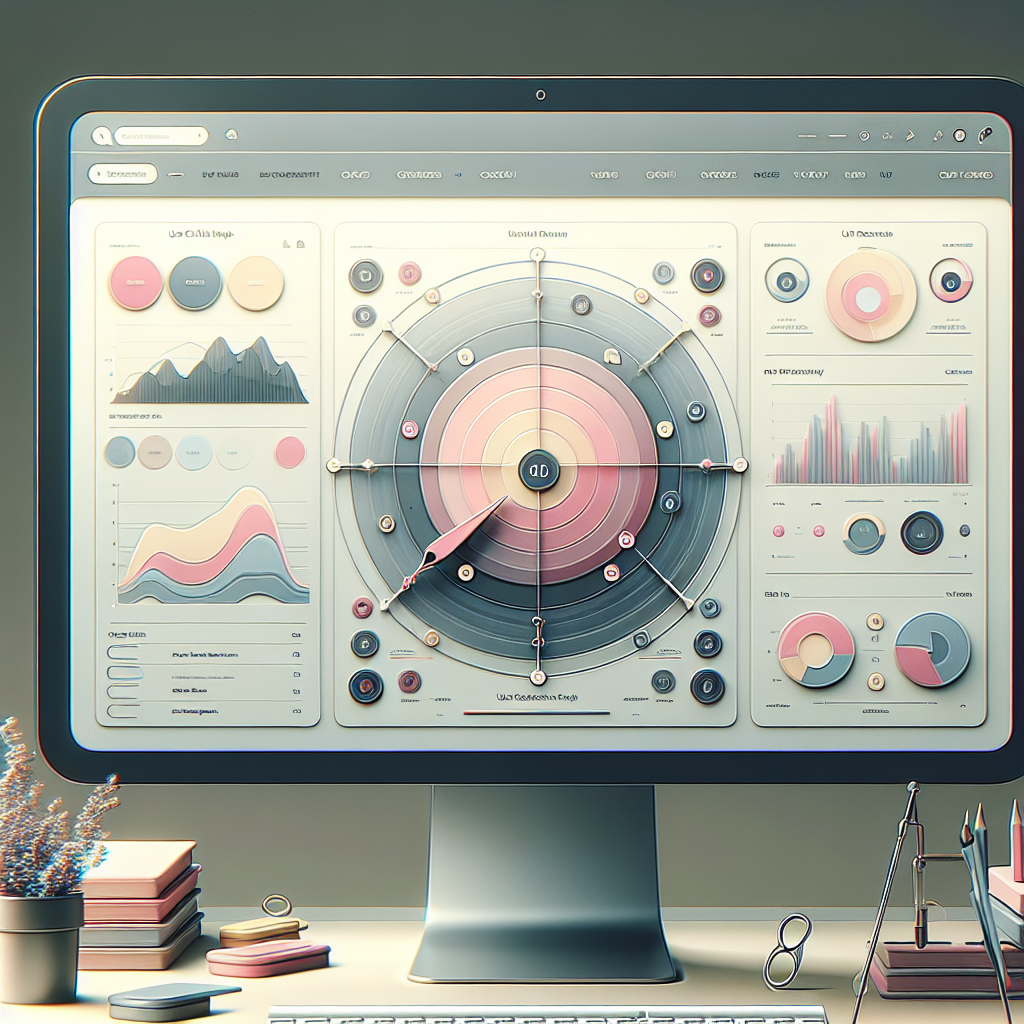
Enhance User Experience with WordPress Plugins in 2025
Understanding User Click Tracking
Discover insights that optimize your website and enhance user engagement.
Why User Click Tracking?
In the fast-paced world of digital marketing, understanding how users interact with your website is essential. One of the most powerful tools at your disposal is user click tracking, a technique that captures the pathways users take and the actions they perform on a site. By analyzing these interactions, website owners can gain deep insights into user behavior, identify areas of improvement, and ultimately enhance the overall user experience.
Learn MorePractical Insights
- Know which elements are engaging your audience and understand patterns and trends in clicks.
- Understand which products on your e-commerce site receive the most attention.
- Seamless integration with tools and plugins designed for platforms such as WordPress.
Selecting the Best WordPress Heatmap Plugin
Choosing the right WordPress heatmap plugin is crucial for gaining insights into user behavior and improving your website’s performance. Heatmaps show where users click, how far they scroll, and which features attract the most attention.
Key Features to Consider
-
Ease of Use
Select a plugin with intuitive setup and a user-friendly interface. Look for seamless WordPress dashboard integration.
-
Depth of Insights
Good plugins provide comprehensive insights like click maps and scroll maps. Ensure the plugin offers detailed data analysis features.
-
Compatibility
Verify compatibility with your current WordPress version and any other plugins to prevent functionality issues.
-
Real-Time Data
Essential for dynamic websites; real-time maps show immediate changes, allowing quick adjustments.
Popular Choices
Explore these examples of popular WordPress heatmap plugins:
Hotjar
Not just a heatmap plugin but also a session recording tool, capturing videos of user visits for comprehensive behavior analysis.
Crazy Egg
Offers tools for visual website analysis, helping you understand where your visitors are coming from and their behavior.
Mouseflow
Provides heatmaps, session replays, funnels, and form analytics to understand user interactions and improve conversion rates.
Using Heatmaps to Improve Conversions
In the constantly evolving digital marketplace, understanding user behavior is paramount for optimizing website conversions. Heatmaps offer an insightful glimpse into how visitors interact with your site, uncovering patterns and preferences that might not be immediately apparent.
Engagement Highlights
Heatmaps provide a clear picture of user interactions, highlighting areas of engagement like clicks, scrolls, and mouse movements.
Informed Adjustments
Identify which site sections require improvements and optimize layout to enhance user experience and increase conversions.
User Experience
Tailor site offerings accurately to match audience needs, improving user retention and fostering loyalty.
Implement with Ease
Many WordPress users have elevated their site’s performance by using heatmap plugins like Hotjar or Crazy Egg, which integrate seamlessly and start collecting data immediately.
Visit Home PageExploring Session Recording Options
Detail session recording features, enticing users to explore deeper engagement analytics.
WP Session Manager
Regarded by many as the best session recording plugin WordPress offers, it provides detailed playback of user sessions, allowing you to see exactly how users navigate your site.
- Real-time user interaction capture
- Highlights clicks, scrolls, and pauses
- Identify bottlenecks and points of interest
User Activity Log
Vital for those wanting to record user activity on WordPress, this tool offers detailed tracking that helps in uncovering trends and potential issues in user journeys.
- Comprehensive activity tracking
- Ease of integration
- User-friendly interface
Privacy Considerations for User Tracking
In today’s digital age, privacy considerations are paramount when implementing user tracking tools. To ensure compliance with regulations and maintain user trust, website and plugin developers must prioritize user consent and data protection.
Privacy-Focused Heatmaps
Privacy-focused WordPress heatmaps anonymize data and provide aggregated insights, allowing you to understand user interactions while adhering to privacy standards.
Explicit User Consent
Obtaining explicit consent before tracking helps comply with laws such as GDPR, enhancing transparency and user trust.
Transparency and Trust
Inform users of what data is collected and how it is used. Clear privacy policies enhance trust and credibility.
Comparing User Behavior Analytics Tools
Find the right tool to fit your needs by understanding the distinct advantages of each user behavior analytics solution. Here’s a look at the current most popular options.
Hotjar
Hotjar offers dynamic heatmaps for visualizing user engagement like clicks and scrolls, turning complex data into user-friendly insights. Ideal for WordPress users.
Crazy Egg
Beyond heatmaps, Crazy Egg’s ‘Confetti’ feature aids in breaking down user clicks by source. It’s a favorite for businesses focused on conversion rate optimization.
FullStory
Renowned for its session replay feature, FullStory provides high-fidelity user journey insights, making it suitable for enterprises seeking granular data analysis.
Microsoft Clarity
A cost-free tool from Microsoft that shines with fast-processing heatmaps and replays, capable of handling large volumes, with a strong focus on data privacy compliance.
Mouseflow
Mouseflow combines heatmaps with funnel analyses and session replays to optimize user flows, particularly useful for e-commerce sites aiming to enhance checkout processes.
Integrating 3D Viewer Plugins
Elevate Creativity & Engagement
Incorporating 3D viewer plugins elevates interactivity on your site, providing an immersive user experience that standard images cannot offer. Ideal for online stores, portfolios, or complex service presentations, 3D models enhance viewer understanding and engagement.
For example, using a WordPress 3D viewer plugin, an online furniture retailer can present products realistically, allowing customers to visualize items in their space, akin to IKEA’s pioneering approach.
Choose Lightweight Solutions
To maintain site speed, opt for lightweight plugins like Sketchfab and WooCommerce 3D Model Viewer, designed to be powerful yet efficient, ensuring seamless user experiences without compromising performance.
Showcasing Your 3D Portfolio on WordPress
Unleash the full impact of your 3D work by showcasing it through dynamic WordPress plugins that bring your creations to life.
Sketchfab Plugin
Embed 3D models directly in your pages or posts without losing interactive features. Rotate, zoom, and explore models with ease.
Learn More3D Viewer Plugin
Easily embed your 3D models with minimal setup. Enjoy real-time rendering that highlights intricate details.
Learn MoreBrowse Categories:
Tags for this post:
You may also like
Revolutionize User Experience with the Best WordPress Heatmap and User Tracking Plugins
Discover the best plugins to track user behavior and enhance your WordPress site's performance with heatmaps and session recordings.

Unlocking User Insights: The Best WordPress Heatmap and Session Recording Plugins
Discover the best heatmap and session recording plugins for WordPress to optimize user experience and conversions without sacrificing privacy.

Top Plugins for Tracking User Behavior and Showcasing 3D Models in WordPress
Explore top WordPress plugins for tracking user activity and showcasing 3D models to improve your website's engagement and functionality.