Boosting Engagement: The Best WordPress Plugins for User Interaction Tracking
Introduction: The Importance of User Interaction Tracking
In today’s digital age, understanding how users interact with your website is more crucial than ever. Tracking user interactions provides essential insights into user behavior, helping to optimize the site for better engagement and conversion.
Why Track User Interactions?
Tracking interactions on WordPress sites unveils where attention is concentrated. Discover popular buttons or links, understand navigation patterns, and enhance layout to improve user experience and business goals.
Understanding Heatmaps and User Behavior Tools
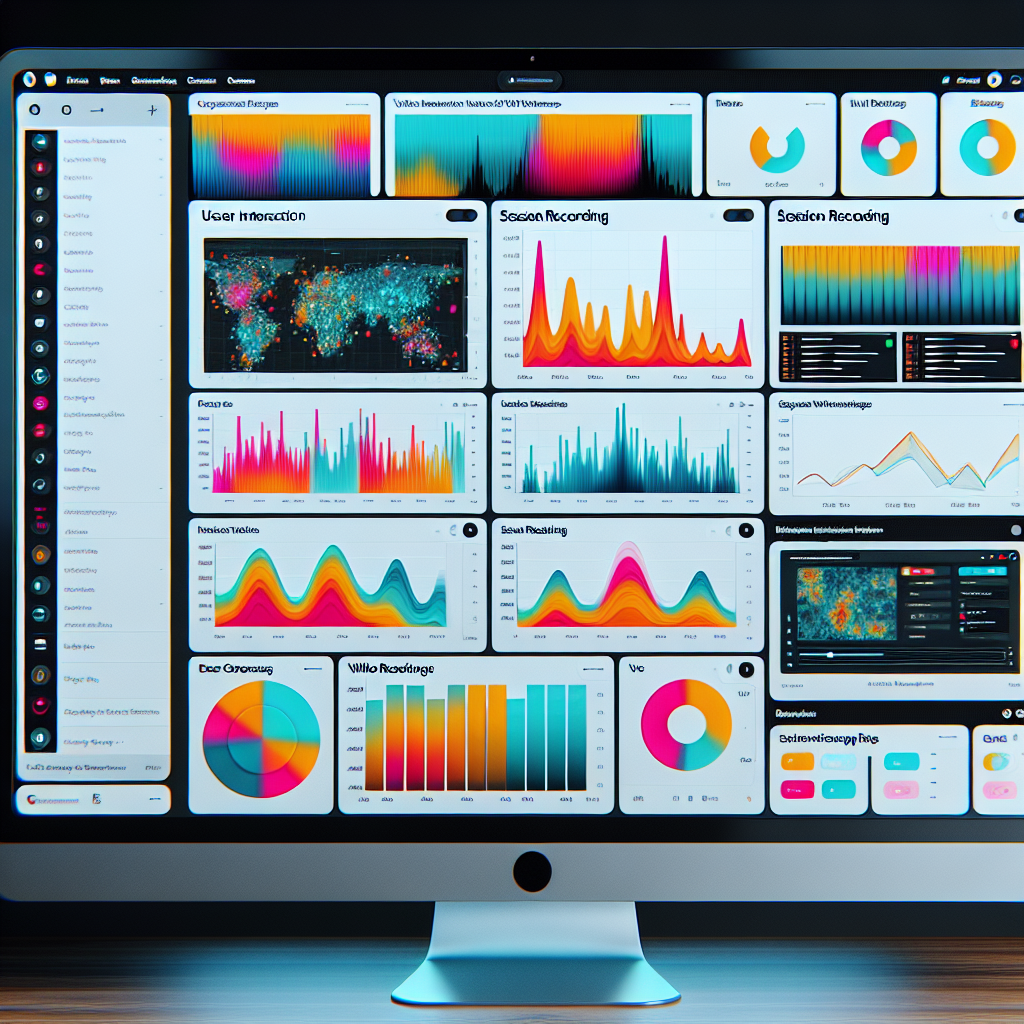
Heatmaps and user behavior tools are essential for understanding user interactions on your website. These tools provide detailed visual representations, showing where users click, scroll, and which content garners the most attention.
For instance, a WordPress heatmap plugin reveals insights about engaging parts of your site. Discover unused clickable areas or rethink layouts of under-interacted spots. By addressing these, you guide users more effectively.
Furthermore, tracking user behavior reveals visitor paths, identifying where interest is lost. Such insights enhance conversion rates by refining user journeys.
Why Use These Tools?
- Optimize website layouts strategically
- Enhance user experience with actionable insights
- Increase engagement and conversion rates
Top Heatmap Plugins: A Review
Crazy Egg
Known for its robust features beyond heatmaps, Crazy Egg offers scroll maps, session recordings, and A/B testing capabilities. Ideal for e-commerce and content-driven sites seeking comprehensive insights.
Hotjar
Offering a user-friendly interface, Hotjar combines heatmaps with session recordings. It’s popular among startups and SMEs for its affordability and effectiveness, with simple integration.
Mouseflow
Distinguished by its five types of heatmaps, Mouseflow also provides session replay and funnels, ideal for those focusing on improving conversion rates.
WP Heatmaps
A lightweight solution for those who prefer simplicity and minimalism. WP Heatmaps focuses solely on clear heatmap data, ideal for smaller sites looking to maintain speed.
Lucky Orange
Combining heatmaps and session recordings with real-time interactions, Lucky Orange is perfect for e-commerce platforms aiming for detailed user-experience analysis.
Session Recording Plugins for WordPress
Session recording plugins provide an in-depth view of user behaviors and interactions on your website. While heatmaps highlight areas of engagement, session recordings offer a detailed play-by-play of user sessions, capturing videos of how users interact with your site.
These insights reveal not just clicks but how forms are filled, where users face challenges, and what causes friction. Such data is vital for optimizing design, UI improvements, and boosting conversions.
- Uncover user challenges using real-time session videos.
- Enhance checkout flows by observing user paths.
- Integrate tools like Mouseflow and Hotjar for seamless WordPress analytics.
Privately Tracking User Interactions
In today’s digital landscape, privacy is of paramount importance to both website users and owners. Privacy-focused WordPress heatmaps offer intuitive ways to track user interactions while safeguarding their privacy.
Plausible Analytics
Allows site owners to see where users click without compromising individual privacy, avoiding the collection of personal data.
Matomo
Offers transparency with open feedback and audit capabilities, ensuring compliance with privacy laws like GDPR and CCPA.
Fathom Analytics
Provides robust analytics features without selling or sharing visitors’ data, gaining popularity among privacy-conscious webmasters.
How to Choose the Right Plugin
Features
Identify the features you need by considering the specific problems you’re solving. For example, a free WordPress heatmap plugin can help visualize site interactions.
Performance
Check reviews to assess performance. Ensure it scales with traffic and integrates well with your site to maintain speed and efficiency.
Privacy and Security
Ensure compliance with data protection regulations such as GDPR, especially for plugins tracking user actions.
Support and Updates
Look for regular updates and active support. Check the update history and developer responsiveness to maintain plugin reliability.
Compatibility
Ensure compatibility with your WordPress version and other plugins to prevent conflicts and avoid site issues.
Installation and Setup Tips
Choose the Right Plugin
First, determine which plugin best suits your needs. Consider options like Crazy Egg, Mouseflow, or Hotjar to see where users click on your WordPress site, offering valuable user behavior insights.
Install the Plugin
Log into your WordPress dashboard, navigate to ‘Plugins’, click ‘Add New’, search for your chosen plugin, click ‘Install Now’, and activate it.
Configure the Plugin Settings
Access settings through your dashboard, connect your site, and customize tracking options like detailed click maps and device capture.
Test the Plugin
Visit tracked pages to ensure correct click recording. Use testing features to verify data accuracy.
Analyze and Iterate
Use the plugin’s dashboard for insights. Ongoing analysis helps optimize website architecture and boost user experience.
Conclusion: The Impact of User Interaction Tracking
User interaction tracking is a crucial tool for enhancing website performance and user experience. Implementing the right strategies and leveraging top plugins, such as those that track where users click on WordPress, provides valuable insights into user behavior. This enables businesses to make informed decisions that improve navigation, increase engagement, and fine-tune site functions.
Key Benefits:
- Identify areas for improvement through detailed user insights.
- Enhance customer satisfaction by using must-have WordPress plugins.
- Boost performance metrics and forge strong user connections.
Browse Categories:
You may also like

Top Heatmap and 3D Viewer Plugins for Elevating WordPress User Experience
Discover the top heatmap and 3D viewer plugins to elevate your WordPress user experience with free options and best practices.
Unlocking Power: Top WordPress Plugins for Tracking User Interaction
Discover top plugins to track WordPress user interactions and enhance your site's performance.

Unlocking Insights: Best WordPress Heatmap and Session Recording Plugins
Discover the top WordPress plugins to track user behavior and improve site experience with heatmaps and session recordings.