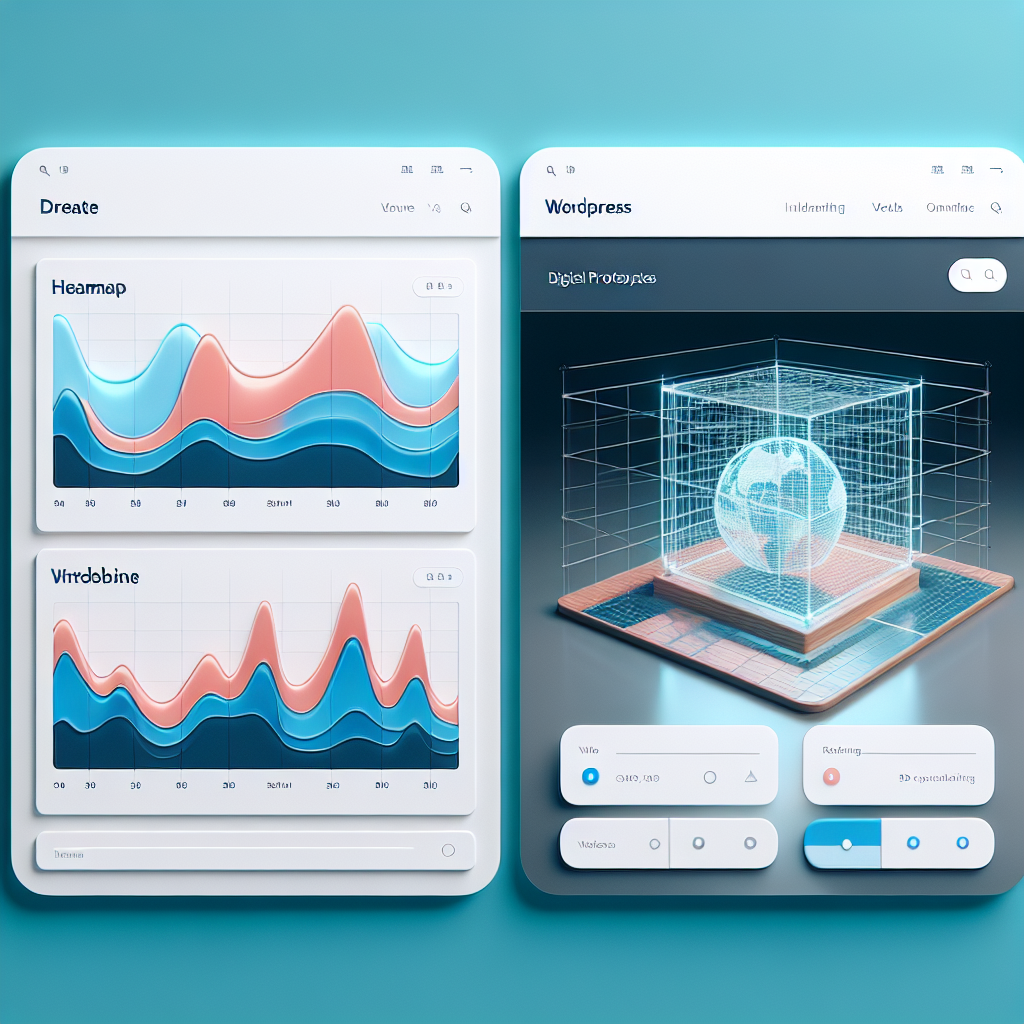
Boost Engagement with WordPress: A Guide to Heatmap and 3D Viewer Plugins
Understanding Heatmap Plugins
Heatmap plugins are indispensable tools for gaining insights into user interactions on your website. They translate complex data into intuitive visualizations, showing where users click, hover, or scroll using color gradients. This makes it easy to identify engaging and underperforming areas of your site at a glance.
For WordPress sites, “WordPress Heatmap Plugin” and “WordPress User Click Tracking Plugin” integrate seamlessly, providing data-driven insights to enhance user experience and conversion rates. Optimize your layout by understanding user behavior and strategically placing calls-to-action.
Just like optimizing a store layout based on customer movement, heatmaps give you a competitive edge in digital strategy, helping you maximize user engagement and interaction on your virtual storefront.
-
Visualize User Interaction
Easy-to-read visual patterns show where your visitors are most engaged.
-
Boost Conversion Rates
Inform your design strategy by optimizing for high-traffic areas.
-
Optimize Layouts Effectively
Improve usability by understanding visitor behavior and adjusting site layout accordingly.
Choosing the Right Heatmap Plugin
When selecting the ideal heatmap plugin for your WordPress site, especially as a small business owner, it’s crucial to focus on a few key features and performance aspects to ensure maximum value. Heatmaps are invaluable for understanding user behavior, allowing you to optimize your site’s design and user experience.
-
Cost: Many small businesses operate on a tight budget, hence starting with a free WordPress heatmap plugin can be beneficial.
-
Performance: Selecting a lightweight heatmap plugin for WordPress is crucial to ensure minimal impact on site speed and maximize effectiveness.
-
Ease of Use: Ideal for businesses with limited technical resources, ensuring quick installation and intuitive interfaces.
-
Scalability: Look for plugins with upgradable plans and additional features like real-time data visualizations and A/B testing capabilities.
Why Choose Wisely?
The right tool can be a game-changer in understanding and optimizing your visitor’s journey on your site. By focusing on aspects like cost, performance, ease of use, and scalability, you’ll ensure that your heatmap plugin not only aligns with your current needs but also supports future growth.
Discover MoreEnhancing User Experience with Session Recording
Session recording has become an essential tool in understanding and enhancing user experience by providing an unfiltered view of visitor behavior.
Benefits of Session Recording
- Uncover hidden usability issues by showing why users struggle or abandon tasks.
- Identify user patterns and trends through real-time interaction monitoring.
- Validate design decisions with real user feedback to support data-driven improvements.
- Boost conversion rates by removing barriers and streamlining user journeys.
Integrate with WordPress
Seamlessly implement session recording on your site with a ‘record user activity WordPress plugin’ for observing and improving user experience.
Get StartedExploring 3D Viewer Plugins
In today’s digital landscape, capturing and maintaining audience interest is crucial. Utilizing a WordPress 3D viewer plugin can be a game-changer for showcasing interactive content and heightening visual engagement on your site.
Real Estate Virtual Tours
Virtual tours of properties allow potential buyers to explore every corner from their own devices, streamlining the decision-making process.
E-commerce Product Models
3D models of products give customers a realistic view before purchasing, increasing consumer confidence and potentially boosting sales.
Top 3D Plugin Choices
- Sketchfab – Extensive customization options and compatibility.
- 3DPress – Immersive experience for transforming web pages.
Using 3D content impresses visitors and distinguishes your site in a competitive market. Integrate a 3D viewer plugin today to begin captivating your audience in an innovative and compelling way.
Top 3D Viewer Options for WordPress
3D Viewer
Ideal for showcasing 3D portfolios. Supports STP, OBJ, STL formats. User-friendly, catering to artists and designers with minimal technical requirements.
Sketchfab for WordPress
Popular for embedding models directly from Sketchfab’s vast library. Feature-rich and lightweight, offering seamless WordPress integration.
3DPress
Focuses on performance with fast loading times and smooth rendering. Ensures a speedy and responsive WordPress experience.
Integrating Heatmaps with 3D Content
Enhance user interaction tracking and content engagement by combining heatmap and 3D plugins effectively.
Heatmaps
Heatmaps provide visual mapping of data, showing where users interact most on your site. This plugin reveals important insights when combined with 3D content.
- Real-time interaction tracking
- No coding experience required
- Visualizes user engagement patterns
3D Content
Enhance visual engagement by letting users explore 3D objects. Perfect for online stores showcasing products from all angles.
- Immersive 3D visuals
- Adds depth to product listings
- Interactive user experiences
Elevate user engagement on your site by integrating these powerful tools into your WordPress strategy.
Contact UsBalancing Performance and Privacy
Ensuring a smooth and secure user experience on WordPress
The Importance of Performance
In the digital landscape, efficient plugins enhance functionality and user engagement but can impact site speed if not selected carefully. Choosing the right plugins maintains a smooth environment that increases trust and conversions.
- Optimized for speed
- Reliable sources
- Highly customizable
Ensuring Privacy
Plugins, like a “privacy-focused WordPress heatmap,” are essential for optimizing sites without compromising user privacy. Prioritize plugins that anonymize data and comply with GDPR.
- Data anonymization
- GDPR compliance
- Security assurance
Best Practices and Future Trends in WordPress Plugins
Best Practices for Using WordPress Plugins
- Regularly Update Plugins: Keep plugins up-to-date to fix bugs, patch security vulnerabilities, and ensure compatibility.
- Limit Plugin Usage: Focus on essential plugins to enhance user experience without resource strain.
- Choose Well-supported Plugins: Opt for regularly updated and positively reviewed plugins for better support and documentation.
Future Trends to Watch in 2025
- AI-Powered Tools: Anticipate more plugins utilizing AI to enhance interfaces, personalize content, and boost SEO.
- Focus on Accessibility: Look for plugins improving site accessibility to create user-friendly environments.
- Emphasis on Site Speed and Performance: Plugins focusing on optimizing images, managing databases, and reducing load times will be critical.
Browse Categories:
Tags for this post:
You may also like

Enhancing User Experience: The Best WordPress Heatmap and Behavior Tracking Plugins
Explore top WordPress heatmap plugins to enhance user experience and track site interactions, featuring lightweight and privacy-focused options.

The Ultimate Guide to WordPress User Experience: Harnessing Heatmaps and Session Recording
Unlock the potential of your WordPress site with heatmaps and session recording tools to enhance user experience and drive conversions.

Essential WordPress Heatmap Plugins to Enhance User Engagement
Discover top WordPress heatmap plugins to boost user engagement and enhance your website design strategies.