Enhancing User Experience with WordPress Heatmap Plugins
Understanding Heatmaps and Their Importance
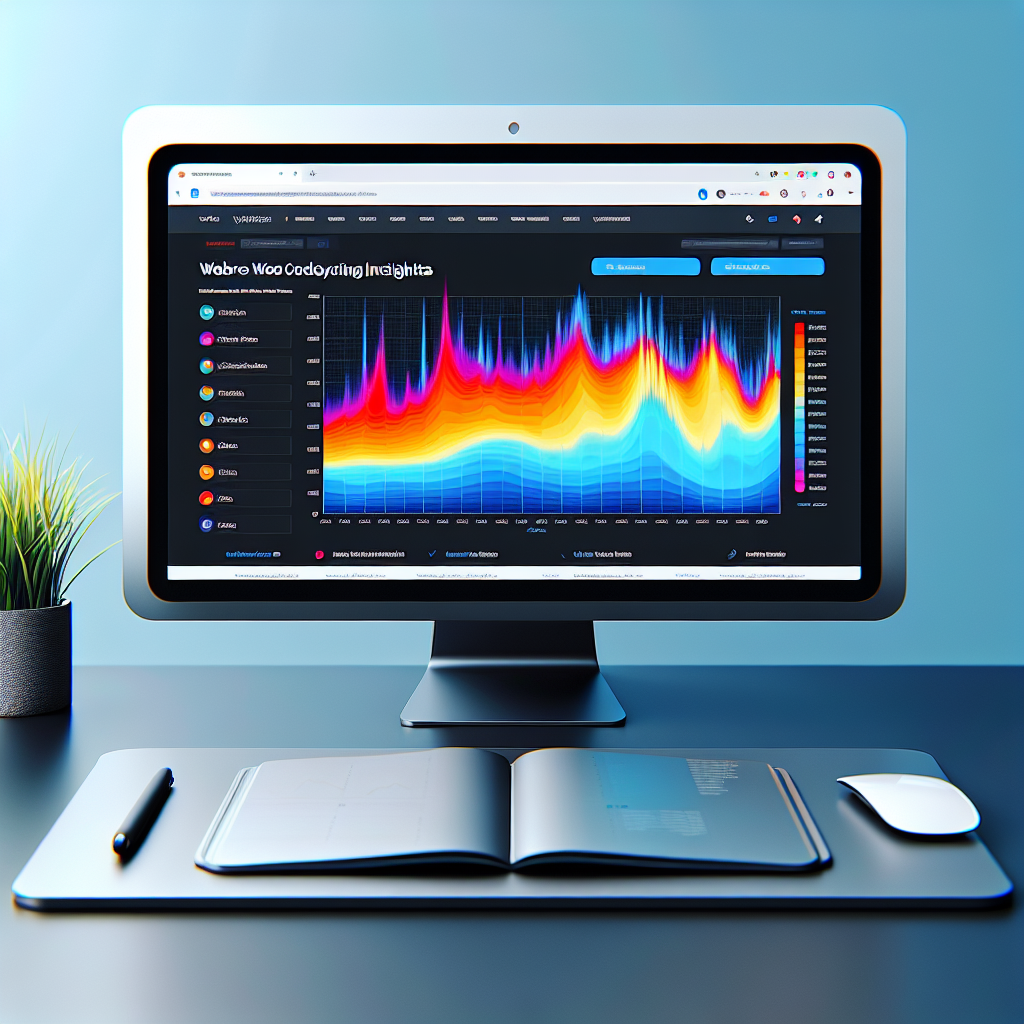
Heatmaps are powerful visualization tools that represent data about how users interact with your website, offering insightful information through a spectrum of colors. The warmer the color—ranging from red to yellow—the higher the user engagement in that particular area. Essentially, heatmaps provide a bird’s-eye view of how visitors navigate across your site, highlighting which segments attract the most attention and interaction.
The significance of heatmaps cannot be overstated when it comes to optimizing user engagement and website performance. By understanding what elements capture your audience’s focus, you can make informed decisions to enhance your website design and layout, ultimately improving the overall user experience.
Why WordPress Users Should Care
-
WordPress heatmap plugins reveal where users click on your site, highlighting high-traffic areas and elements needing redesign.
-
These insights lead to strategic changes that align with visitor preferences, enhancing user experience and conversion rates.
-
Transform insights into action for superior performance and user satisfaction.
Benefits of User Click Tracking
In today’s competitive digital landscape, understanding how users interact with your website can be a game changer. User click tracking allows website owners to gain insights that drive more effective design and content strategies. Imagine each visitor click as a story narrating user engagement, highlighting areas that captivate interest, and identifying sections needing improvement.
- Unlock information for refined design and strategies.
- Reveal engaging versus less interactive site areas.
- Optimize user experience with smart adjustments.
Real-World Application
Businesses see tangible improvements; e-commerce sites can refine product displays based on user behavior insights to boost engagement and conversions. Click tracking provides a comprehensive view of user journeys, supporting strategic navigation enhancements and smoother transactions.
Top WordPress Heatmap Plugins in 2025
Guide through the best heatmap plugins, emphasizing their features and benefits.
Hotjar
An all-in-one tool offering session recordings, feedback polls, surveys with a commitment to privacy.
Crazy Egg
User-friendly with A/B testing and detailed heat analysis, ideal for simple and effective insights.
Mouseflow
Real-time data collection and comprehensive journey analysis, with a focus on privacy and compliance.
Lucky Orange
Affordable tool with visitor recordings and conversion funnels, perfect for smaller businesses.
Inspectlet
Advanced features like eye-tracking heatmaps and segment analysis, focusing heavily on privacy.
Lightweight Plugin Alternatives
When it comes to maintaining a fast, responsive WordPress site, every plugin you add can impact your load time and overall site performance. Fortunately, there are several lightweight heatmap plugin alternatives that provide essential insights without sacrificing speed.
Crazy Egg
A balanced solution offering heatmaps, session recordings, and A/B testing tools within a lightweight framework, minimizing impact on page speed.
Explore Crazy EggHotjar
Offers a broader toolset including feedback polls and surveys. Provides free entry-level access, making it an excellent choice for beginners.
Discover HotjarHeatmap.me
Delivers heatmaps without extra features, ensuring swift setup and ease of use, making it a straightforward free solution.
Try Heatmap.meIntegrating Click Tracking with Analytics
Combine heatmapping with overall analytics to gain deeper insights and enhance your website’s performance.
Understand User Behavior
Integrating click tracking with analytics allows you to view user interactions across your website in detail. Heatmaps visually demonstrate user activity, revealing areas of interest and potential improvement not immediately apparent in standard analytics.
- Visual representation of user clicks and attention
- Combine with bounce rates, time on page, and conversion data
- Identify trends and optimize site elements
Optimize for Conversions
Choose a WordPress plugin that integrates with your existing analytics tools. This setup enables you to interpret both qualitative heatmaps and quantitative metrics for a more comprehensive analysis of user behavior.
- Seamless integration with plugins like Hotjar or Crazy Egg
- Experiment with call-to-action placements and navigation
- Drive business success through informed decisions
Privacy Considerations and Ethical Tracking
In today’s digital age, safeguarding user privacy is paramount, especially when employing tools like heatmaps and user activity trackers. Users are increasingly aware of their digital footprint, making it vital for website owners to adopt ethical tracking practices that align with privacy regulations and maintain trust.
Privacy-Focused Heatmaps
A privacy-focused WordPress heatmap provides insights into user interactions without compromising individual privacy. By anonymizing data and offering opt-out options, such tools respect user consent while offering valuable aggregate insights for website optimization.
- Anonymize user data
- Provide opt-out options
Ethical User Activity Recording
When recording user activity with a WordPress plugin, it’s essential to choose solutions committed to ethical data collection. Ensure data is securely stored, users can access or delete their data, and the least amount of personally identifiable information is gathered.
- Secure data storage
- User data accessibility
Adopting these practices not only helps in complying with global privacy laws like GDPR and CCPA but also demonstrates a commitment to ethical responsibility. By keeping user privacy at the forefront, businesses can foster stronger relationships with their audiences, leading to higher engagement and long-term loyalty.
Responsible tracking isn’t just about compliance; it’s about building a transparent relationship where users feel safe and respected. By prioritizing ethical tracking, businesses weave respect into the very fabric of their digital interactions.
A Quick Guide to Installing Heatmap Plugins
Step 1: Select a Heatmap Plugin
Start by choosing a heatmap plugin that suits your needs. Popular options include Hotjar and Crazy Egg.
Step 2: Install the Plugin
Navigate to your WordPress dashboard, click ‘Plugins’, then ‘Add New’. Search and install the plugin you chose.
Step 3: Activate the Plugin
After installation, click ‘Activate’ to enable the plugin and integrate it into your site.
Step 4: Configure Your Heatmap Plugin
Use the setup wizard to connect your site to the plugin’s platform, involving account creation and code insertion.
Step 5: Begin Heatmap Tracking
Ensure heatmap tracking is active and visit your site to watch data populate and track user interactions.
Maximizing Efficiency and Impact
To optimize your use of heatmap plugins and enhance user interactions, consider these strategic tips:
Set Clear Goals
Define your objectives like decreasing bounce rates or increasing conversions to guide data analysis for actionable insights.
Customize Heatmap Settings
Tailor your plugin settings to track specific pages or user segments for more relevant data collection.
Integrate with A/B Testing
Use click data to inform A/B tests, adjusting call-to-actions for better engagement.
Analyze User Pathways
Use behavior-tracking plugins to reveal navigation paths and remove interaction barriers.
Respond to Findings Quickly
Act on real-time insights to enhance user experience, such as linking expected-click elements.
Update and Maintain the Plugin
Keep your plugin updated and compatible with WordPress for the latest features and security.
Browse Categories:
You may also like
Exploring the Best AI Plugins for WordPress in 2025
Exploring the Best AI Plugins for WordPress in 2025 Artificial Intelligence (AI) is making waves in the world of WordPress,…

Boost Your WordPress Site with User Click Tracking & 3D Viewing
Explore the best plugins for enhancing user experience on WordPress sites, from click tracking to 3D viewing.

Unlocking User Insights with WordPress User Click Tracking Plugins
Explore WordPress plugins to track user clicks and improve UX by learning benefits, selecting tools, and implementing solutions.