Top WordPress Heatmap and User Tracking Plugins to Enhance Your Site’s UX
Understanding User Tracking on WordPress
Unlock the secret to a better website experience by understanding your users’ journeys.
Enhanced User Experience
Tailor your site to user preferences and behaviors for an intuitive and enjoyable digital experience.
Increased Conversion Rates
Identify and eliminate obstacles in the conversion funnel to significantly boost your site’s performance.
Content Optimization
Discover content that truly engages your audience and focus efforts on what works best.
Introduction to Heatmap Plugins
Understand user interactions and make informed site decisions with heatmap plugins.
What are Heatmap Plugins?
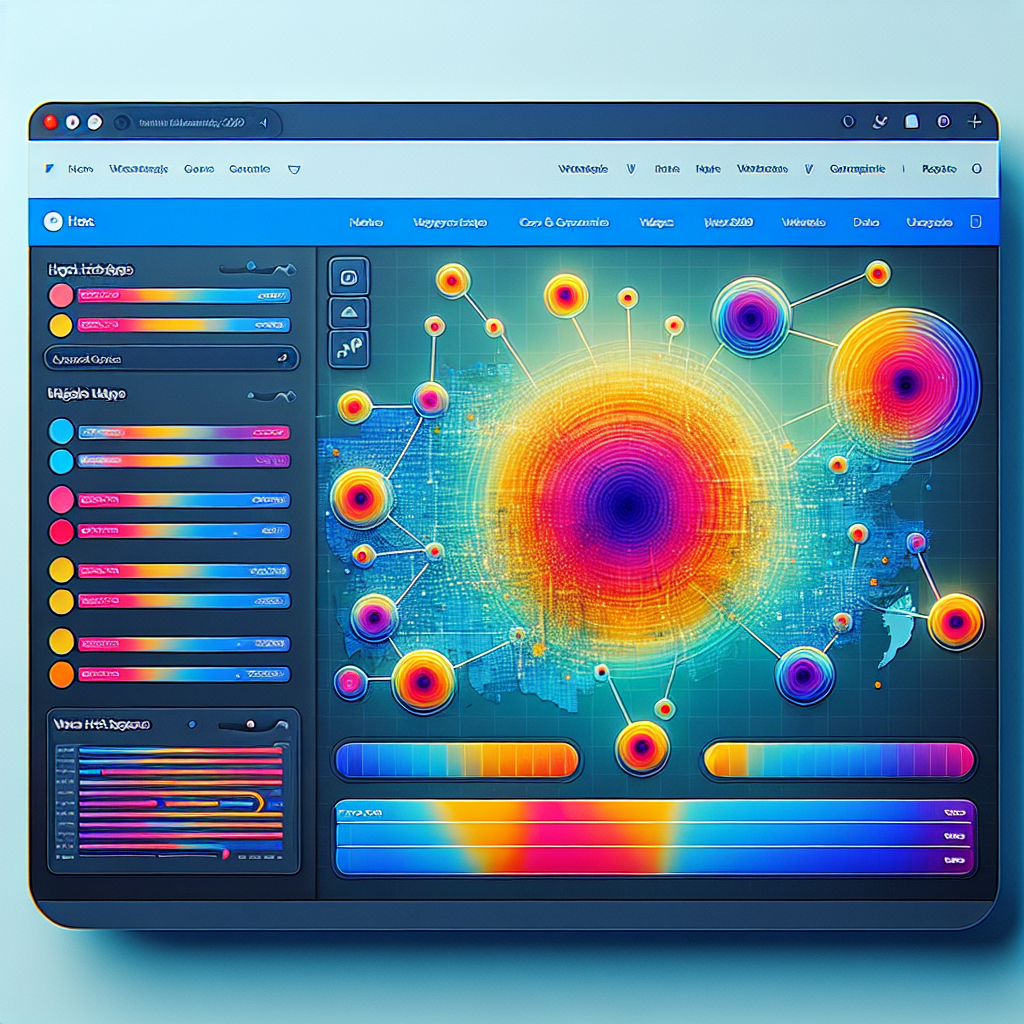
Heatmap plugins are powerful tools that visually represent website user behavior through data maps showing clicks, mouse movements, and scroll depth. This visual data helps you understand which site areas capture user attention.
Why Use Them?
Utilizing heatmaps allows you to identify high-engagement areas on your webpages, optimize content placement, enhance engagement, and boost conversion rates without needing coding expertise.
Benefits of Using Heatmaps on Your Website
Unlock valuable insights and boost your website’s conversions by understanding user behavior with heatmaps.
Understand User Behavior
Gain insights on where users click, scroll, or hover, allowing you to enhance the user experience.
Optimize Website Layout
Identify non-interactive areas to enhance with compelling content or CTAs, improving engagement.
Privacy-Focused Insights
Use privacy-focused heatmaps to gain insights while maintaining user trust and data protection.
Top WordPress Heatmap Plugins: Features and Comparisons
Choosing the right heatmap plugin for your WordPress website can significantly enhance your understanding of user interactions, leading to better design and higher conversion rates. Let’s delve into some of the top heatmap plugins available, highlighting their features and helping you determine the best choice for your needs.
Crazy Egg
A renowned choice for its comprehensive features, including detailed heatmaps, scroll maps, and user session recordings. Crazy Egg offers visual reports and A/B testing capabilities, making it an excellent alternative to Hotjar for WordPress users.
Learn MoreLucky Orange
This toolset includes heatmaps, recordings, live chat, and conversion funnels. It’s not free, but its extensive functionalities are ideal for businesses seeking in-depth customer insights.
Learn MoreHeatmap for WordPress
The only fully functional free option, ideal for smaller sites or bloggers. It provides essential insights without investing in paid tools.
Learn MoreMouseflow
Offers real-time user interactions and session replays with segmentation features, helping optimize webpages effectively. It provides a nuanced look at user paths.
Learn MoreExploring Session Recording Plugins
Revolutionize your understanding of user interactions. While heatmaps visualize user focus, session recording plugins capture dynamic insights through video replays, showing where users scroll, click, and experience frustration.
Example: Heatmaps might show quick homepage disinterest. Use a session recording plugin to reveal issues like confusing navigation or distracting elements, helping you optimize design and improve conversions.
Top plugins like Hotjar and Mouseflow offer integration with WordPress for comprehensive behavioral analysis. Consider ease of use and integration capability when selecting a plugin.
Contact Us- Identify usability issues with video insights
- Combine with heatmaps for a complete view
- Optimize design to enhance user experience
Tips for Choosing the Right Plugin for Your Site
Define Your Needs
Start by outlining what you want the plugin to accomplish. This ensures alignment with your site’s goals, such as using a lightweight heatmap plugin to track user interaction while maintaining performance.
Consider User Privacy
Select plugins that prioritize data protection, ensuring minimal personal data collection and compliance with privacy laws like GDPR.
Check Compatibility
Ensure the plugin is compatible with your WordPress version and other plugins to prevent conflicts that could impair functionality.
Review Performance and SEO Impact
A plugin should enhance features while also being optimized for performance to prevent site slowdowns that hurt user experience and SEO.
Read Reviews and Ratings
Gain insights from other users about the plugin’s reliability, support, and performance by reading reviews and ratings.
Evaluate Support and Documentation
Access to adequate support and documentation can save time in implementation and troubleshooting. Confirm the developer provides comprehensive guides.
Implementing and Testing Your Selected Plugins
Step-by-Step Implementation
- Select a plugin that aligns with your user interaction goals like a lightweight heatmap plugin.
- Navigate to ‘Plugins’ > ‘Add New’ in your WordPress dashboard, search and install your chosen plugin.
- Activate the plugin and configure settings according to your site requirements.
Effective Testing Routine
- Create a testing routine to measure the plugin’s impact on site data collection.
- Ensure compatibility with your current theme and other plugins.
- Monitor performance metrics with tools like Google Lighthouse.
- Review preliminary data for alignment with expectations.
Optimize User Experience
Using insights from interaction plugins helps enhance user engagement by identifying key areas for content updates and redesigns.
Contact Us for SupportReal-World Success Stories Using Heatmap Plugins
Sweet Delights Bakery
Discover how a local bakery transformed its online sales by leveraging heatmap plugins. Identifying visitors’ lack of interaction with the “Shop Now” button led to strategic site design changes, boosting sales by 30% in two months.
TechGear Hub
TechGear Hub utilized heatmap insights to enhance user interaction by making images clickable, leading a 40% rise in conversions through an improved customer engagement strategy.
Unlock Your Website’s Potential
Imagine the insights heatmap plugins can uncover for your business—transform how you understand user behavior and enhance your site’s conversion rates.
Get StartedBrowse Categories:
You may also like
Boost Your WordPress Site: Top Plugins for User Experience & Interactive Content
Discover essential plugins to enhance user experience and bring interactive 3D content to your WordPress site.

Enhance User Experience on WordPress: Best Free and Effective Plugins
Discover essential WordPress plugins to track user behavior and enhance your site's user experience effectively.

Get Insightful Data with the Best WordPress User Click Tracking Plugins
Discover top WordPress user click tracking plugins to optimize your site and enhance user experience. Follow our guide for the…