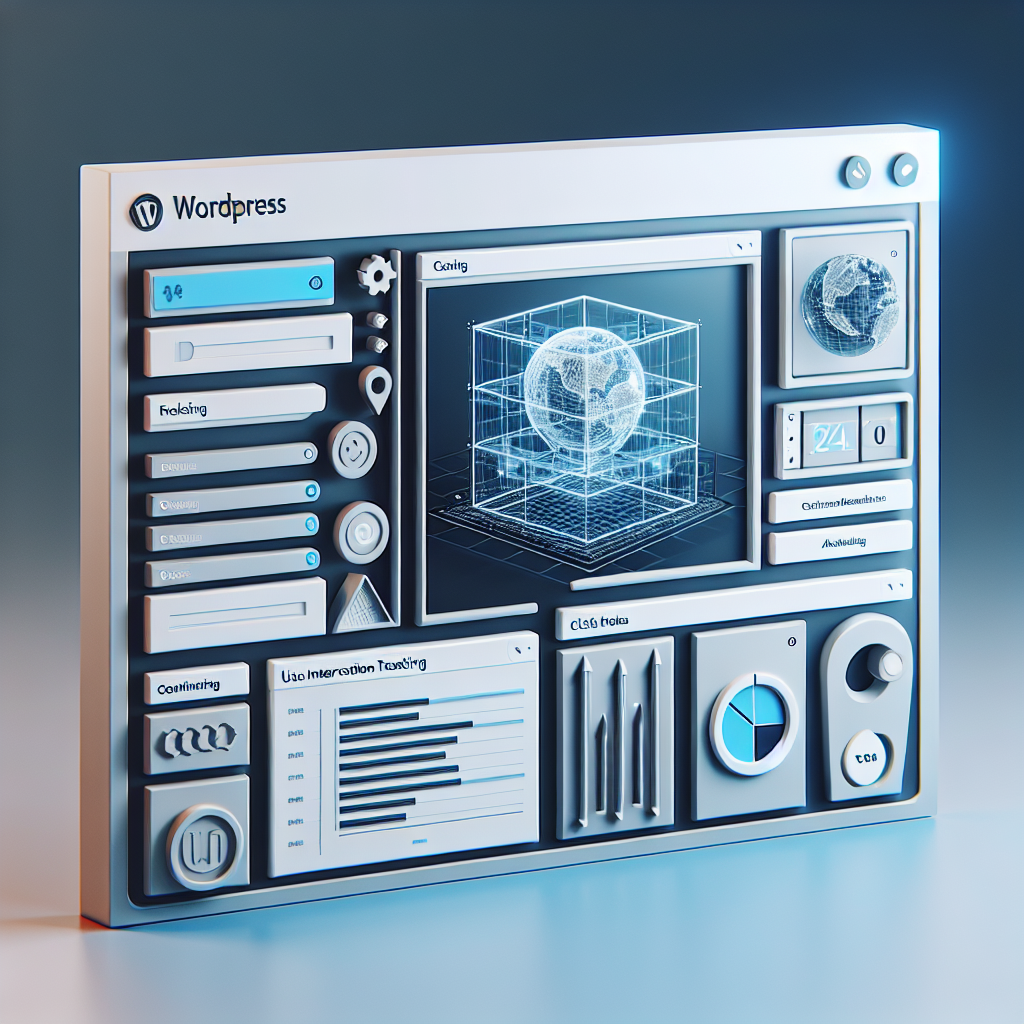
Mastering WordPress User Experience with Heatmaps and 3D Viewer Plugins
Introduction to Enhancing User Experience
Explore how user experience impacts website success and discover essential tools to elevate your site’s engagement.
Understanding User Behavior
Discover how tools like heatmaps provide insights into user interaction, allowing data-driven design changes.
Dynamic Visuals
Integrate 3D viewers to add interactive elements that enhance user engagement and navigation efficiency.
Plugins for UX
Explore plugins that boost load times and mobile accessibility, essential for a seamless user experience.
Understanding Heatmaps
Heatmaps are powerful visual tools that illustrate how users interact with your website by representing data with colors. They help identify which areas are engaging users and which need improvement.
- Warmer colors highlight areas with the most interactions, such as frequent clicks or taps.
- Cooler colors indicate less activity, offering a visual way to assess user behavior.
- Privacy-focused plugins provide insights while respecting user privacy, aligning with GDPR.
Top Heatmap Plugins for WordPress
Explore leading heatmap plugins that bring powerful insights into your user interactions, enhancing your website’s effectiveness while considering privacy concerns.
Hotjar
Known for its comprehensive features including heatmaps and session recordings. Consider privacy and budget alternatives if needed.
Crazy Egg
Offers A/B testing along with detailed visual reports. Ideal for optimizing site layouts based on user data.
Lucky Orange
An all-in-one solution with session recordings and conversion funnels. Excellent for small businesses.
Mouseflow
Focuses on session recordings and click heatmaps for identifying user frustration points.
FullStory
Enhances customer experience management with high-fidelity session data. Best for granular data analysis.
Recording and Visualizing User Interaction
Unlock the secrets of user behavior to elevate your site’s UX and conversion rates using innovative plugins.
Heatmap Tracking
Identify which areas of your pages receive the most attention with color-coded heatmaps.
Session Recordings
Replay user sessions to uncover pain points in navigation and improve user flows.
Behavior Analytics
Transform raw data into insights with detailed analytics on user behavior and interaction.
Implementing 3D Content on WordPress
Enhance your site’s visual storytelling with immersive 3D models. Discover the tools to transform and engage.
Elevate User Experience
Embedding 3D content offers an interactive approach, whether you are a designer, retailer, or museum, by enhancing user engagement.
- Boost user interaction with virtual product demonstrations.
- Let architecture projects come alive within virtual spaces.
Top Plugin Picks
WordPress 3D Viewer Plugin
This user-friendly plugin supports various formats, making it easy to upload and display complex 3D models without technical hiccups.
3D Product Viewer
Designed for online retailers, this tool transforms product showcases by offering a dynamic, interactive viewing experience.
Best Plugins for 3D Portfolio Showcase
Discover the leading plugins that bring your digital portfolios to life by integrating 3D models seamlessly into your WordPress site, transforming static displays into dynamic, interactive experiences.
WordPress 3D Viewer
A top choice for showcasing 3D portfolios, this plugin allows embedding of 3D models directly into posts or pages, supporting formats like OBJ, STL, and FBX.
- Interactive model viewing
- Seamless rotation and zoom
- Texture exploration
3D Model Viewer
A perfect free option for beginners, this plugin supports GLTF format, allowing users to experiment with 3D models without any cost.
- GLTF format support
- Cost-effective solution
- Smooth operation on all devices
Sketchfab
Utilize Sketchfab for 3D model hosting with features like animations and VR compatibility, and easily embed models into your WordPress site.
- Animation support
- Virtual reality compatibility
- Customization of model viewer
Transform your portfolio into an interactive masterpiece. Contact us to learn more.
Get in TouchOvercoming Common Plugin Challenges
Plugin Conflicts
Conflicts often occur between intricate plugins like heatmaps and 3D tools, usually due to JavaScript library clashes. Ensure each plugin is current to minimize issues.
Utilize a staging site to test changes without affecting your live site, preventing unexpected downtime and errors.
Get HelpResource Consumption
Powerful plugins may monopolize resources, leading to slow site speed. To mitigate, employ caching and CDNs to enhance performance.
Optimizing your server’s load balance can ensure a smoother run and enhanced user experience.
Learn MoreEmpower Your Troubleshooting Skills
Keep informed with the latest WordPress fixes by engaging with forums and support communities. They are invaluable for solutions from those who have faced similar challenges, turning potential issues into learning opportunities.
Conclusion and Next Steps
Enhancing your WordPress site isn’t just about aesthetics or loading speed—it’s about creating an environment where your visitors feel engaged and motivated to act. By thoughtfully selecting plugins, you can significantly boost both user experience and conversion rates. Embrace technologies that simplify navigation, enhance load times, and provide engaging content.
Remember, the path to a successful website involves continuous optimization. Revisit your choice of plugins regularly to phase out those that no longer add value and adopt new technologies as they evolve. Empower your online presence with the right tools, and watch as your conversion metrics and audience satisfaction soar.
Browse Categories:
Tags for this post:
You may also like
Mastering User Insights: The Best Heatmap and Recording Plugins for WordPress
Learn how to enhance user insights on your WordPress site with top heatmap and session recording plugins. Improve conversions and…

Enhancing WordPress User Engagement with Heatmap and Session Recording Plugins
Discover essential heatmap and session recording plugins to enhance user engagement and optimize your WordPress site.
Must-Have WordPress Plugins to Enhance User Experience and Track Visitor Behavior
Explore essential WordPress plugins to elevate user experience and track visitor behavior efficiently.