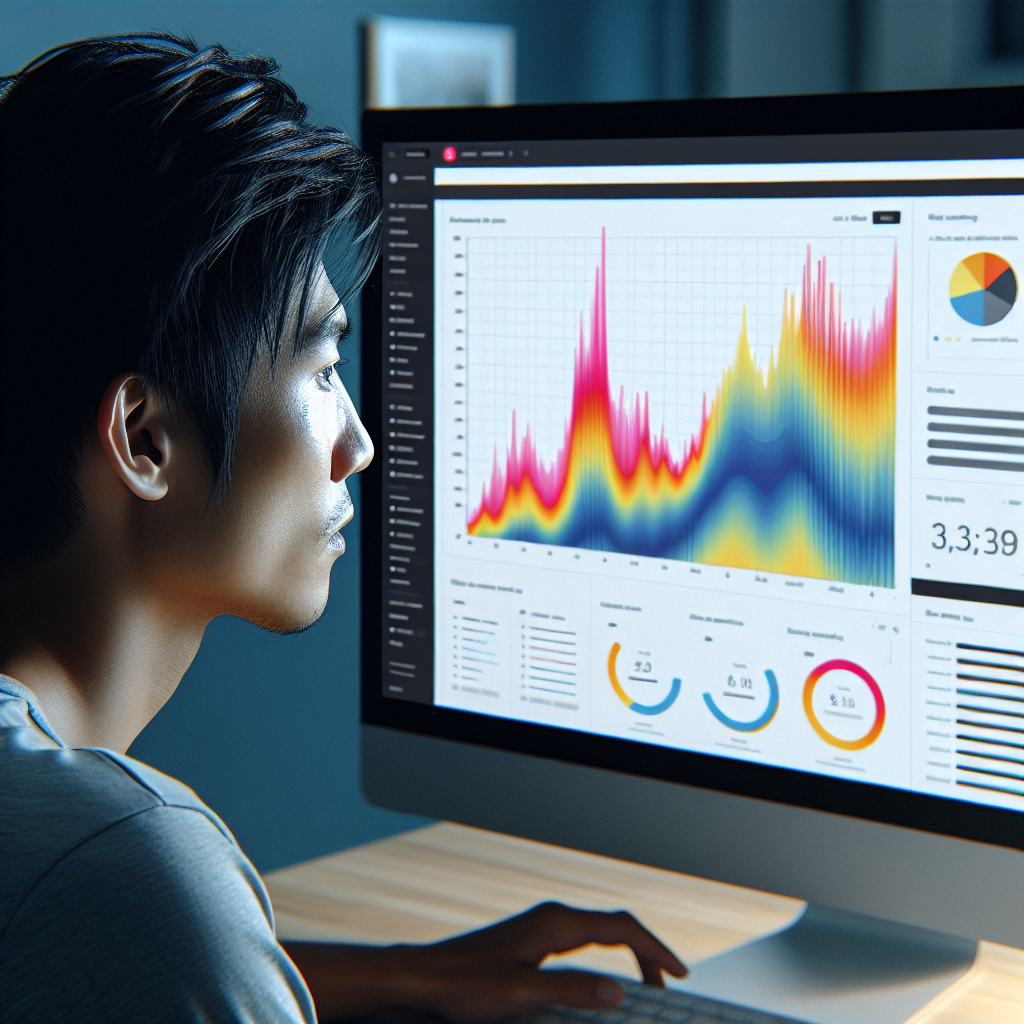
Enhancing User Experience: The Best WordPress Plugins for Tracking and Visualizing User Interactions
Introduction to User Interaction Tracking
Understanding how users interact with your website is crucial in creating a meaningful user experience and driving engagement. At the core of refining this experience is tracking user interactions, which provides valuable insights into what works and what doesn’t on your site.
Valuable Insights from Interactions
By analyzing patterns such as clicks, scrolls, and navigation paths, you can identify areas for improvement, optimize content, and ensure your site meets visitor expectations. This data forms the foundation of decisions that enhance user satisfaction and conversions.
Use Cases for Tracking
Consider scenarios such as a high homepage bounce rate. Tracking user behavior can reveal if visitors are leaving because the information they seek isn’t accessible upfront or if a call to action isn’t enticing enough.
Enhance Your WordPress Site
By using tools like a ‘track user behavior WordPress plugin’ or a ‘WordPress user click tracking plugin’, you can streamline interaction tracking. These tools offer comprehensive reports to tailor your website’s design and content strategy.
Best WordPress Heatmap Plugins
Visualize user interactions and optimize site layouts effectively.
Hotjar
Comprehensive plugin with click, move, and scroll maps, along with feedback polling.
- Click and scroll maps
- Feedback polls and surveys
Crazy Egg
Offers simple visual reports with A/B testing functionality.
- A/B testing
- Heatmaps and recordings
Lucky Orange
Real-time user analysis with heatmaps and live chat support.
- Session recordings
- Live chat functionality
Top Session Recording Solutions
Highlighting crucial session recording plugins that offer deep insights into user journeys, these tools help enhance user pathways for a better online experience.
Hotjar
A leader in user interaction visualization, Hotjar provides session recordings capturing clicks, taps, and scrolling behavior. Enhance usability with its comprehensive insights.
Mouseflow
Beyond session recordings, Mouseflow offers heatmaps and funnels. Its cross-device tracking capabilities deliver a holistic view of user navigation experiences.
Lucky Orange
Combining session recordings with live chat and conversion funnels, Lucky Orange helps pinpoint interaction patterns and resolve potential design bottlenecks efficiently.
Crazy Egg
Explore beyond session recording with Crazy Egg’s A/B testing and heatmaps, providing insights into conversion issues and navigation struggles on your site.
Inspectlet
With detailed session recording and heatmaps, Inspectlet captures every interaction, aiding in refined analysis for improving user experience elements.
Privacy Considerations and Best Practices
As the online landscape continues to evolve, maintaining user privacy has become more crucial than ever. Here’s how you can ensure privacy-first tracking on your WordPress site.
Why Privacy Matters
Taking a privacy-first approach is not only a legal requirement due to regulations like GDPR and CCPA, but it also builds trust with your audience. Always opt for tools that minimize data collection and require consent.
- Choose plugins that offer anonymous tracking.
- Provide a comprehensive privacy policy.
- Opt-In consent with clear options for users.
Best Practices
Implement user interaction tracking with transparency and control to generate actionable insights responsibly and ethically.
- Audit regularly for compliance with the latest regulations.
- Ensure data minimization and avoid capturing sensitive information.
- Allow easy user access and control over their data.
Alternative Tools for Better User Engagement
Crazy Egg
Crazy Egg offers a variety of features to track user interactions, such as heatmaps, scrollmaps, and session recordings that help you see how visitors interact with your site. By understanding these patterns, you can optimize your content layout for better engagement.
Learn moreMouseflow
Mouseflow offers a comprehensive suite of tools similar to Hotjar, including session replays, heatmaps, and funnel analysis, all competitively priced. Its feedback widgets provide direct insights from your visitors.
Discover MouseflowWP Click Track
WP Click Track is designed to seamlessly integrate with WordPress and offers detailed reports on click data, crucial for fine-tuning calls to action and other interactive elements on your site.
Explore WP Click TrackIntegrating 3D Elements into WordPress
Transform your website experiences with dynamic 3D elements powered by WordPress plugins.
3D Viewer Plugin
Seamlessly integrate 3D models into your site, supporting numerous 3D formats with responsive design.
Learn MoreCreative Applications
- E-commerce: Enable 360-degree product views to enhance buying confidence.
- Education: Facilitate immersive learning with interactive 3D models.
- Architecture: Offer virtual tours for potential clients to explore spaces.
Comparative Review: Standout Features and Limitations
Navigate through the essentials of WordPress plugins, balancing feature advantages with their limitations to tailor-fit your site’s needs.
Yoast SEO
- Real-time analysis for SEO enhancement
- Complex for beginners
Elementor
- Easy drag-and-drop design
- Might slow down site speed
Wordfence
- Comprehensive site security
- Premium version required for full features
WooCommerce
- Extensive e-commerce capabilities
- Scalability issues for large businesses
Jetpack
- Multifunctional with security and performance enhancements
- Resource-heavy, may affect site speed
Success Stories: Real-world Case Studies
Laura’s Handmade Jewelry Boutique
Laura integrated a top conversion-focused WordPress plugin to identify customer interests. Leveraging advanced analytics and A/B testing, she nearly doubled her conversion rate.
Result: Increased revenue and brand growth by optimizing her website.
Joe’s Coffee Shop
Joe utilized free WordPress plugins to boost SEO and automate email marketing. Improved visibility brought a surge in foot traffic and online engagement.
Result: Enhanced local reputation and increased customer engagement.
Browse Categories:
Tags for this post:
You may also like
Maximizing User Experience with WordPress: The Power of User Interaction Tracking Plugins
Discover top WordPress plugins to enhance user experience through sophisticated interaction tracking and future-proofing techniques.

Optimize User Experience with WordPress Heatmap Plugins
Discover top WordPress heatmap plugins to enhance user experience through precise tracking and data-driven insights.

Unlocking Insights: The Best WordPress Heatmap Plugins for 2025
Discover the top heatmap plugins for WordPress in 2025 to enhance user experience and drive conversions, with privacy and performance…