Unlocking User Insights: The Ultimate Guide to WordPress User Click Tracking and Heatmaps
Understanding Heatmaps and Their Importance
Gain insights into user interactions and optimize your WordPress site with heatmaps and tracking tools while respecting user privacy.
Visual Insights with Heatmaps
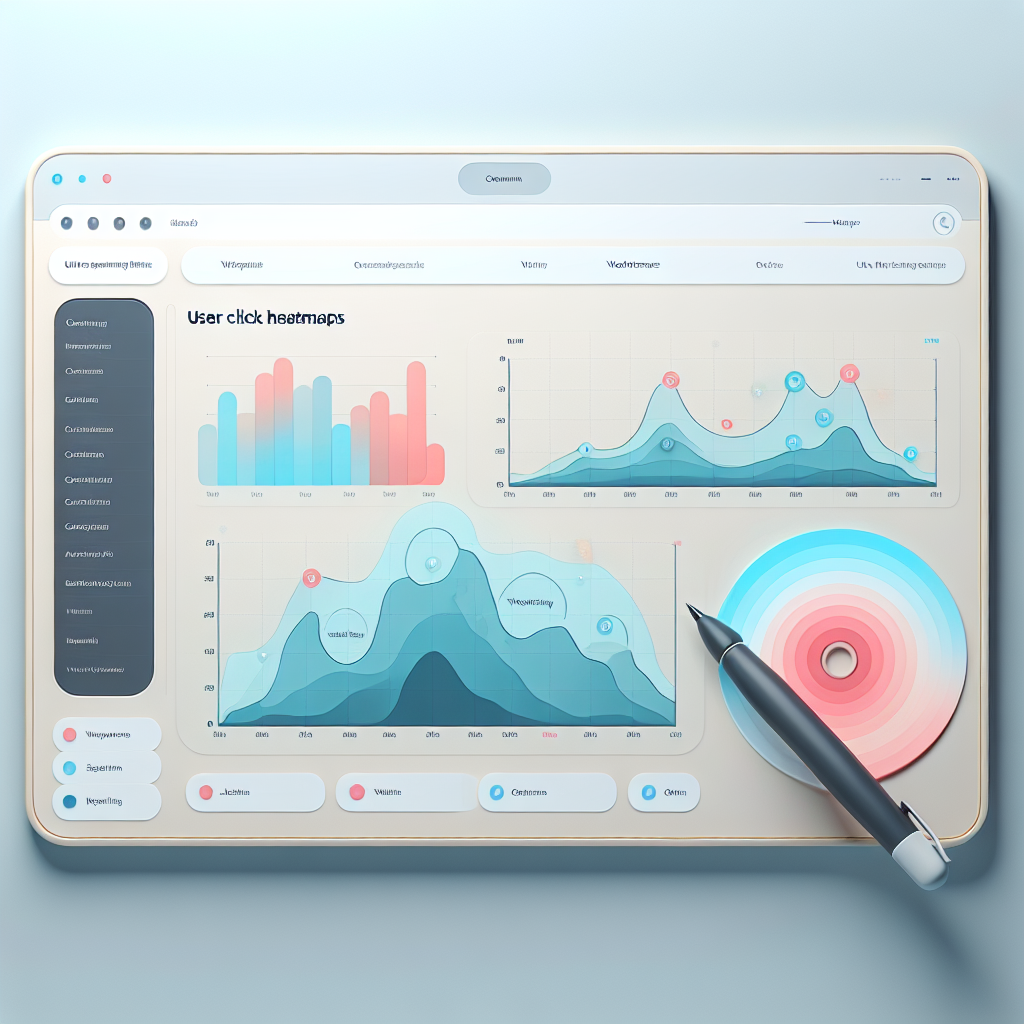
Heatmaps translate user interactions into a colorful, intuitive format, illustrating where visitors focus and what they overlook.
Privacy-Focused Analysis
Ensure user data is anonymized with privacy-focused plugins, complying with regulations and maintaining trust.
Enhanced User Tracking
Deep dive into user paths and actions with advanced click tracking to better tailor your content and layout.
Top Benefits of User Click Tracking
Improved Conversion Rates
Analyze click data to identify attention hotspots and adjust design elements to guide users toward completing actions like purchases or sign-ups.
Enhanced User Engagement
Understand which features retain user interaction, ensuring your content is interactive rather than passively consumed.
Visualized Interaction Data
Visualize user interactions to easily identify patterns and hotspots, enhancing decision-making about content and layout.
Strategic Content Placement
Use insights from click tracking to optimize your site’s content placement for maximum effectiveness and user engagement.
Choosing the Right Heatmap Plugins for WordPress
Privacy Concerns
Ensure compliance with privacy laws like GDPR by choosing plugins that offer anonymous data capture or collect user consent. Consider options like Hotjar and Crazy Egg for privacy-friendly features.
Budgeting
Match your budget with your needs. Start with free tools like Hotjar for essential insights, then scale with premium options like FullStory for detailed analytics.
Technical Capabilities
Ensure the plugin integrates with your WordPress setup and offers features like device segmentation. Choose tools that simplify setup and enhance analytical depth.
Free vs Premium WordPress Plugins: What’s Right for You?
Free WordPress Plugins
Perfect for small businesses looking to minimize expenses, free plugins offer cost-effective solutions. Tools like a free WordPress heatmap plugin provide insights without breaking the bank.
- Accessibility and cost-effectiveness
- Popular among new businesses
- Essential tools at no cost
Premium WordPress Plugins
Ideal for businesses requiring advanced features, premium plugins offer comprehensive support, regular updates, and enhanced functionality.
- Access to advanced features
- Regular updates and support
- Better customization options
How to Ensure Privacy with User Tracking
Learn responsible methods to balance insightful user tracking with ethical privacy considerations.
Privacy-Focused Heatmaps
Choose heatmaps like Hotjar and Mouseflow that anonymize user data, ensuring pattern analysis without personal details.
- Anonymize user interactions
- Prioritize data security
Transparency and Consent
Clearly communicate tracking practices and implement consent management tools for ethical data practices.
- Update privacy policies
- Use consent plugins
- Ensure compliance with GDPR and CCPA
Essential Tips for Implementing Heatmaps on WordPress
Optimize your website’s performance with insights into user behavior and engagement.
1. Choose the Right Plugin
Start by selecting a reliable heatmap plugin. Options include Hotjar, Crazy Egg, and Lucky Orange. Consider features like real-time data tracking and compatibility.
2. Install and Activate
Install your chosen plugin through the WordPress dashboard. Navigate to ‘Plugins’, click ‘Add New’, search for your plugin, and activate it.
3. Configure Settings
Customize the plugin settings. Choose pages to track, set data collection duration, and tailor the appearance. Use filters to focus on relevant data.
4. Track User Activities
Use the ‘WordPress user click tracking plugin’ to identify where users click the most. Optimize layouts for better engagement and conversions.
5. Analyze User Activity
Monitor visitor interactions using recorded sessions. Identify patterns or issues to improve the user journey.
6. Review and Adjust Strategies
Regularly review data and refine strategies. Focus on enhancing high interaction areas and improve low engagement spots.
Exploring Alternatives: Tools Beyond Heatmaps
While heatmaps provide valuable insights into user interactions, there are numerous other tools to enhance your WordPress site’s performance. Discover tools that go beyond heatmaps, offering comprehensive optimization.
Session Recording Tools
Tools like Crazy Egg and Mouseflow provide session recordings, allowing a dynamic view of user interactions far beyond static heatmaps.
Ideal for identifying user journey and trouble spots.
A/B Testing Plugins
Utilize products like Optimizely and Thrive Optimize to experiment with different site configurations for best performance.
Perfect for data-driven decisions to boost engagement.
Analytical Tools
Tools like Google Analytics and Adobe Analytics offer a comprehensive analysis of traffic and user pathways, providing macro insights into performance.
Case Study: Success with Click Tracking and Heatmaps
Real-world examples of businesses thriving with strategic user behavior insights.
Online Retailer Turnaround
An online retailer integrated a WordPress click tracking plugin to analyze navigation patterns. After identifying confusing elements, they redesigned the homepage, leading to a 20% increase in conversion rates and a significant revenue boost.
Travel Booking Optimization
A travel booking site used heatmaps to visualize user engagements and simplified forms that reduced abandonment by 15%. Heatmaps helped pinpoint interaction bottlenecks, optimizing their conversion funnel effectively.
Browse Categories:
You may also like

Boost Engagement: Top Plugins for Tracking User Interaction on WordPress
Explore top WordPress plugins to boost user interaction and enhance website performance with expert recommendations and user tracking insights.

Unlocking User Insights: Best Heatmap and Session Recording Plugins for WordPress
Discover top WordPress plugins to track user behavior with heatmaps and session recordings. Enhance user insights and improve conversions.

Enhance User Engagement with the Best WordPress Heatmap Plugins
Discover top WordPress heatmap plugins for tracking user behavior and enhancing site conversions with our comprehensive guide.