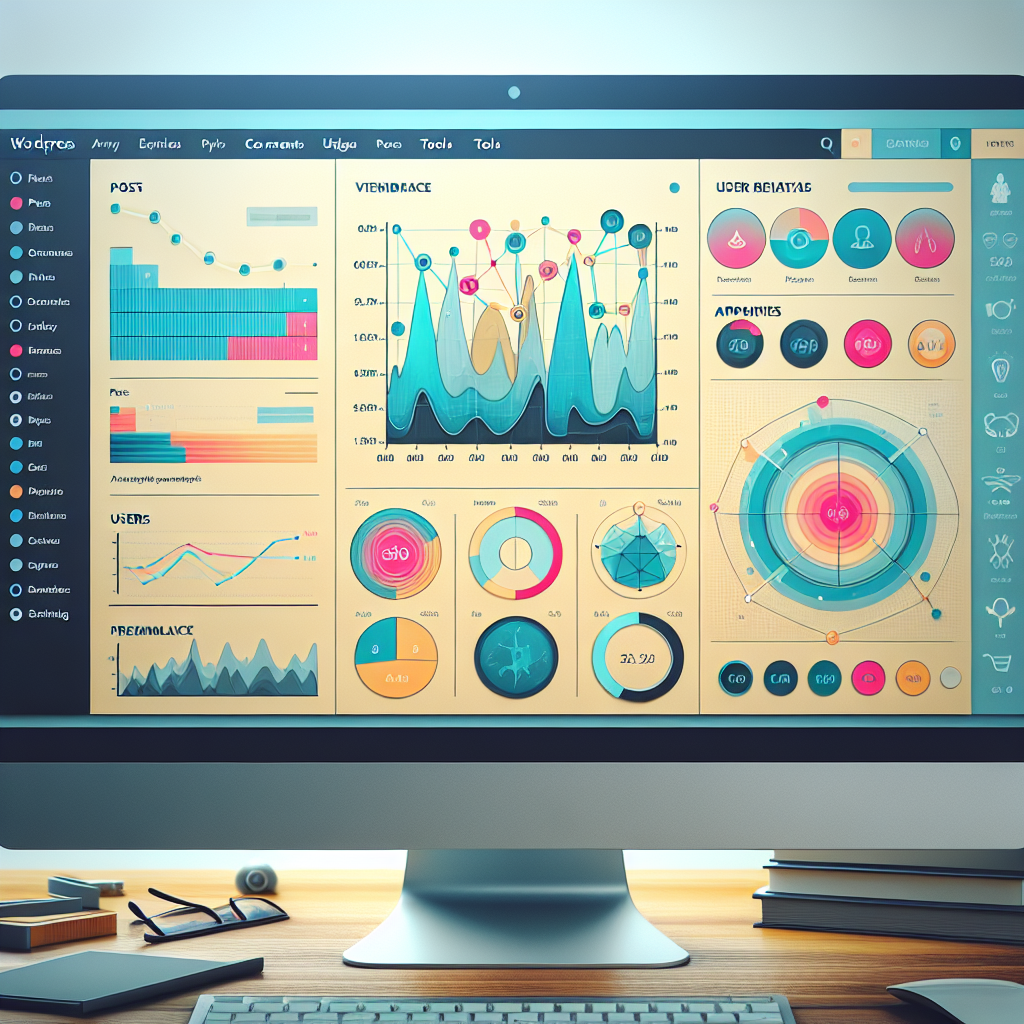
Unlocking Insights: Best WordPress Plugins to Track User Interaction and Improve Experience
Understanding the Importance of User Interaction
In the digital age, understanding how users interact with your website is more crucial than ever. By tracking user behavior, you gain invaluable insights for site optimization, enhancing user experience and conversion rates.
The Value of User Insights
Just like rearranging displays in a store based on customer attention, understanding onsite user behavior allows you to optimize your WordPress site. You can make informed decisions about layout and content placement, enhancing user navigation and engagement.
Plugins: The Key to Understanding
Plugins like a WordPress user click tracking tool offer real-time interaction data. These tools reveal navigation drop-off points and other crucial insights, allowing you to streamline the user experience effectively.
Top Plugins for WordPress Click Tracking
MonsterInsights
This Google Analytics plugin not only tracks site traffic but provides detailed click tracking for outbound links, affiliate links, and file downloads. Ideal for users of all tech levels.
Crazy Egg
Famous for its heat mapping, this plugin identifies attention hotspots on your site. Useful for understanding user engagement and improving layout designs.
Hotjar
Combining heatmaps, session recordings, and feedback tools, Hotjar helps identify user journey drop-offs and suggests optimizations for better engagement.
ExactMetrics
Provides Google Analytics data in your WordPress dashboard. Track clicks, downloads, and events with user-friendly reports to understand site interactions.
Clicky
Analyze real-time user sessions with Clicky. Offers insights into visitor actions to refine design and inform strategic decisions effectively.
Best Plugins for Recording User Sessions
Enhance your website’s user experience by choosing the right plugin to effectively record and analyze user sessions.
Hotjar
Known for its comprehensive session recordings and heatmaps, it allows you to see precisely where users click, scroll, and linger.
Learn MoreCrazy Egg
Offers robust analytics tools combined with session recording capabilities and A/B testing, making it an all-in-one solution.
Learn MoreMouseflow
Includes form analytics and feedback campaigns for understanding user journey and improving site navigation.
Learn MoreSessionCam
Ideal for e-commerce sites, it tracks user journeys to reduce cart abandonment rates by highlighting barriers to conversion.
Learn MoreFree vs. Premium WordPress Plugins for Heatmaps
Free Plugins
Free WordPress heatmap plugins are a great starting point for site owners on a budget who want to test the waters with heatmap analytics. These plugins typically offer basic features such as understanding where users click, scroll, and spend the most time on a page.
- Basic Click & Scroll Tracking
- No Cost Analysis
- Improves User Experience
Example:
“Heatmap for WordPress” Plugin
Premium Plugins
Premium plugins come with robust features that include real-time data, more detailed analytics, integration with other analytics tools, advanced reporting, and comprehensive support.
- Real-Time Data
- Comprehensive Support
- Privacy Controls
Examples:
“Crazy Egg” or “Hotjar”
Ultimately, the decision between free and premium should be guided by your website’s specific needs and budget. Consider your long-term goals and how important detailed visitor behavior analysis and data privacy are to your website’s success when making your choice.
Finding Alternatives to Hotjar: Privacy-focused Options
Explore privacy-centric alternatives to Hotjar and ensure compliance with burgeoning data protection laws.
Matomo
An open-source platform that offers self-hosted data analytics, ensuring complete control over your data and easy compliance with regulations like GDPR.
Fathom Analytics
Providing GDPR-compliant analytics with a minimalist dashboard, Fathom focuses on simplicity and privacy, collecting no personal data.
Clarity by Microsoft
This free tool integrates seamlessly with WordPress, offering session recordings and heatmaps with a commitment to user anonymity and compliance.
Implementing 3D Viewer Plugins in WordPress
Transform your site interaction with immersive, interactive 3D models. Here’s how plugin integration can elevate user engagement.
3D-FlipBook
Create stunning page-flipping effects for PDFs with embedded 3D models. Perfect for online magazines and presentations without coding needed.
Sketchfab’s Embed Plugin
Seamlessly integrate interactive 3D models with simple shortcodes. Works across all devices with varied format support.
WP VR View
Embed 360-degree images, videos, and 3D models for an immersive exploration. Ideal for eCommerce with detailed product viewing.
Choosing Lightweight Plugins for Fast Performance
Why Choose Lightweight Plugins?
In today’s digital landscape, web users have little patience for slow-loading sites. Lightweight plugins ensure your site remains fast without compromising on features.
- Smaller file size for optimal performance
- Known for efficient community reviews
Features of Top Plugins
Look for plugins that offer robust functionality while maintaining speed, such as:
Heatmap Plugins
Options like Crazy Egg or Hotjar provide user insights efficiently.
3D Model Plugins
Plugins such as Sketchfab handle 3D models seamlessly.
Conclusion and Expert Recommendations
As we wrap up our exploration of the evolving landscape of WordPress plugins, the future of web customization and enhancement is increasingly promising. With the best WordPress plugins of 2025, users have unprecedented potential to tailor their sites for performance and engagement. A strategic approach to plugin integration will be essential in leveraging these opportunities.
Key Takeaway: Prioritize User Experience
By focusing on must-have WordPress plugins for user experience, website owners can facilitate smoother navigation, faster load times, and overall enriched interaction. These factors not only enhance visitor satisfaction but also improve search engine rankings and conversions.
Expert Tips:
- Select plugins that complement each other without overloading your site.
- Regularly update and audit plugins for compatibility.
- Always backup your site before installing new plugins.
Next Steps
To start integrating these insights into your site strategy, assess your current needs and align them with your growth aspirations. Use community resources, client reviews, and expert rundowns to guide your decisions.
Contact UsBrowse Categories:
Tags for this post:
You may also like

Top WordPress Plugins for Enhanced User Interaction and Tracking
Discover the best WordPress plugins for improving user interaction and tracking behaviors to boost engagement and conversions on your site.

Enhancing User Interaction with WordPress: Heatmaps and 3D Viewers
Discover how to enhance user interaction on WordPress with heatmap and 3D viewer plugins to optimize your website experience.

Unlocking the Power of Heatmap Plugins: Enhancing User Experience on WordPress
Discover the transformative power of heatmap plugins in enhancing user experience on WordPress. Learn how to select, implement, and maximize…