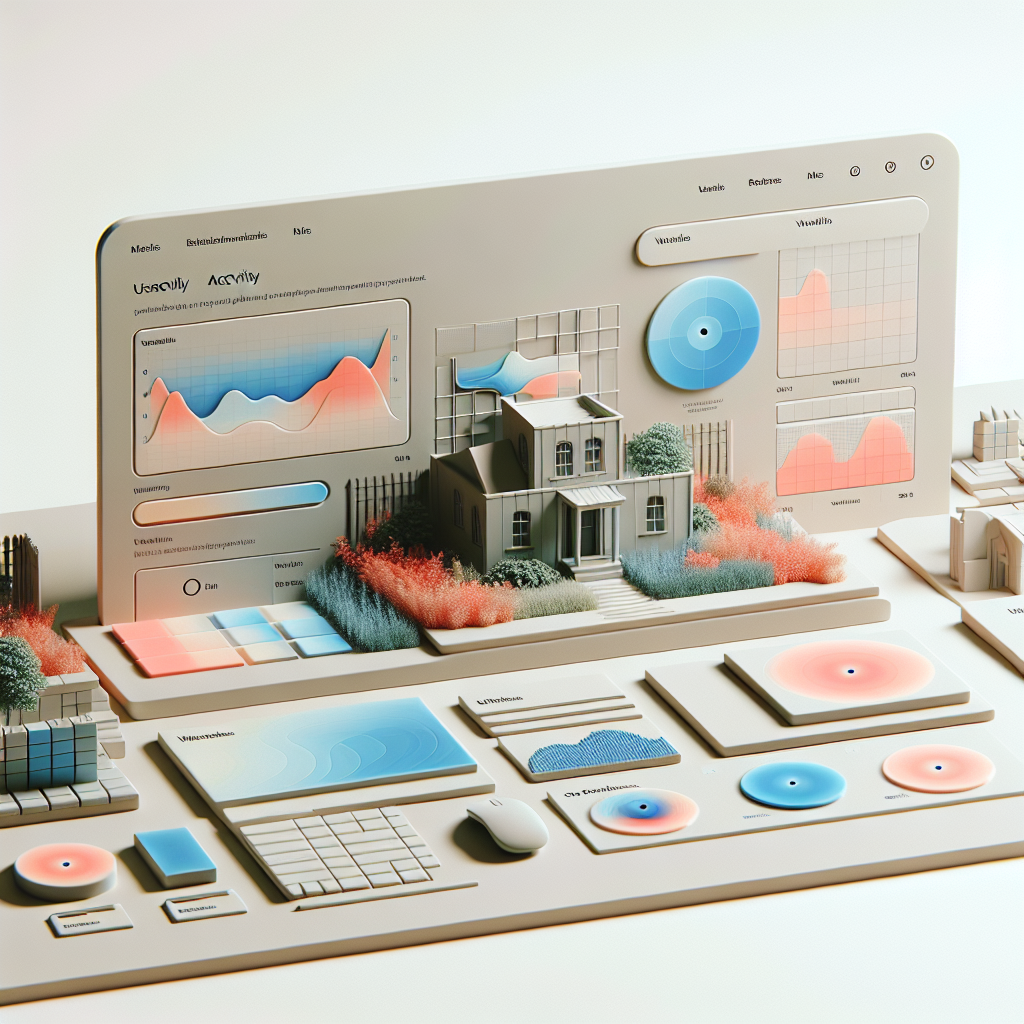
Maximize User Experience with WordPress Click Tracking and 3D Viewing Plugins
Understanding User Click Tracking
Enhance your WordPress site engagement by exploring the dynamics of user interactions through click tracking.
The Power of Insights
User click tracking is pivotal in understanding visitor behavior on a WordPress site. It reveals which elements capture attention and foster engagement, crucial for optimizing user experience and conversion rates.
- Gain insights into user preferences and behavior.
- Identify high-impact navigation elements and CTAs.
- Adapt designs in response to user interaction data.
Simplified Tracking Solutions
WordPress user click tracking plugins offer streamlined analytics through intuitive dashboards that highlight vital metrics like click counts and heatmaps. This empowers site administrators to make informed decisions without requiring technical expertise.
Why Click Tracking Matters
Understanding where and how users interact with your website is pivotal in shaping a positive user experience and enhancing conversion rates. Click tracking empowers you by unveiling the intricacies of user behavior—offering a window into which website elements attract user attention and which areas may require improvement.
- Discover user preferences and pain points by analyzing click patterns.
- Identify elements that confuse users or require clearer navigation.
- Use detailed reports to make data-driven decisions and enhance site engagement.

Gain insights with real-time data.
Top WordPress Click Tracking Plugins
Hotjar
Known as one of the best session recording plugins for WordPress, offering heatmaps and session recording to visually track clicks, taps, and scrolls, optimizing UX based on user behavior.
Crazy Egg
Features powerful tools like click heatmaps and A/B testing. It’s perfect for validating design changes with solid data, highlighting webpage engagement areas.
Lucky Orange
Offers a comprehensive toolkit with heatmaps, session recordings, and conversion funnels, along with a real-time dashboard and live chat for immediate visitor interaction.
Mouseflow
Combines heatmaps, session replay, funnels, and form analytics to uncover behaviors and bottlenecks, offering deeper insights into user activity for enhanced decision-making.
Clicky Analytics
Offers real-time analytics and heat mapping. With extensive features and accessibility, it’s a reliable choice for all skill levels.
Privacy Considerations with Tracking
As businesses increasingly rely on data to enhance their digital strategies, balancing user tracking with privacy considerations has become more crucial than ever. Users today are highly aware of their digital footprints and demand transparency and respect for their privacy. This is where privacy-focused solutions play a pivotal role.
Privacy-Focused WordPress Heatmap
Unlike traditional heatmapping tools, privacy-focused WordPress heatmaps ensure personal data remains secure by anonymizing user information and focusing on aggregate patterns.
Consent Mechanisms
Robust consent mechanisms, such as explicit opt-in forms, empower users to choose what kind of data they’re comfortable sharing, prioritizing user privacy and compliance.
Real-world examples illustrate the importance of respecting privacy. By opting for solutions that prioritize user privacy, businesses can achieve a dual outcome: harnessing the power of data while maintaining the confidence of their users.
Learn MoreExploring 3D Viewer Plugins
In today’s digital landscape, integrating 3D elements into your WordPress site can be a game changer. 3D viewer plugins have the power to transform static webpages into immersive experiences, engaging your audience more deeply.
Imagine showcasing products that customers can rotate and view, akin to holding them in their hands. This interaction can boost engagement, reduce uncertainty, and drive sales, especially useful for online stores, galleries, and educational content.
Whether you’re a developer enhancing your site’s storytelling or a business owner eager to stand out, exploring 3D viewer plugins on WordPress can be your next strategic move.
Learn MoreTips for Showcasing 3D Content
Displaying 3D content effectively is crucial in capturing the attention of your audience and making your digital portfolio stand out. Here are some tips to guide you:
Choose the Right Tools
Start by selecting the best plugin to showcase your 3D portfolio. For WordPress users, options like WP VR or 3D FlipBook provide robust functionalities for displaying 3D models seamlessly on your site.
Optimize Loading Times
With 3D content often involving large files, it’s essential to ensure that your website loads quickly. Use plugins that support lazy loading or compress your 3D assets without compromising quality.
Interactive Features
Incorporate interactive elements allowing users to engage with your 3D models. Features like rotating, zooming, and panning can greatly enhance the user experience.
Responsive Design
Make sure your 3D content is accessible on all devices. Utilize responsive design techniques to cater to a broad audience, ensuring functionality on both desktop and mobile.
Storytelling Through 3D
Use 3D content to tell a story or convey a message. Introduce narrative elements that guide the viewer through your models, providing context and engagement.
Best 3D Viewer Plugins for WordPress
Integrating 3D content into your WordPress site is an exciting way to engage visitors and enhance the user experience. Here are some top 3D viewer plugins that you should consider for your site.
Sketchfab
Known for its seamless integration and ease of use, Sketchfab allows WordPress users to embed interactive 3D models effortlessly. Customize materials, lighting, and post-processing to fit your brand’s aesthetics.
- Easy to embed
- Global model community
- Powerful editor
3D WooCommerce
Ideal for online retailers, this plugin integrates with WooCommerce to display 3D models directly on product pages, enhancing customer interaction with the products.
- WooCommerce integration
- Interactive product views
- Increased conversion potential
WP 3D Models
A perfect choice for those seeking a free 3D viewer plugin. WP 3D Models offers simple setup and impressive customization options without any cost.
- Free to use
- Supports various formats
- Customizable options
Conclusion and Next Steps
As we’ve explored, integrating the right plugins into your WordPress site can transform it from a standard page into a dynamic, user-friendly space that caters precisely to your audience’s needs. By understanding and utilizing the potential of these ‘must have WordPress plugins for user experience,’ you can enhance engagement, bolster security, and significantly boost your site’s overall functionality.
- Key takeaways include the importance of selecting plugins that match your specific site needs.
- Keep plugins updated to maintain optimal performance and security.
- Plugins can improve navigation, social media sharing, and site speed.
As you consider integrating these enhancements, identify the site areas needing improvement and prioritize plugins that address these. Be mindful of compatibility and support from developers. Now is the perfect moment to take action. Begin experimenting with different plugins and observe how they impact your user’s experience.
Get in TouchBrowse Categories:
Tags for this post:
You may also like
Maximize User Interaction: The Best WordPress Heatmap Plugins to Track and Enhance User Behavior
Discover the best WordPress heatmap plugins to track user behavior and improve your site's engagement and conversions.
Unlocking User Experience: The Best Plugins for WordPress User Click Tracking
Discover the best plugins to track user clicks and improve your WordPress site's user experience with actionable insights.

Harnessing the Power of User Click Tracking: Best Plugins for WordPress
Explore top WordPress plugins to track user clicks and enhance site experience. Discover free and premium tools to boost engagement…