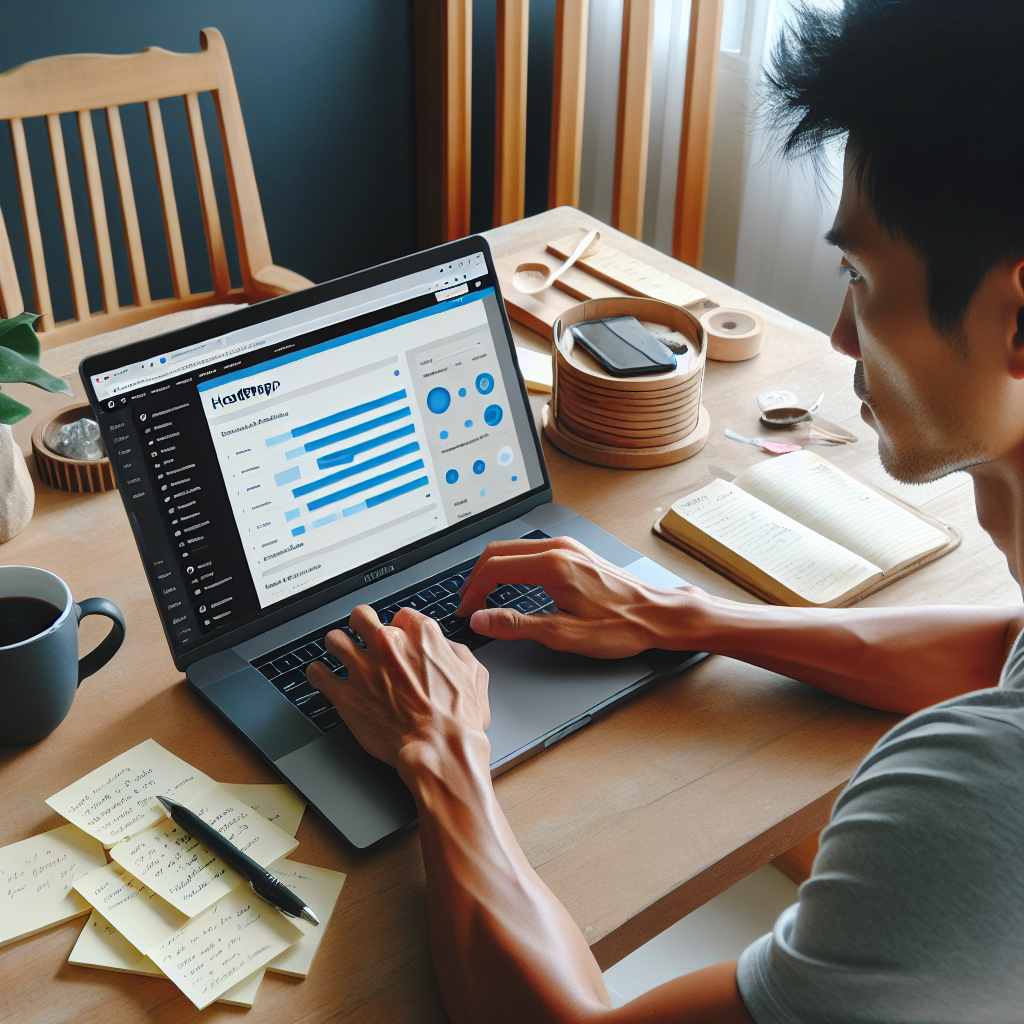
Enhance Your Website with the Best WordPress User Click Tracking Plugins
Understanding User Click Tracking
To truly enhance user experience on your website, understanding user click tracking is crucial. By tracking how users interact with your site, you gain essential insights into user behavior, helping you make informed decisions to optimize their journey.
Click tracking reveals which elements visitors find engaging, where they spend the most time, and at which points they might be dropping off. This information is invaluable for any business aiming to increase conversion rates or enhance customer satisfaction.
Real-World Application
For example, an e-commerce website that utilizes click tracking can identify stages where customers frequently abandon their carts, allowing the site owners to streamline the checkout process and improve the overall shopping experience.
- Identify drop-off points
- Streamline processes
- Boost conversion rates
Implementing these insights often requires the use of dedicated software, and here is where plugins, especially for WordPress sites, prove indispensable.
Benefits of Heatmap Plugins
Transform insights into actions for enhanced user engagement.
Why Use Heatmap Plugins?
Heatmap plugins offer a visual representation of user interactions, guiding data-driven decisions for site optimization.
- Visualize user clicks, taps, and scrolls.
- Identify popular areas to strategize content placement.
- Optimize CTAs for improved conversions.
- Ensure user privacy with GDPR-compliant heatmaps.

Choosing the Right Plugin
Identify Your Needs
To boost conversions, start by defining your goals. Consider if your website needs enhancements in speed, user experience, or content delivery.
OptinMonster is a powerful tool for lead generation, utilizing eye-catching pop-ups and compatibility with email services to convert visitors into customers.
Ensure Compatibility & Support
Choose plugins that integrate smoothly with your existing setup without issues. WooFunnels, for example, optimizes WooCommerce checkout processes for higher conversion.
User reviews and frequent updates are indicators of a reliable plugin. Many developers offer demos that allow experimentation before final selection.
Top Free Plugins for Small Businesses
Yoast SEO
Optimize your content for search engines and enhance your site’s visibility with Yoast’s friendly interface and insightful suggestions.
WooCommerce
Transform your site into a full-featured online store with WooCommerce’s flexible and robust platform.
Contact Form 7
Facilitate seamless communication with customizable forms tailored to your business needs.
Mailchimp for WordPress
Grow your audience effortlessly with integrated signup forms and powerful analytics.
Elementor
Build professional-looking pages effortlessly with Elementor’s versatile drag-and-drop builder.
WPForms Lite
Design beautiful, functional forms with ease using this beginner-friendly tool.
Smush Image Compression
Improve your site load speed by automatically compressing images without losing quality.
Comparing Plugin Features
Choosing the right plugin can significantly enhance your WordPress site’s functionality and user experience. Understanding user behavior better, like using a plugin to see where users click on your WordPress site, can guide you in optimizing your site’s layout and increase conversions.
Ease of Use
User-friendly dashboards and visualization tools cater to both beginners and advanced users.
Integration
Seamless integration with tools like Google Analytics for a comprehensive data view.
Customization
Plugins offering customization options to collect and display the desired data.
Performance Impact
Evaluate performance impact to keep your site fast and responsive.
Support and Documentation
Reliable support and thorough documentation for troubleshooting and enhancements.
Case Study: Success Stories
EduQuest’s Engagement Boost
EduQuest transformed student interactions with the best session recording plugin for WordPress. By analyzing real-time interactions, they gained valuable insights which led to a 40% increase in student completion rates over a semester.
- Video replays of user sessions
- Navigation path analysis
- UI & course layout optimization
Fashionista’s Boutique Growth
Facing challenges with cart abandonment, Fashionista’s Boutique integrated a customer experience plugin that boosted conversion rates by 25% through personalized recommendations and an enhanced checkout process.
- Personalized product recommendations
- Intuitive checkout process
- Increased conversion and retention
Plugin Installation Guide
Follow these simple steps to get a WordPress user click tracking plugin up and running, gaining insights into user behavior and boosting your site’s success.
Step 1: Access Plugins
Log in to your WordPress dashboard and find the Plugins option in the left-hand menu. Click Add New to open the plugin directory.
Step 2: Search and Install
Use the search bar to find a click tracking plugin like MonsterInsights or Crazy Egg. Click Install Now and then Activate to enable it.
Step 3: Configure Plugin
Adjust your plugin settings for your specific trackable actions. Setup tracking codes and goals to start gaining insights.
Future Trends in Click Tracking
Stay ahead with insights on future trends in click tracking, ensuring your strategies are both modern and effective to enhance user experience.
AI and Machine Learning in Click Analytics
Discover how predictive analytics powered by AI and machine learning is revolutionizing the click tracking landscape, providing predictive patterns for strategic planning.
Enhanced Privacy Features
Explore emerging privacy features that integrate seamlessly with global standards, ensuring compliance with GDPR and CCPA, critical to modern click tracking solutions.
Real-Time Data and Analytics
Gain a competitive edge with real-time data analysis, essential for businesses aiming to refine their online strategies promptly and enhance user engagement effectively.
Integration with IoT and Voice-Activated Devices
Understand how click tracking is extending to IoT and voice-assisted interactions, redefining analytics by incorporating device interactions across platforms.
Augmented Reality (AR) and Virtual Reality (VR) Interactions
Delve into the future of AR and VR tracking, where user interactions and gestures become integral parts of comprehensive click analytics, driving enhanced user experiences in WordPress plugin development.
Browse Categories:
You may also like

Must-Have WordPress Plugins to Enhance User Experience and Track Visitor Behavior
Explore essential WordPress plugins to elevate user experience and track visitor behavior efficiently.
Enhance User Experience: The Best Plugins for Click Tracking and 3D Viewing in WordPress
Discover top plugins to boost user engagement on your WordPress site with click tracking and 3D viewing tools.
Enhance User Experience with WordPress Heatmap Plugins: A Comprehensive Guide
Discover how WordPress heatmap plugins can transform your user experience insights and enhance site conversions.