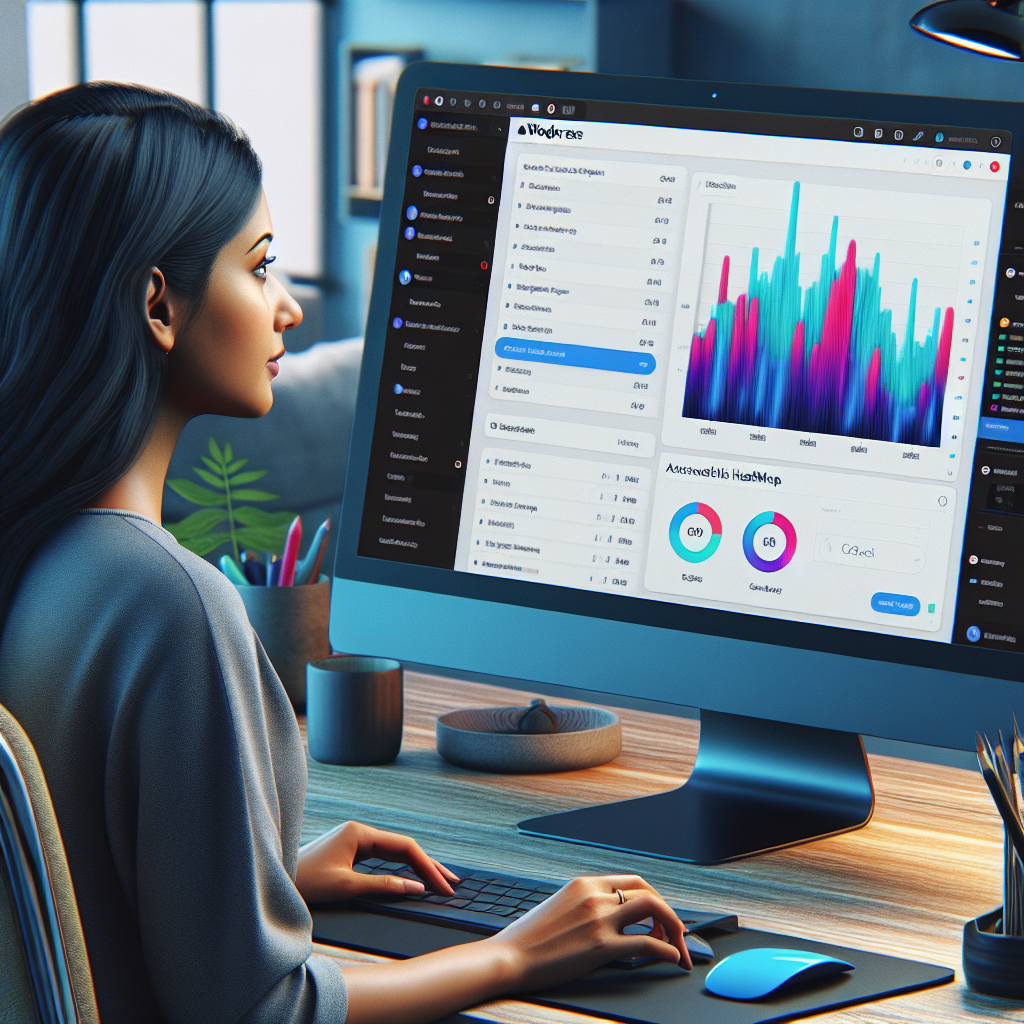
Enhance User Interaction: Best Plugins for Heatmap Tracking on WordPress
Understanding WordPress Heatmap Tools
Unlock the potential of user interaction insights with heatmaps and revolutionize your WordPress site management.
Visualize User Interaction
Heatmaps offer a graphical representation of how users interact with your site. Understand attention hotspots, optimize layouts, and enhance content placement with ease.
-
Spot user attention hotspots.
-
Optimize content based on real data.
WordPress Integration Made Easy
Seamlessly integrate heatmap plugins with WordPress to track and visualize user behavior effortlessly. Make data-driven site enhancements without complexity.
-
Integrate without technical hassle.
-
Derive actionable insights without guessing.
Benefits of Using Heatmaps
Enhanced User Experience
Heatmaps reveal where users click, scroll, or hover, helping to ensure site features are accessible and easy to navigate, reducing frustration and boosting satisfaction.
Boosted Conversions
By identifying high-engagement areas on your pages, CTAs and other conversion elements can be strategically placed to increase conversion rates effectively.
Data-Driven Decisions
Heatmaps provide concrete data on user interactions, enabling informed decisions for design changes and content placement to improve usability.
Identifying Problem Areas
Highlight sections frequently overlooked or where drop-offs occur, focusing on usability issues like unclear navigation or overwhelming content layout.
Cost-Effective Analysis
A cost-effective alternative to traditional testing, offering real-time analysis with minimal resources through WordPress click-tracking plugins.
Top Heatmap Plugins for WordPress
Enhance your WordPress site with insights into user behaviors and interactions. Discover the features and benefits of leading heatmap plugins and make informed choices.
Crazy Egg
Crazy Egg delivers extensive insights with not just heatmaps, but also scrollmaps and session recordings. Ideal for data-driven improvements with an intuitive dashboard and A/B testing tools.
- Session recordings
- Scrollmaps & confetti reports
- User-friendly dashboard
Hotjar
Optimize user experiences with Hotjar’s comprehensive analytics suite, including heatmaps, feedback polls, and real-time integration. Perfect for beginners and veteran site owners alike.
- Real-time analytics
- Feedback polls and surveys
- Easy WordPress integration
Mouseflow
For detailed interactions, Mouseflow offers session recordings, funnel analysis, and form analytics — essential for refining conversion paths and boosting engagement.
- Visitor path tracking
- Funnel analysis tools
- In-depth form analytics
Inspectlet
Inspectlet’s segmentation by traffic source or device offers nuanced insights, particularly useful for e-commerce platforms looking to enhance targeted user experiences.
- Device and traffic source segmentation
- Real-time analytics
- Integrated with session recordings
Comparing Heatmap Plugins
Understanding user behavior on your WordPress site is pivotal. This guide provides a comparative analysis of various heatmap plugins, catering to diverse needs and budgets, to aid your decision-making.
Hotjar
A top choice for many with features like heatmaps, session recordings, and surveys. However, its pricing may not suit small businesses.
- Robust feature set
- Ideal for comprehensive analysis
- Higher pricing model
Lucky Orange
Offers dynamic heatmaps and conversion funnels at affordable prices, making it suitable for startups and budget-conscious users.
- Competitive pricing
- Bundles multiple features
- Economical for small businesses
Crazy Egg
Known for its lightweight nature, Crazy Egg offers heatmaps and A/B testing without slowing down your site.
- Focus on site speed
- Includes scrollmaps
- Seamless WordPress integration
Mouseflow
Excels in session recording and form analytics, providing detailed data for conversion optimization.
- Form analytics capability
- Detailed data reports
- Ideal for data-driven insights
Heatmap for WordPress
A straightforward plugin for WordPress users, providing basic insights without the complexity of advanced features.
- Easy deployment
- Cost-effective
- No-frills, quick insights
Implementing Heatmaps on Your Site
Discover how to effectively use heatmaps to enhance user experience on your website with this straightforward guide.
1. Choose the Right Plugin
Start by selecting a plugin like Hotjar, Crazy Egg, or Mouseflow. For seamless WordPress integration, explore plugins tailored for user click tracking.
2. Install the Plugin
Download the plugin and upload it via the WordPress dashboard. Activate it to begin use.
3. Configure Plugin Settings
Adjust user tracking preferences and define the scope of interaction recordability to suit your analysis needs.
4. Integrate the Plugin
Add the necessary code snippet to your site’s header or footer as directed by the plugin to enable user interaction tracking.
5. Begin Data Collection
Allow the plugin to run for a period appropriate for your traffic to gather sufficient insight data.
6. Analyze and Act on Insights
Review collected data to identify user behavior patterns and optimize your site for better user engagement and conversions.
Analyzing Heatmap Data
Gain insights into user behavior for optimized website performance.
Understanding Heatmaps
Heatmaps visualize data with colors, showing user interaction intensity across your site. By focusing on hot zones with reds and oranges, you can pinpoint areas attracting user attention, like an effective call-to-action.
Cooler regions in blues suggest less engagement, indicating potential areas for improvement. Investigate placement, size, or color adjustments to boost visibility.
The Role of Scroll Maps
Scroll maps provide insights into how far users scroll, highlighting whether crucial content sits below the average fold. Adjustments ensure key information is accessed easily without excessive scrolling.
Enhancing user experience by positioning conversion points appropriately supports overall business objectives and conversion rates.
Heatmap Security and Privacy Considerations
Manage user data responsibly while leveraging heatmap insights.
Privacy-Focused Solutions
-
Anonymization Features
Utilize tools like Hotjar and Crazy Egg to obscure keystrokes and personal identifiers ensuring data security.
-
Compliance with Data Laws
Ensure plugins adhere to GDPR and CCPA standards to legally and ethically collect and store user data.
-
Explicit Consent
Implement opt-in notices and create clear privacy policies to keep your users informed.
Best Practices
-
Subscription-only Insights
Offer insights through subscription to enhance data security and control.
-
Transparent Data Terms
Provide clear terms of data use to foster trust and transparency with your audience.
-
Regular Data Audits
Conduct audits to ensure compliance and secure handling of user data.
Expanding Your User Tracking Capabilities
Explore additional plugins beyond heatmaps for comprehensive behavior analysis, encouraging further site improvements.
Google Analytics Dashboard for WP
Seamlessly integrate comprehensive tracking directly into your WordPress dashboard, providing real-time stats and user behavior insights.
MonsterInsights
Customize tracking with advanced eCommerce metrics and event tracking, simplifying analytics for data-driven decisions.
WPForms
Gather direct user insights through surveys and feedback forms to better understand user expectations and frustrations.
LiveChat
Enhance user interaction with real-time communication, boosting satisfaction and retention significantly.
Browse Categories:
You may also like

Enhance Your WordPress Site with User Click Tracking and 3D Viewer Plugins
Discover how user interaction and 3D viewer plugins can transform your WordPress site, enhancing user engagement and behavior insights.

Enhance User Experience with WordPress Click Tracking and Session Recording Plugins
Discover how to enhance your WordPress site's user experience with top click tracking and session recording plugins.

Unlocking User Insights: Top WordPress Plugins for Heatmaps and 3D Viewers
Explore top WordPress plugins for creating heatmaps and embedding 3D models, enhancing user engagement and site performance.