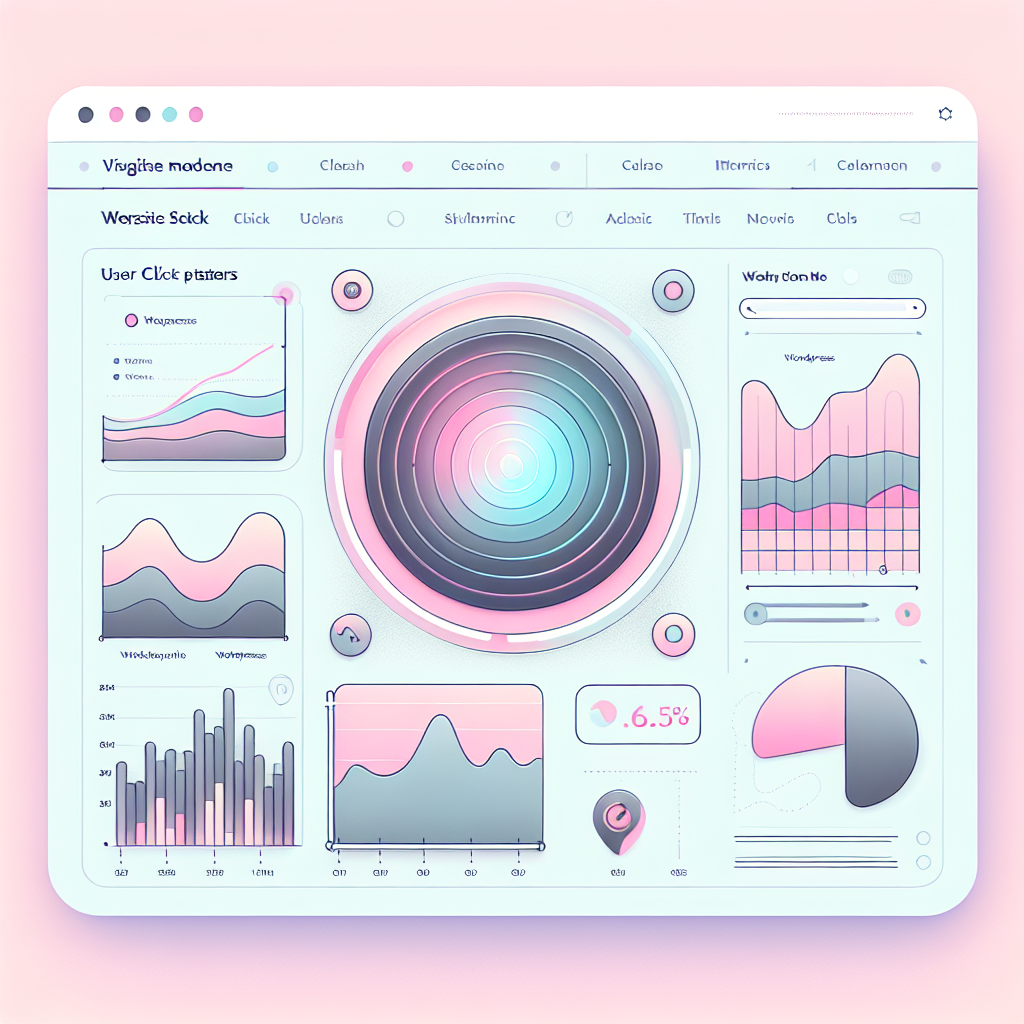
Boost Engagement with WordPress Heatmap Plugins: Explore User Clicks and Beyond
Introduction to Heatmap Plugins
Unlock the power of user behavior analysis and enhance your website engagement.
Understand User Interaction
Heatmap plugins provide invaluable insights into user behavior by visually representing the most interacted areas of your website. Discover which parts of your page attract the most attention to optimize your user experience and improve performance.
- Track clicks, scrolls, and taps visually
- Easy interpretation of engagement data
- Enhance design for better conversion rates
Why Track User Clicks?
Understand how visitors interact with your website to enhance user experience and engagement.
Gain Valuable Insights
Tracking user clicks provides essential data on user behaviors. This data helps you understand which elements receive the most attention, allowing for strategic content placement to enhance user journeys.
Optimize Content Layout
By analyzing click patterns, you can improve content layouts, ensuring crucial paths are accessible while repositioning overlooked elements to boost engagement.
Enhance User Experience
Refine website features to meet user expectations, leading to better navigation, increased conversions, and a responsive environment that adapts to visitor needs.
Implement Tracking Tools
Use WordPress clicking tracking plugins for seamless data collection, making your website a powerful tool for dynamic engagement and growth.
Choosing the Right Heatmap Plugin
Features Assessment
- Real-time Analytics
- Segmentation Options
- Session Recording Capabilities
- Privacy-Focused Design
Pricing Considerations
- Free Versions Available
- Tiered Pricing Models
- Upgrade As Needed
Usability and Integration
- Easy Installation
- Intuitive Dashboards
- Seamless WordPress Integration
Installation and Setup
Follow these simple steps to effectively install and configure a heatmap plugin for your WordPress site.
Select a Plugin
Choose a plugin that suits your needs. Free options like Hotjar or Crazy Egg provide robust features without overloading your server.
Install the Plugin
Navigate to ‘Plugins’ > ‘Add New’ in your WordPress dashboard. Search, install, and activate your chosen plugin.
Configure Settings
Access the new menu item added by the plugin in your dashboard to customize tracking settings for your pages.
Set Up Your Account
Create an account at the plugin’s website if required and link it through the plugin settings using your credentials.
Embed Tracking Code
Manually add the tracking code to your theme’s header if not automatically applied by the plugin.
Test Your Setup
Ensure the heatmap is functioning by visiting different pages. It’ll verify if data collection is working effectively.
Interpreting Your Heatmap Data
Learn how to transform intricate heatmap data into actionable insights for optimizing website performance and enhancing user experience.
Identifying Hot Spots
Focus on warm colors indicating high user interaction rates. Leverage these insights to highlight popular content and effective CTAs.
Understanding Engagement
Cool colors hint at less engaging areas. Reassess these sections to boost attention and clarity among users.
Scroll Heatmap Insights
Analyze scroll behavior to determine content placement efficacy, adjusting to maintain user engagement throughout your pages.
Integrating Heatmaps with Other Plugins
Integrating heatmaps with other WordPress plugins can drastically enhance your website’s digital strategy. Visualize user behavior data comprehensively and improve conversion rates by leveraging cohesive insights.
- Combine with analytics plugins to overlay user behavior with traffic statistics and conversion rates.
- Implement with A/B testing tools to visually assess which design elements boost conversions.
- Pair with feedback collection plugins to proactively adjust and enhance user experience.
Visualize and Optimize
Combining heatmaps with essential plugins transforms data into actionable insights, optimizing user pathways and refining user experiences.
Learn MoreSuccess Stories
Online Retail Triumph
Leveraging a heatmap plugin, an online retail store optimized product pages by converting static images into interactive galleries. This insight-driven change led to a 30% increase in product engagement within two months.
Tech Blog Innovation
An implementation of a click-tracking plugin allowed a tech blog to improve its ‘related articles’ section positioning, resulting in a 25% rise in clickthrough rates, enhancing reader engagement and traffic.
Nonprofit Growth
Heatmap data revealed donation page interaction points, enabling a nonprofit to restructure their call-to-action, improving donation conversions by 40% in three months.
Conclusion and Next Steps
Harnessing the power of heatmap plugins can significantly enhance your website’s engagement and overall user experience. These tools visually represent where your visitors click, hover, and even scroll, providing invaluable insights into user behavior.
Utilize reliable WordPress user click tracking plugins to pinpoint engaging areas or identify elements needing improvement. This approach allows you to make data-driven decisions to optimize site layout and content.
Explore and adopt the best WordPress plugins of 2025. Choose plugins that offer ease of use, comprehensive data reporting, and seamless integration with your existing tools. Configure these plugins to capture relevant data and routinely review the insights they provide.
Creating a user-centric website is an ongoing process. Continuously monitor, adapt, and stay updated with the latest plugin advancements and UI trends to maintain a competitive and engaging site. Embrace heatmaps as an integral part of your optimization toolkit.
Browse Categories:
You may also like

Mastering User Interaction: The Best Free WordPress Plugins for Click Tracking and Session Recording
Unlock user behavior insights with the best free WordPress plugins for click tracking and session recording to enhance site engagement.

Enhance User Experience with the Best WordPress Heatmap and 3D Viewer Plugins
Explore top WordPress plugins to boost user experience with heatmap and 3D viewer functionalities. Learn how to enhance engagement and…

Boost User Engagement with the Best WordPress Heatmap Plugins
Discover top WordPress heatmap plugins to boost engagement and improve user experience on your site.