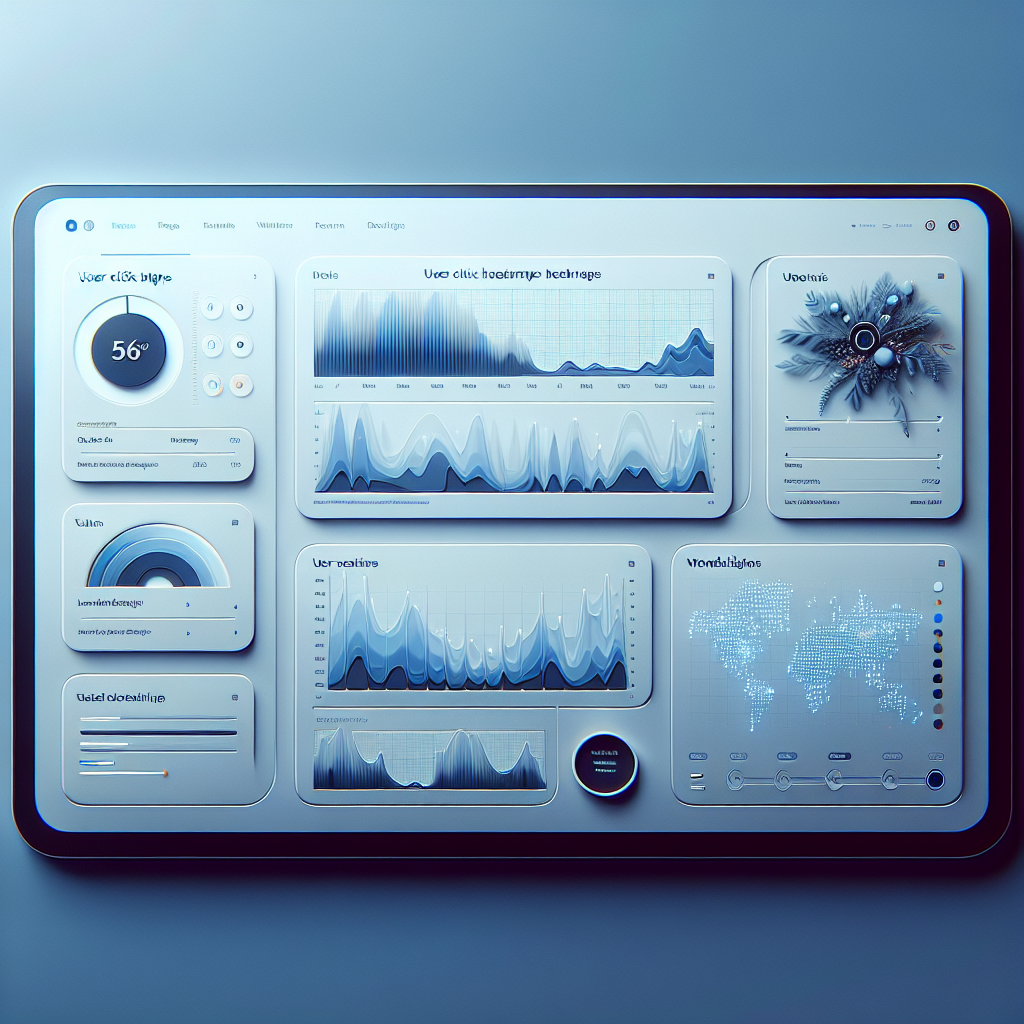
Unlocking User Insights: The Best WordPress Heatmap and Click Tracking Plugins
Understanding the Need for User Interaction Insights
In the competitive world of online content, understanding how visitors interact with your WordPress site is crucial for ensuring its success. User interaction insights provide invaluable data that highlights how visitors navigate, engage, and experience your website, allowing you to tailor their journey for optimal performance.
Imagine being able to see exactly where your visitors are clicking, scrolling, or lingering; such insights can be the key to unlocking enhanced user experience and greater site efficiency.
- Visualize interactions with a WordPress heatmap plugin to reveal popular areas and attention-grabbing elements.
- Track behavior to understand user paths and identify potential bottlenecks with a behavior tracking plugin.
Enhance User Experience
Refine aesthetics, boost conversion rates, and engage visitors for longer stays.
Explore Now
By leveraging the insights gained from these plugins, you can ensure that your website not only attracts visitors but engages them, encouraging longer stays and higher interaction rates. Get ready to delve into the world of specific plugins designed to elevate your website’s performance through enhanced user interaction insights.
The Real Benefits of Using Heatmaps
Heatmaps are an incredibly effective tool for any website owner looking to improve user engagement and optimize content. They provide a visual representation of where users interact most frequently on a webpage, offering crucial insights into user behavior.
Utilizing a heatmap allows clear visibility into areas of greatest user interest. If a call-to-action button isn’t clicked as anticipated, heatmaps can highlight if users bypass it or interact with nearby elements.
“An online retailer found users engaged more with images over descriptions, prompting a layout redesign that increased conversions.”
For WordPress users, heatmap plugins integrate smoothly, allowing tracking of clicks, scroll depth, and user movements. This real-time data helps upgrade user experience and conversion rates.
Why Heatmaps Matter
Heatmaps uncover invaluable insights within user interactions, essential for maximizing engagement and conversions.
Get Started TodayWhy Session Recording Completes the Insight Picture
In the realm of digital marketing and website optimization, understanding user behavior is crucial. While heatmaps offer a high-level overview of areas on a webpage that receive the most interaction, they often tell only part of the story. Session recording fills in the gaps by capturing and playing back individual user interactions, providing a granular view of navigation behavior.
The Power of Session Recordings
-
Uncover hidden patterns that aren’t visible through heatmaps alone, such as interaction with navigation menus and call-to-action components.
-
Understand areas where users are abandoning processes, like forms or checkout pages, to make informed improvements for faster conversions.
-
Build a comprehensive understanding of user expectations, highlighting where your site’s functionality can adapt and improve user engagement.
Beyond Heatmaps: Why Every Action Matters
Consider a practical scenario: a website owner using a record user activity WordPress plugin alongside heatmaps. They notice a large percentage of users drop off after visiting a product page. Session recordings reveal users attempt to click images expecting enlargement, which doesn’t occur. With this insight, the site’s functionality can be adjusted to boost engagement.
Leverage the best session recording plugin for WordPress to gain a complete picture of user behavior. This combined approach ensures you not only observe where users gravitate but understand the reasons behind their actions, driving data-informed design and functionality decisions.
Top WordPress Heatmap Plugins for 2025
Hotjar
Hotjar offers a comprehensive suite, combining heatmaps with session recordings and feedback polls. Track clicks, taps, and scrolling with ease using its user-friendly interface.
Learn moreCrazy Egg
Crazy Egg’s visually engaging heatmaps and Snapshots give clear insights on user clicks and interests. Features A/B testing for content and layout optimization.
Learn moreMouseflow
Focusing on precision, Mouseflow captures comprehensive data with session replay, funnel analysis, and form analytics. Ideal for lightweight heatmapping.
Learn moreHeatmap.me
Offers a simplified heatmapping experience without excess features, ensuring a lightweight solution that won’t slow down your WordPress site.
Learn moreInspectlet
Combining heatmaps with session replays and form analytics, Inspectlet provides an all-in-one analysis tool for in-depth user interaction insights.
Learn morePrivacy-Focused Heatmap Alternatives
Prioritize user privacy while gaining valuable insights with these heatmap plugins.
Fathom Analytics
Experience a privacy-first approach without collecting personal data or using cookies. Fully compliant with global privacy standards such as GDPR and CCPA.
Learn MorePlausible Analytics
User-friendly design with no personal data tracking. Provides aggregated insights for smart decision making.
Learn MoreMatomo
An open-source solution giving you full data control. Host your own analytics and heatmap tools for complete privacy assurance.
Learn MoreBest Practices for Implementing Heatmaps
1. Select the Right Tools
Choose heatmap and click-tracking tools that seamlessly integrate with WordPress. Look for plugins with robust analytical features that prioritize user-friendliness.
2. Define Clear Goals
Clearly outline what you wish to achieve, whether it’s improving navigation paths or boosting conversions, which aids in setting up effective tracking.
3. Install Correctly
Ensure proper configuration of your tools. Follow all installation guidelines to prevent incomplete data or tracking issues.
4. Segment Your Data
Analyze data based on segments like mobile vs. desktop users, allowing for more tailored improvements that enhance effectiveness.
5. Monitor and Adjust
Regularly review results and adjust strategies as user behaviors change, ensuring continuous site performance improvements.
Maximizing Your Insights Investment
Investing in tools like heatmaps and session recordings can significantly enhance your understanding of user engagement. These technologies offer invaluable insights into how visitors interact with your site, allowing you to refine your user experience design more effectively.
Heatmaps
Heatmaps provide a visual representation of user behavior, highlighting areas that garner the most attention. This data is crucial for optimizing page layouts and ensuring important content is easily accessible.
Session Recordings
Session recordings offer real-time replay of user interactions, presenting a clear picture of user navigation paths and potential friction points, enabling more personalized user engagement.
For small businesses, leveraging such technologies may seem expensive, but the market offers several free WordPress plugins specifically designed to make insights more accessible. These are must-have plugins to streamline your site improvements without significant investment.
Browse Categories:
You may also like

Finding the Best Plugins for User Behavior Tracking and 3D Viewing in WordPress
Discover top WordPress plugins for tracking user behavior and showcasing 3D content, boosting site interaction and engagement effortlessly.

Optimize User Experience with WordPress Heatmap Plugins
Discover top WordPress heatmap plugins to enhance user experience through precise tracking and data-driven insights.
Improve User Experience with Heatmaps and 3D Viewers: A Guide for WordPress Users
Explore top WordPress heatmap and 3D viewer plugins to enhance user experience and engagement on your website.