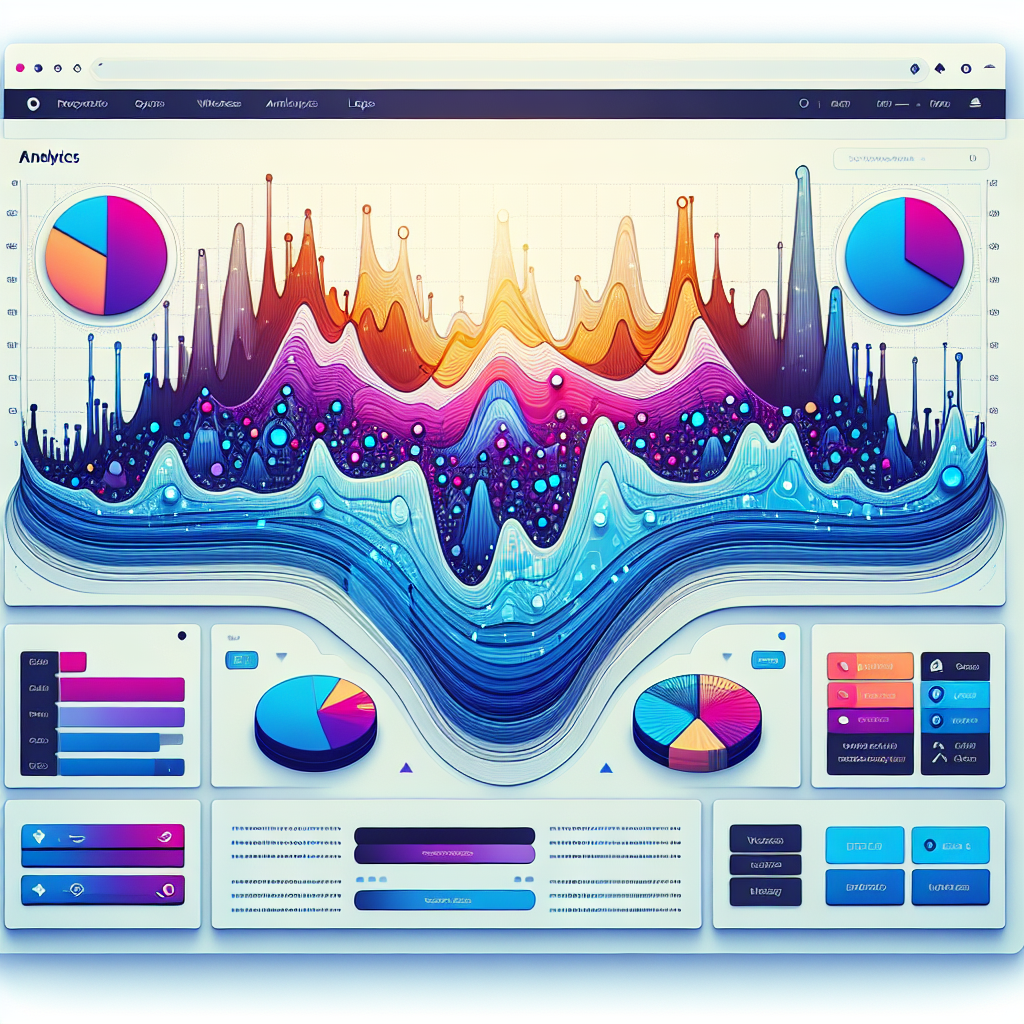
Transform Your Site’s User Experience with WordPress Heatmaps and User Tracking Plugins
Understanding User Interaction: The Why Behind Heatmaps
User interaction tracking is a crucial aspect of understanding how visitors engage with your website. Among the various methods available, heatmaps have emerged as a particularly insightful tool. Heatmaps provide visual representations of data, allowing you to see where users are clicking, scrolling, and spending the most time on your pages.
Uncover Patterns in User Behavior
Imagine owning an online store on WordPress, noticing variance in product sales. Using a click tracking plugin can reveal heatmaps that show interaction behaviors, informing design tweaks for better engagement.
Users frequently clicking the search bar but ignoring navigation prompts better design practices.
Recognize ‘hot spots’ for strategic placement of CTAs or ads and ‘cold spots’ for necessary adjustments.
Transform Your Site’s User Experience
Heatmaps provide the evidence-based insights you need to evolve your site into a seamless, engaging experience, aligning design with user preferences for improved functionality.
Such insights can pave the way for increased conversion rates and enhanced user satisfaction.
Choosing the Right Plugin to Track User Behavior
Choosing the right plugin to track user behavior is an essential step in optimizing your website’s effectiveness and understanding your audience.
Consider Your Goals
- Determine if insights needed are basic, like traffic trends, or involve detailed interactions such as clicks and scroll patterns.
- Simple analytics tools might suffice for basic data, while advanced requirements may necessitate plugins like session recorders.
Evaluate Compatibility & Usability
Ease of use, intuitive interfaces, and strong support are vital. Compatibility with your current WordPress setup should be a priority.
Ensure plugins are updated regularly to align with WordPress core changes, alleviating common user concerns.
Specific Plugin Recommendations
For High-Level Data
Google Analytics Dashboard for WP offers seamless insights directly in your WordPress dashboard.
For Detailed Interaction Tracking
Mouseflow excels in creating heatmaps and live session recordings, providing deeper interaction analysis.
Comparative Analysis of Top Plugins
Hotjar
- Session recordings & conversion funnels
- Feedback polls
- Deep analysis of user behavior
Mouseflow
- Ease of use & session replays
- Customizable user data filters
- Cost-effective for small businesses
Lucky Orange
- Real-time analytics & chat integration
- Dynamic heatmaps
- Beginners friendly setup
Crazy Egg
- Detailed heatmap reports
- A/B testing capabilities
- Data-driven design enhancements
Analytify
- Seamless Google Analytics integration
- Privacy-focused, ideal for stringent regions
- Detailed heat analytics
Installing and Setting Up User Tracking Plugins
-
Access the WordPress Dashboard: Navigate to the ‘Plugins’ section and click ‘Add New’.
-
Search for Plugins: Use the search bar for a lightweight heatmap plugin or user activity tracker. Options like Crazy Egg and Activity Log are highly recommended.
-
Install and Activate: Click ‘Install Now’ and then ‘Activate’ to enable the plugin.
-
Complete Setup: Use setup wizards or menu options to configure tracking preferences and settings.
-
Verify Functionality: Perform test activities to ensure proper operation and review logged data or heatmaps.
Introducing user tracking plugins to your WordPress site can be a smooth process with the right guidance. By following the outlined steps, you ensure a seamless integration and gain valuable insights through detailed tracking and analysis.
Contact Us for SupportOptimizing Your Site’s User Experience with Data
Understanding how users interact with your website is fundamental to enhancing their experience and boosting conversions. Heatmaps provide a visual representation of user behaviors, highlighting areas for improvement.
-
Heatmaps highlight where visitors spend most of their time and interact with on each page.
-
By acting on insights, you can reposition elements, boosting visibility and conversion rates.
Implementing changes based on these insights enhances user experience and translates to business growth. For example, enhancing content visibility above the fold reduces bounce rates and increases engagement—achieving strategic goals.
Contact Us to Learn MoreSuccess Stories: Case Studies in Action
E-commerce Transformation
An e-commerce company faced challenges with high bounce rates and cart abandonment. The integration of a WordPress heatmap plugin provided insights into user behavior, enabling page optimizations.
- 30% increase in conversion rates
- Reduced bounce rates substantially
Digital Agency Excellence
A digital marketing agency streamlined its user journey tracking with a WordPress alternative to hotjar, enhancing engagement and client retention through strategic content layout.
- 25% increase in user engagement
- Improved client retention rates
Addressing Common Issues and Concerns
Recognizing and resolving common user questions and issues can strengthen trust and reassure users of the stability of their chosen plugins.
Performance Efficiency
Ensure the plugin balances functionality with minimal performance load to avoid slowing down your site.
Accuracy and Reliability
Update plugins regularly and ensure compatibility to maintain precise tracking.
Privacy and Security
Choose plugins that comply with data protection regulations and properly inform data collection methods.
Success Story
An e-commerce site used a WordPress user click tracking plugin to analyze drop-off points in their checkout process, optimizing user journey and increasing conversion rates by 15%.
Future-Proofing Your Website with Regular Updates
Ensure your website remains efficient, secure, and technologically advanced by regularly updating your plugins.
Enhanced SEO & Performance
Keep your site secure and fast by updating plugins to support mobile optimization and improved SEO capabilities, ensuring lower load times and higher responsiveness.
Evolving Technologies & Trends
Engage with the latest tools that align with current trends, allowing your site to maintain cutting-edge functionality and appeal.
Improved User Experience
By updating essential plugins for navigation and chat support, ensure a seamless journey for visitors, leading to increased engagement and conversions.
Browse Categories:
You may also like

Using WordPress Heatmap Plugins to Improve User Experience
Boost your WordPress site's UX with heatmap plugins. Discover benefits, setup tips, and top plugin reviews to track user behavior…
Mastering User Engagement with Heatmaps and 3D Plugins on WordPress
Discover the power of WordPress heatmaps and 3D plugins to enhance user engagement and conversion on your site.

Top Heatmap Plugins to Track User Behavior on WordPress
Discover the best WordPress heatmap plugins to track user behavior, enhance UX, and improve conversions effectively.