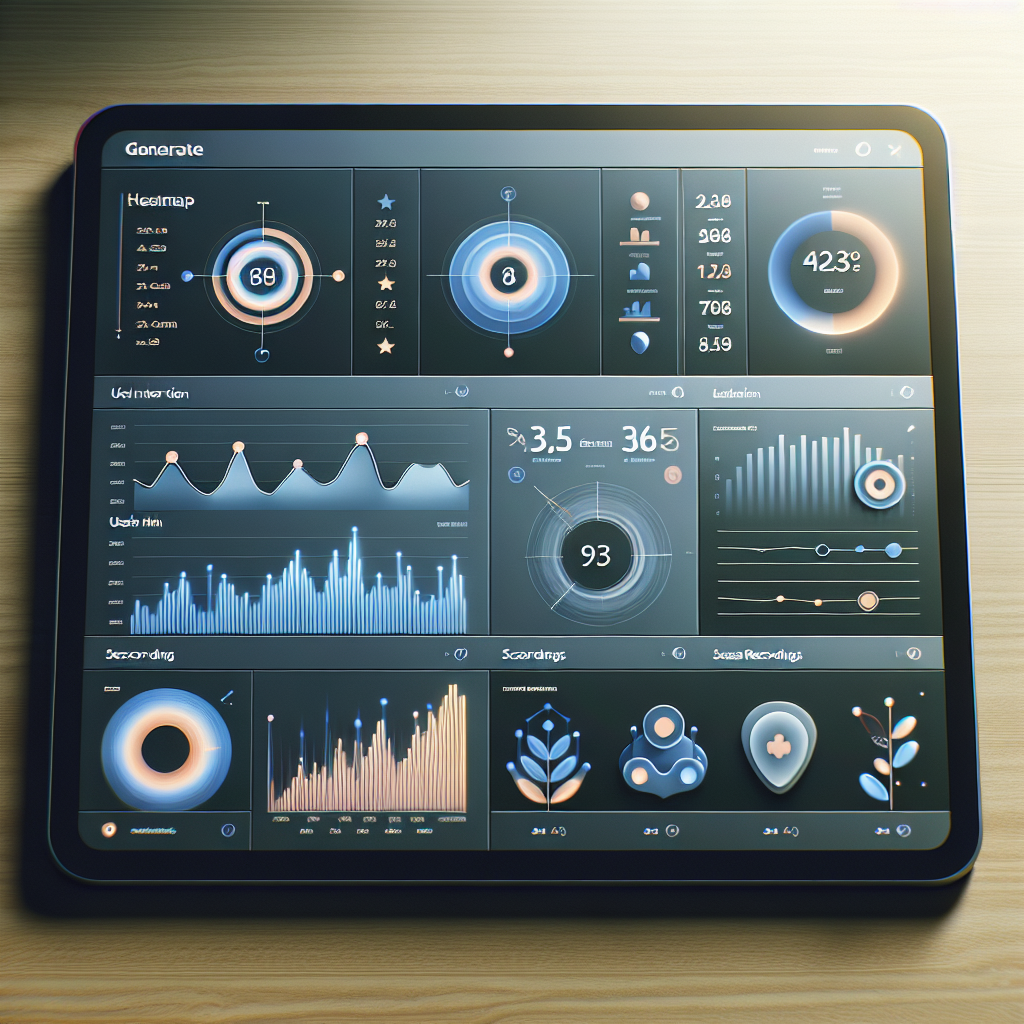
Mastering User Interaction: Top WordPress Plugins to Visualize Click Behavior
Understanding the Importance of Tracking User Behavior
Tracking user behavior is an essential component of optimizing any website, whether it’s for e-commerce, content delivery, or community engagement. By understanding how users navigate and interact with your site, you can make informed decisions that enhance user experience, boost satisfaction, and ultimately drive increased conversions.
A Treasure Map of Insights
Imagine having a treasure map that not only shows where people have been on your site but also highlights areas needing improvement. Whether it’s boosting sales through checkout optimizations or curating captivating blog content, the insights gained are invaluable.
WordPress Made Easy
Integrating behavior tracking into your WordPress site is straightforward with dedicated plugins offering features like click heatmaps and session recordings. These tools simplify complex data, empowering you with actionable insights to align your site with user needs.
Choosing the Right Heatmap Plugin for WordPress
Unlock the power of data-driven decision-making by integrating heatmap plugins into your WordPress site. Here’s how you can leverage these tools to enhance your website’s performance.
Understand User Interaction
Heatmap plugins reveal user hotspots at a glance, guiding design improvements for maximum engagement.
Enhance Site Usability
Identify overlooked elements and optimize their placement to boost interaction rates and user satisfaction.
Choose Lightweight Solutions
Opt for lightweight plugins that maintain site speed, crucial for high-traffic platforms.
Drive Higher Conversions
Data insights pave the way for targeted improvements, leading to increased conversions and user engagement.
Top WordPress Heatmap Plugins to Consider
Understanding visitor behavior is crucial for optimizing your WordPress site. Heatmap plugins offer visual insights into user interactions, helping enhance user experience and conversion rates.
Hotjar
A powerful tool for heatmap analytics with comprehensive features including click, move, and scroll maps. It’s known for seamless WordPress integration, though some seek alternatives due to premium pricing.
- Click, move, and scroll maps
- Seamless WordPress integration
Crazy Egg
Offers detailed heatmaps and A/B testing capabilities to modify website layout based on user interactions. It’s user-friendly and suitable for deep user experience analytics.
- A/B testing
- Detailed heatmaps
Lucky Orange
Not only provides heatmaps but also recordings of user sessions for better understanding user pathways. Offers live chat and polls for enhanced visitor engagement.
- Live chat & polls
- User session recordings
Mouseflow
Combines heatmaps and session replays with funnel tracking and form analytics. It is a robust, cost-effective alternative to pricier options.
- Funnel tracking
- Form analytics
Heatmap for WordPress
An ideal free solution for small businesses or blogs. While it has fewer features than premium alternatives, it offers essential user insights.
- Free plugin
- Essential insights
The Benefits of Recording User Sessions
Recording user sessions can propel your business to new heights by providing valuable insights into how users interact with your website. By understanding user behavior in detail, you can enhance user experiences, improve site functionality, and ultimately drive conversions and sales.
-
Identify Usability Issues: Spot problem areas such as confusing navigation paths and user drop-offs to guide design improvements.
-
Understand User Preferences: Discover which features captivate users’ attention to better prioritize updates.
-
Enhance Customer Support: Efficiently diagnose problems by reviewing user experiences when issues are reported.
-
Optimize Conversions: Streamline the path to conversion by understanding and overcoming obstacles users face.
-
Data-Driven Decisions: Use concrete data from session recordings to make precise, impactful business changes.
Seamless WordPress Integration
Plugins can make it easy to harness these benefits without requiring extensive technical know-how. Integrate seamlessly with your site and track user activity efficiently.
Explore PluginsBest Plugins for Session Recording on WordPress
Capture and analyze user interactions with these top WordPress plugins, specially curated to enhance user experience and boost conversions.
Mouseflow
- Heatmaps
- Session replays
- Funnel analysis
Ideal for marketers focused on strategy elevation with real user data.
Hotjar
- Session recordings
- Heatmaps
- Feedback polls
A toolkit crafted for optimizing site performance, seamlessly integrates with WordPress.
Lucky Orange
- Live chat
- Session recording
- Analytics tools
Versatile solution combining recording with customer engagement and analytics.
Crazy Egg
- Heatmaps
- Scroll maps
- Session recordings
Perfect for straightforward, detailed insights into user behavior without complexity.
Explore these plugins to harness the full potential of session recording on your WordPress site today.
Learn MoreEnsuring User Privacy While Tracking
As you harness the power of website analytics, it is essential to strike a balance between gathering useful data and respecting user privacy. Modern users are increasingly aware of their digital footprint and are concerned about how their data is used. To maintain trust, tracking must be approached with transparency and integrity.
Privacy-Focused Heatmap Tools
- Matomo: An open-source analytics platform offering heatmap capabilities with a strong privacy stance. Keep data on your own servers, ensuring no third-party data sharing.
- Incorporates data anonymization, opt-in cookies, and minimal data collection features, prioritizing user data protection.
Benefits of Privacy-First Approach
- Ensures compliance with privacy standards like GDPR and CCPA.
- Enhances user trust and fosters loyalty by ensuring data respect and protection.
- Facilitates responsible data handling, improving brand reputation.
Troubleshooting Common Plugin Issues
Maximize the potential of your software by overcoming common plugin conflicts and errors. Dive into strategies that ensure your system operates smoothly and efficiently.
Contact SupportStay Updated
Ensure all plugins and the core system are up-to-date to avoid conflicts by installing the latest compatibility updates.
Plugin Deactivation
Identify the problematic plugin by deactivating all and reactivating them one by one to pinpoint conflicts.
Review Error Logs
Analyze error logs to gain insights into failures and actions to take to resolve issues effectively.
Use Staging Environments
Test plugins in a staging environment prior to live updates to isolate and resolve issues safely.
Tap into Community
Engage with community forums or support channels for shared solutions to plugin issues.
Making the Most of Your Click Data
Unlock actionable insights to optimize your site and enhance user experience.
Analyze and Enhance
Discover hidden patterns in your click data to make informed decisions. See what captures interests, prolongs engagement, and where improvements are necessary.
- Identify popular and underperforming areas of your site.
- Enhance user experience based on behavioral insights.
- Optimize conversion rates through strategic modifications.
Maximize Conversion Potential
Leverage click data to improve conversion pathways. Small changes, like tweaking a call-to-action, can yield big results.
- Implement and test modifications with confidence.
- Utilize plugins to monitor user interaction patterns.
- Transform your site into a responsive, user-centered platform.
Browse Categories:
You may also like

Optimize Your WordPress Site: Top Plugins for Tracking User Behavior and Enhancing Experience
Discover top WordPress plugins to track user interaction and improve your site’s user experience and conversions.

The Essential Guide to WordPress Heatmap and Session Recording Plugins
Discover top WordPress plugins to track user clicks and improve UX. Learn about heatmaps, session recording, and ensure privacy on…

Enhancing User Experience with WordPress User Click Tracking Plugins
Explore top WordPress click tracking plugins to optimize user experience while ensuring privacy and compliance in a modern online environment.